
Creating a standout logo used to require hours of graphic design work or the help of a professional designer. But thanks to recent advancements in artificial intelligence, logo design has become faster, easier, and more accessible to everyone—regardless of skill level. From entrepreneurs establishing a brand identity to seasoned designers looking to streamline their workflow, AI-powered tools can provide beautiful, customized results in minutes.
Below are 12 powerful AI tools that can help you create professional logos with minimal effort.
1 Design.com
Design.com is an all-in-one design platform that lets users create stunning and professional-quality logos in just seconds with their customizable templates and AI logo generator.
Key Features:
- Over 350,000+ logo templates covering all industries and styles
- AI logo generator for instant design creation
- Drag-and-drop editor for easy customization
- Templates for social media graphics and marketing collaterals
Pros:
- Extremely beginner-friendly interface
- Fast and accurate logo results
- Wide range of AI-powered tools for complete branding
2 BrandCrowd
BrandCrowd helps entrepreneurs and small businesses design professional logos in just a few clicks with their extensive library of customizable logo templates that is suitable for any industry or niche.
Key Features:
- Simple drag-and-drop editor for customization
- Templates for social media graphics, business cards, and marketing materials
- Brand Kit creator for consistent branding across platforms
- Ability to preview designs on multiple formats and devices
Pros:
- Huge library of diverse logo styles
- Great for non-designers and small business owners
- Affordable
3. Looka
Looka combines your input with AI to generate visually appealing logos tailored to your brand’s style. Just enter your company name, choose from a variety of styles and colors, and let Looka do the rest.
Features:
- User-friendly interface
- Brand kit with social media assets
- High-resolution downloads
4. Tailor Brands
Tailor Brands is known for its sleek design capabilities and detailed customization. It allows for substantial editing after the AI suggests initial logo options.
Key benefits:
- Options for icons, typography, and layout
- Automated brand guideline generation
- Fast and intuitive
5. Hatchful by Shopify
A completely free tool from Shopify, Hatchful is excellent for startups on a budget. It focuses on simplicity and offers design templates categorized by industry to get started faster.
Best for: E-commerce brands and small businesses
6. Canva Logo Maker
Canva is already well known for its easy-to-use graphic design platform. Its AI-powered logo maker lets you create logos with drag-and-drop simplicity while offering intelligent design suggestions.
- Thousands of icons and fonts
- Collaboration-friendly environment
- Brand kits and templates
7. LogoMakr
LogoMakr offers a blend of AI suggestion and manual adjustment. It provides initial AI-generated concepts and then allows scalable editing through an intuitive online editor.
Pros: Affordability, scalability, and flexibility in customization
8. Brandmark
Brandmark uses AI to analyze your brand name and keywords to generate modern, professional logo designs instantly. It also provides branding assets alongside the logo.
Top features include:
- Color palette selection
- AI-powered design matching
- Multiple export formats
9. Logo AI
Living up to its name, Logo AI offers a clean interface, smart variations, and advanced mockup displays for how your logo would look on everything from stationery to signage.

10. Fiverr Logo Maker
Fiverr’s Logo Maker is unique in that it connects AI capabilities with designs created by experienced freelancers. The system generates logos based on your preferences but reflects artistic input from human designers.
Great for: Those who want a hybrid between automation and human creativity
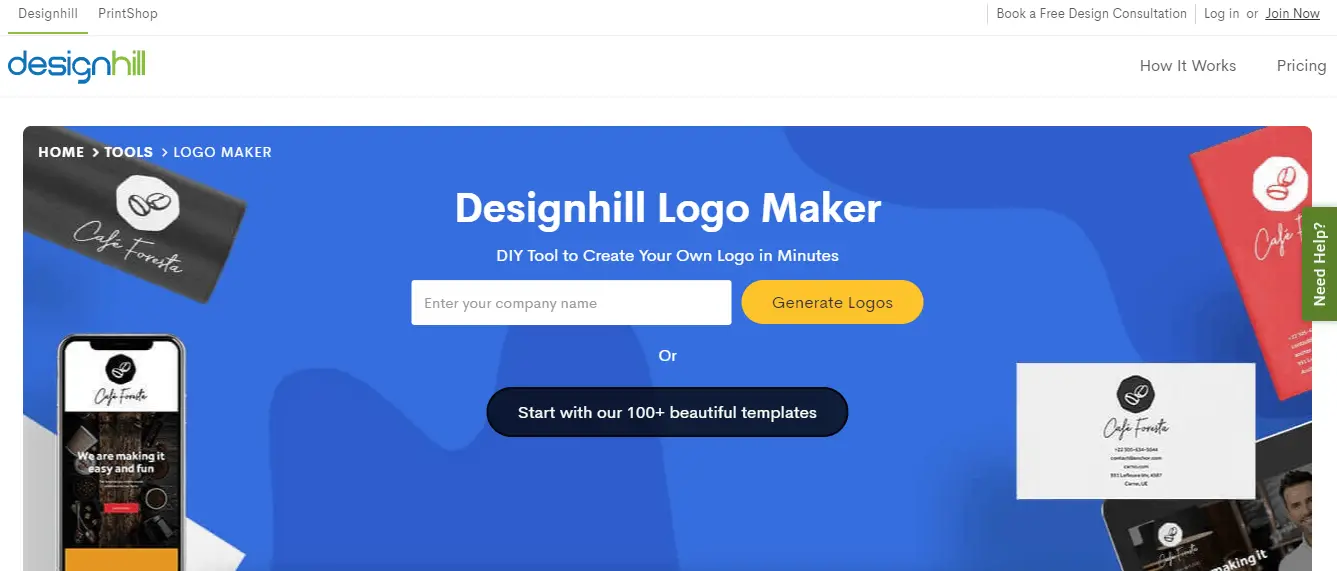
11. Designhill Logo Maker
Designhill combines user-driven choices with strong AI-backed designs to produce logos that reflect your brand personality. It also comes with a ton of business-focused branding tools.
Extra perks:
- AI-generated themes and templates
- Professional-grade results
- Option to hire designers later
12. Zyro AI Logo Maker
With Zyro, you just type your brand name, pick an icon, and within seconds, you’ll be presented with ready-to-use logos. It’s an excellent choice for users looking for a quick and polished solution.
Highlights: Free to use, user-friendly, great for beginners
Why Use AI for Logo Design?
AI tools minimize the time, cost, and complexity involved in logo creation. Traditional logo design involves brainstorming, sketching, revisions, and more. AI streamlines this into a series of quick steps that produce high-quality and customizable outcomes.
Whether you’re launching a new venture or rebranding an existing one, these tools eliminate the need for design expertise while still producing professional-level results. With access to icons, fonts, color schemes, and branding assets, AI tools put the power of design directly in your hands.
Conclusion
AI in logo design is not about replacing creativity—it’s about enhancing it. These 10 AI tools offer features that suit a variety of users, from small business owners to professional designers.
If you’re ready to make a memorable first impression, leveraging AI-powered logo makers could be just the creative boost you need.