
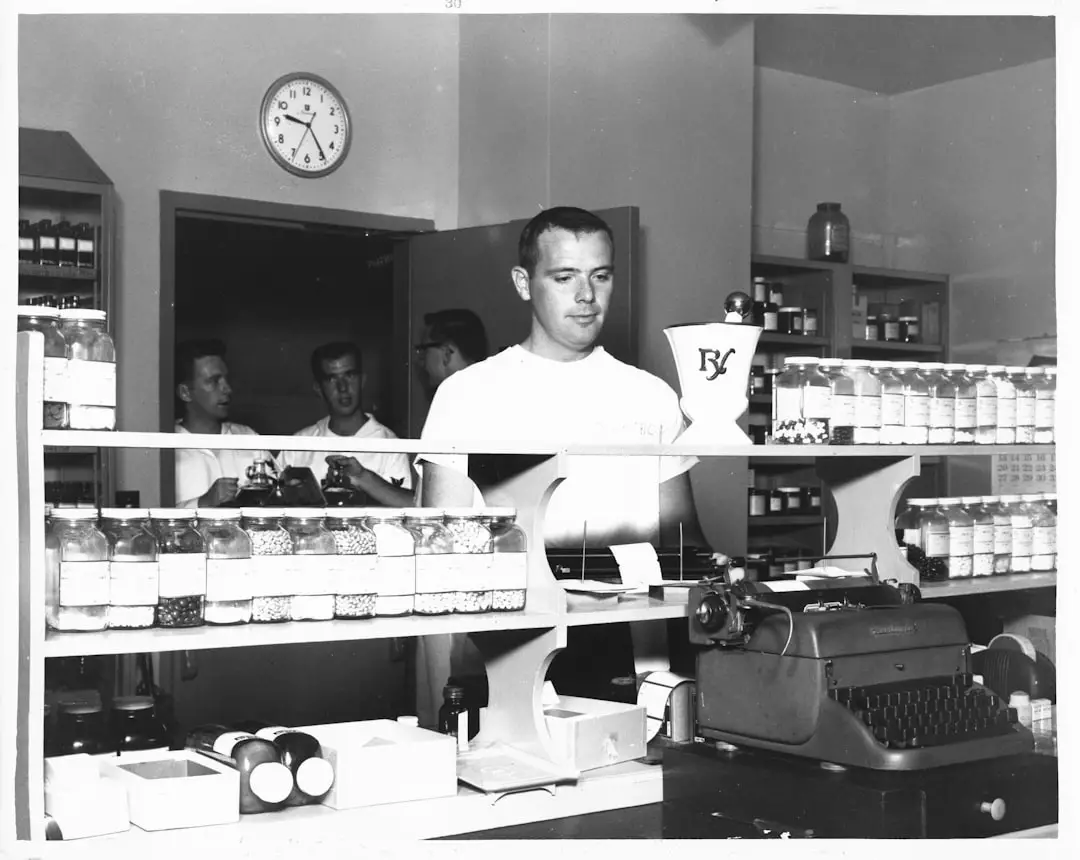
Pick BestRx for simple retail workflow, PioneerRx for high-touch community pharmacy, and Liberty Software for deep clinical and compliance tools. That is the quick answer. The “best” platform depends on your script count, staff size, delivery needs, and how much hand-holding your team wants. About 48.6% of Americans used at least one prescription drug in the last 30 days, so the software behind the counter matters a lot [source: CDC].
TLDR: If your pharmacy fills 150 prescriptions a day, saving even 20 seconds per claim can free up more than 50 minutes daily. BestRx is easy to learn and good for busy retail counters. PioneerRx shines when you want strong patient care tools, while Liberty Software is great for pharmacies that need more control and reporting. For example, a small shop with two techs may prefer BestRx, while a growing pharmacy with med sync, delivery, and clinical programs may prefer PioneerRx or Liberty.

1. BestRx: Simple, Friendly, and Built for Speed
BestRx is a popular pharmacy management system for independent pharmacies. It focuses on daily work. Think claims, refills, patient profiles, inventory, and reports.
The best part is the clean workflow. Staff can learn it without crying into the label printer. That matters.
- Best for: small and mid-size retail pharmacies.
- Strong points: fast prescription filling, simple screens, patient messaging, refill tools.
- Watch out: advanced reporting may feel lighter than larger systems.
Honestly, it feels like some pharmacy systems were designed by people who never stood near a pickup line at 5:45 p.m. BestRx avoids a lot of that pain. It keeps the basics close.
2. PioneerRx: Great for Patient Care Programs
PioneerRx is a strong choice for pharmacies that want to grow beyond “fill and bill.” It supports clinical services, med sync, delivery, adherence programs, and patient engagement.
If your pharmacy runs immunizations, data reviews, therapy checks, or compliance packaging, PioneerRx can help keep the work organized.
- Best for: community pharmacies with many services.
- Strong points: workflow queues, patient care tools, med sync, business reporting.
- Watch out: it can take more training at the start.
The catch is that more features mean more buttons. More buttons mean more “Wait, where did that go?” moments. Still, once staff get used to it, PioneerRx can feel very powerful.
3. Liberty Software: Control, Reports, and Compliance
Liberty Software is another major player. It is often picked by pharmacies that want detailed controls and strong operations tools. It can support retail, long-term care, compounding, delivery, and other workflows.
Liberty also has good tools for reporting and tracking. That helps owners spot slow inventory, missed refills, and workflow problems.
- Best for: pharmacies that need detailed setup options.
- Strong points: reporting, patient management, refill handling, compliance tools.
- Watch out: setup can feel more serious than “plug in and go.”

4. Rx30 and Computer-Rx: Practical Workhorses
Rx30 and Computer-Rx are also used by many independent pharmacies. They focus on core pharmacy operations. That includes prescription processing, inventory, point of sale, claims, and refill management.
These platforms may not always feel shiny. But shiny does not fill prescriptions. Reliable does.
- Best for: pharmacies that want proven tools.
- Strong points: claims, refills, inventory, POS options.
- Watch out: user experience can vary by setup and training.
If your team has used one of these systems for years, switching may slow everyone down for weeks. Expect some grumbling. Maybe snacks will help.
5. Prescription Price Tools: GoodRx, SingleCare, and ScriptSave
Pharmacy software handles operations. Prescription comparison tools help patients find lower prices. These include GoodRx, SingleCare, and ScriptSave WellRx.
They show cash prices and discount card rates. Patients bring the coupon. Your staff runs the billing details. Simple in theory. Sometimes less simple at the counter.
- Best for: patients paying cash or facing high copays.
- Strong points: price checks, discount cards, patient choice.
- Watch out: coupon prices can change, and reimbursement may not thrill the pharmacy.
It drives me crazy that a patient can see one price online, then the counter shows another. It happens. Train staff to explain it nicely. Keep it calm. Nobody wins a battle with a coupon app.
Quick Comparison
| Tool | Best Use | Main Benefit |
|---|---|---|
| BestRx | Retail pharmacy | Simple daily workflow |
| PioneerRx | Community care programs | Strong patient engagement |
| Liberty Software | Complex operations | Detailed reports and controls |
| Rx30 / Computer-Rx | Core pharmacy management | Solid processing tools |
| GoodRx / SingleCare | Patient price checks | Lower cash-pay prices |
What Should You Pick?
Start with your pain point. Not the sales brochure. Your real pain.
- If staff training is the big issue, try BestRx.
- If patient programs matter most, test PioneerRx.
- If reporting and compliance are key, review Liberty Software.
- If price shopping is the patient issue, keep tools like GoodRx and SingleCare handy.

Ask for a live demo using your real workflow. Use a refill, a new eRx, a partial fill, a rejected claim, and a delivery order. Time each task. If one system adds 30 seconds to common steps, that can become hours each week.
The best pharmacy tool is not always the biggest one. It is the one your team will actually use well. Pick the system that makes the counter calmer, the claims cleaner, and the patients less confused. That is the win.