

Gamma, Plus AI, Beautiful.ai, Tome, and Canva are the strongest SlideSpeak alternatives for teams that need AI-made decks, document-to-slide workflows, and cleaner business reporting. The need is real: Microsoft reported that 64% of workers struggle to find enough time and energy to do their jobs, which helps explain why teams are pushing routine slide work toward AI [source: Microsoft].
TLDR: For fast AI presentation creation, Gamma and Tome feel the quickest. For turning docs into slides, Plus AI is the most practical because it works inside Google Slides. For polished business reporting, Beautiful.ai and Canva are safer picks. For example, a sales team with a 20-page quarterly report could use Plus AI to create a first deck draft in minutes, then use Beautiful.ai to clean up charts and layouts before a board meeting.

1. Gamma
Best for: quick AI decks, startup pitches, internal updates, and web-style presentations.
Gamma is one of the easiest SlideSpeak alternatives for users who hate fighting with slide layouts. A person can type a prompt, paste notes, or add source text, then Gamma builds a clean deck with headings, visuals, and sections.
The catch is that Gamma can feel more like a web page builder than a classic slide tool. That is not bad, but it may annoy teams that need strict PowerPoint formatting.
- Strength: very fast first drafts.
- Weak spot: export formatting may need cleanup.
- Best use case: investor updates, product explainers, strategy summaries.
2. Plus AI
Best for: document-to-slide conversion inside Google Slides.
Plus AI is a strong pick for teams already using Google Workspace. It can create decks from prompts, notes, reports, or existing content. It also helps rewrite slides, shorten text, and turn rough ideas into structured business slides.
This is useful for consultants, sales teams, and managers who already live in Google Slides. There is less tool switching. That alone saves time.
Honestly, it feels like many AI slide tools forget that teams still need to edit the final deck. Plus AI handles that better because the deck stays in a familiar format.
- Strength: works where many teams already build decks.
- Weak spot: design range is not as flashy as some rivals.
- Best use case: turning reports, meeting notes, and briefs into slide decks.
3. Beautiful.ai
Best for: clean business reporting and data-heavy presentations.
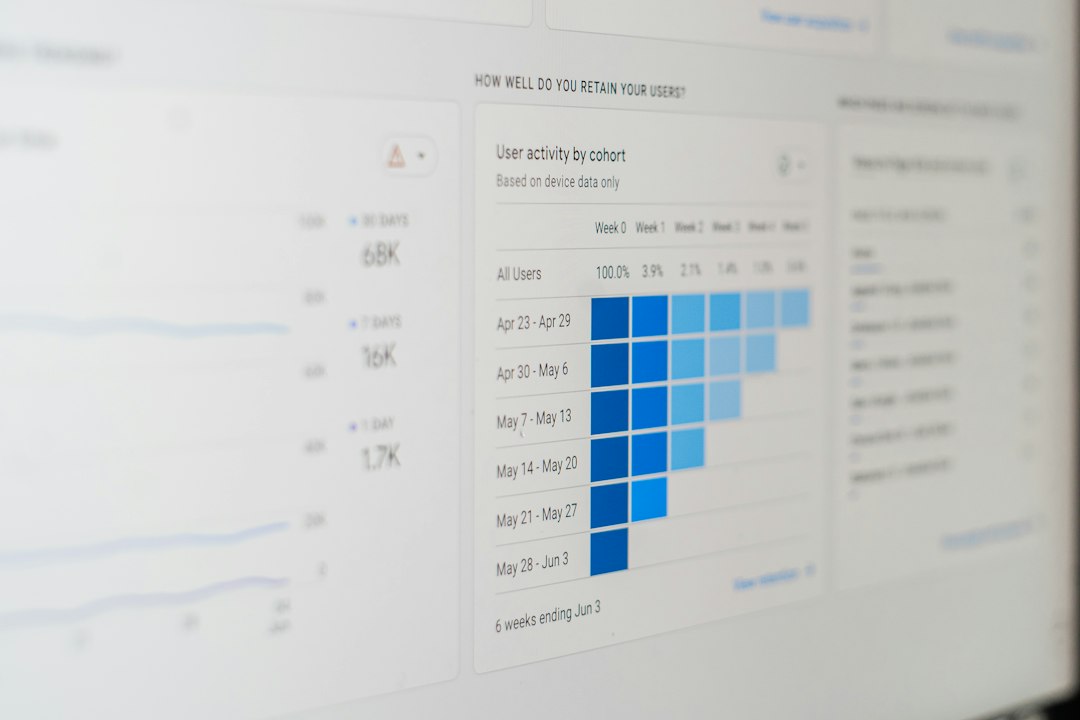
Beautiful.ai focuses on smart slide design. It keeps layouts tidy as content changes. That makes it useful for weekly KPI decks, board updates, financial summaries, and sales performance reviews.
Its templates are polished. Charts, timelines, process slides, and team slides look consistent without much manual work. This matters when a company wants every report to feel on-brand.
- Strength: great visual consistency.
- Weak spot: less flexible for custom creative layouts.
- Best use case: executive reports, board decks, monthly business reviews.
4. Tome
Best for: storytelling, pitches, and idea sharing.
Tome is built around AI storytelling. Users can enter a topic or paste content, and the tool turns it into a polished narrative. It is good for founders, marketers, educators, and product teams that need a deck with flow.
Tome is less suited to heavy spreadsheet-style reporting. It shines when the message matters more than dense detail. A product launch story, client proposal, or campaign recap can come together quickly.
- Strength: strong narrative structure.
- Weak spot: not the best fit for strict reporting decks.
- Best use case: pitches, product stories, creative proposals.
5. Canva
Best for: broad design control, templates, and team-friendly presentation work.
Canva is not only an AI presentation tool, but its AI features make it a solid SlideSpeak alternative. Users can create slide drafts, generate images, rewrite text, and build branded decks from templates.
It is especially useful for teams that need more than slides. A marketer can create a presentation, social graphics, a one-page report, and speaker visuals in the same place. Canva also supports brand kits, which helps keep colors, fonts, and logos consistent.
Expect to waste time if the team has too many template choices and no brand rules. Canva is simple, but that freedom can create messy decks fast.
- Strength: huge template library and easy design tools.
- Weak spot: business reports may need more manual structure.
- Best use case: marketing decks, training slides, branded reports.
Quick Comparison
- Best overall first draft: Gamma
- Best for Google Slides users: Plus AI
- Best for business reporting: Beautiful.ai
- Best for storytelling: Tome
- Best for design flexibility: Canva
SlideSpeak is useful, especially when the main job is turning documents into presentation content. Still, it is not the only option. The better choice depends on the format, team habits, and final audience. A board report needs structure. A pitch needs flow. A training deck needs clarity. Each tool above solves a different pain.

FAQ
What is the best SlideSpeak alternative for document-to-slide conversion?
Plus AI is a strong choice because it works inside Google Slides and can turn notes, documents, and outlines into editable decks.
Which tool is best for business reporting?
Beautiful.ai is best for recurring business reports because its smart layouts keep charts, metrics, and summary slides clean.
Which alternative is easiest for beginners?
Gamma is usually the easiest for quick results. Users can enter a prompt and get a full draft without much setup.
Is Canva a good AI presentation tool?
Yes. Canva is best when teams need slides plus other visual assets, such as handouts, social posts, or simple reports.
Which tool should a sales team choose?
A sales team should consider Plus AI for turning briefs into decks, or Beautiful.ai for polished client-facing reporting.