

Podcast editing can feel like cleaning a room after a party. There are pauses everywhere. The music is too loud. Someone coughed during the best line. And the dog picked the perfect time to bark. Good news. AI podcast editing tools can help fix the mess fast.
TLDR: If you like Alitu, you have plenty of fun AI editing options. Tools like Descript, Podcastle, Riverside, Adobe Podcast, Cleanvoice, and Auphonic can automate boring editing tasks. They can remove noise, clean audio, cut filler words, balance volume, and create clips. Pick the one that matches how you record, edit, and publish.
Why Look For AI Podcast Editing Tools Like Alitu?
Alitu is loved because it keeps podcast editing simple. You upload audio. It cleans it up. You arrange clips. You publish. Nice and easy.
But every podcaster works in a different way. Some want text-based editing. Some want studio-quality sound. Some record remote guests. Some just want their audio to stop sounding like it was recorded inside a potato.
That is where other AI tools come in.
These tools can help with:
- Noise removal for hums, fans, and background chaos.
- Filler word removal for “um,” “uh,” and awkward little pauses.
- Volume leveling so guests do not sound like they are in different galaxies.
- Transcription so you can edit audio like a document.
- Auto mastering to make your episode sound polished.
- Social clips for TikTok, Reels, Shorts, and LinkedIn.
Think of them as tiny audio robots. They do not drink coffee. They do not complain. They just clean your podcast.
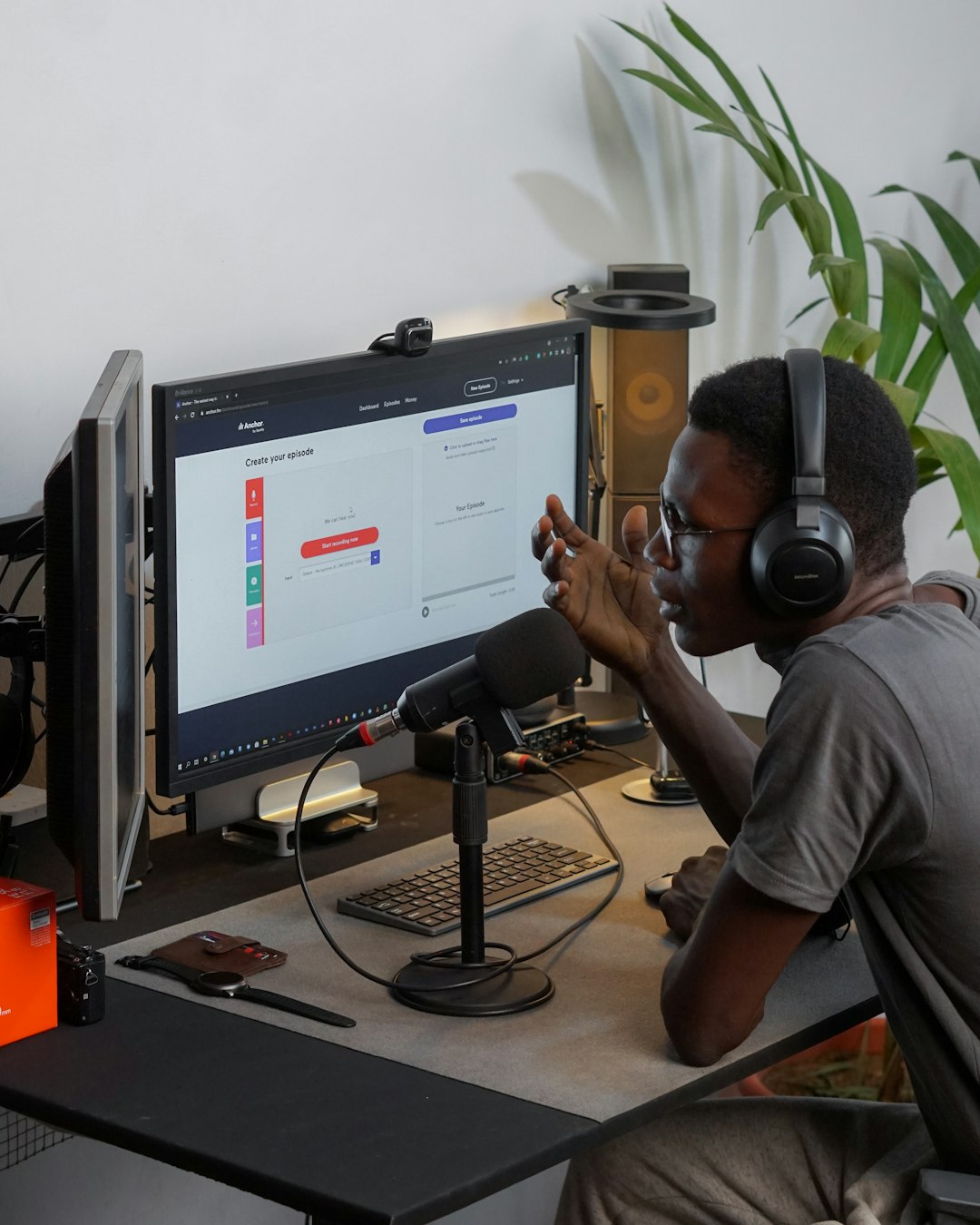
1. Descript
Best for: Editing your podcast like a Google Doc.
Descript is one of the most popular AI editing tools. It turns your audio into text. Then you edit the text. Delete a sentence in the transcript, and that part disappears from the audio too.
It feels a bit like magic. Friendly magic. Not scary wizard magic.
Descript is great for podcasters who hate waveform editing. You do not need to zoom in and slice tiny audio lines. You can just read, click, and delete.
Cool AI Features
- Text-based editing for fast cuts.
- Filler word removal in just a few clicks.
- Studio Sound to make rough audio cleaner.
- Automatic transcription for notes and captions.
- Overdub for voice corrections, if set up properly.
Descript also works well for video podcasts. If your show goes on YouTube, this is a big plus. You can edit video and audio together.
Why it is like Alitu: It makes editing easier and faster. It removes many boring tasks.
Why it is different: Descript gives you more control. But it may feel more complex at first.
2. Podcastle
Best for: Recording, editing, and enhancing in one place.
Podcastle is a friendly podcast creation platform. It helps you record remote interviews, edit episodes, clean audio, and create content. It is a good option if you want a full podcast workspace.
The interface is simple. The tools are easy to find. You do not need to be an audio engineer. That is the point.
Podcastle is especially nice for creators who record guests online. You can record separate tracks. That means each voice gets its own audio file. This makes cleanup much easier.
Cool AI Features
- AI noise removal for cleaner speech.
- AI voice enhancement for better sound.
- Automatic transcription for editing and show notes.
- Text-to-speech tools for extra content.
- Remote recording for interviews.
The voice enhancement tools are the star here. They can make an average recording sound more professional. Of course, they cannot save every disaster. If your mic was under a blanket in a wind tunnel, good luck. Still, they do a lot.
Why it is like Alitu: It keeps the podcast process simple. It combines recording and editing.
Why it is different: Podcastle has more creation tools. It also leans into AI voices and remote recording.
3. Riverside
Best for: High-quality remote podcast recording.
Riverside is a top pick for interview shows. It records audio and video locally on each person’s device. This means your episode does not depend only on internet quality.
That is a big deal.
If your guest’s Wi-Fi goes wobbly, the final recording can still sound clean. No robot voice. No frozen face. No “Can you hear me now?” every three minutes.
Riverside also includes AI tools that help after recording. You can create transcripts. You can make short clips. You can find key moments faster.

Cool AI Features
- AI transcription for quick review.
- Magic Clips for social media highlights.
- Separate audio and video tracks for each speaker.
- Background noise tools to improve clarity.
- Speaker detection for easier editing.
Riverside is not just an editor. It is a recording platform first. So it is perfect if your biggest problem is getting clean guest recordings.
It also helps creators who want video clips. If you post podcast moments online, this can save many hours.
Why it is like Alitu: It automates parts of the production workflow.
Why it is different: Riverside is stronger for recording interviews and video podcasts.
4. Adobe Podcast
Best for: Quick voice cleanup that sounds impressive.
Adobe Podcast is known for one main thing: making speech sound better. Its Enhance Speech tool became popular because it can turn noisy voice recordings into cleaner audio.
Sometimes the results are amazing. A bad room can sound like a studio. A thin voice can sound fuller. Background noise can fade away.
It is very simple to use. Upload audio. Let the tool process it. Download the enhanced version.
That is it.
Cool AI Features
- Enhance Speech for clearer vocals.
- Noise and echo reduction for messy rooms.
- Mic check tools before recording.
- Web-based workflow with no heavy setup.
Adobe Podcast is great if your main need is audio cleanup. It is not always a complete editing station like Alitu. You may still need another editor for cutting, arranging, and publishing.
But for “please make this voice sound less terrible,” it is very useful.
Why it is like Alitu: It uses automation to improve podcast audio.
Why it is different: It focuses more on enhancement than full episode building.
5. Cleanvoice
Best for: Removing filler words and mouth noises.
Cleanvoice is like a tiny broom for your podcast. It sweeps away annoying bits. It can remove filler sounds, long pauses, stutters, mouth clicks, and other little audio gremlins.
If your episodes are full of “um,” “like,” and “you know,” this tool can help a lot.
Cleanvoice is also useful for interviews. Some guests speak smoothly. Others add five filler words per sentence. No judgment. We all do it. But listeners may not want to hear every single one.
Cool AI Features
- Filler word removal for smoother speech.
- Long pause removal to tighten pacing.
- Mouth sound detection for clicks and smacks.
- Stutter cleanup for better flow.
- Multilingual support for different languages.
Cleanvoice is not trying to be a full podcast studio. It is more focused. That can be a good thing. It does a specific job and does it fast.
You can use it before final mastering. Or after a rough edit. It fits into many workflows.
Why it is like Alitu: It automates annoying editing chores.
Why it is different: It is more of a cleanup tool than a full production platform.
6. Auphonic
Best for: Automatic mastering and loudness leveling.
Auphonic is a classic tool for podcast audio polishing. It has been trusted by podcasters for years. It is not flashy. It does not need confetti. It just makes audio sound balanced.
Auphonic is very good at loudness normalization. That means your episode plays at the right volume for podcast platforms. It also balances speakers, reduces noise, and improves the final mix.
This is helpful because listeners hate adjusting the volume every 20 seconds. One guest whispers. Another guest laughs like a thunderstorm. Auphonic helps even things out.
Cool AI Features
- Adaptive leveling for balanced voices.
- Loudness normalization for podcast standards.
- Noise reduction for cleaner sound.
- Automatic encoding for final files.
- Chapter marks and metadata on some workflows.
Auphonic works well at the end of your process. Edit first. Then send the final episode through Auphonic. It gives the audio that “ready to publish” shine.
Why it is like Alitu: It automates audio processing and cleanup.
Why it is different: It is strongest as a mastering tool, not a full editor.
How To Choose The Right Tool
Do not pick the fanciest tool. Pick the tool that solves your real problem.
Here is a simple guide:
- Choose Descript if you want to edit by changing text.
- Choose Podcastle if you want recording, editing, and AI tools together.
- Choose Riverside if you record remote interviews or video podcasts.
- Choose Adobe Podcast if your voice audio needs quick cleanup.
- Choose Cleanvoice if filler words and pauses are your enemy.
- Choose Auphonic if you want final audio leveling and mastering.
You can also combine tools. Many podcasters do. For example, you might record in Riverside, edit in Descript, clean filler words with Cleanvoice, and master with Auphonic.
Is that too many tools? Maybe. But it can work well. Start simple. Add more only when needed.
Final Thoughts
AI podcast editing is not here to steal your creative soul. It is here to take away the dull parts. The trimming. The leveling. The noise cleanup. The endless “um” hunting.
Alitu is a great simple choice. But it is not the only choice. Descript, Podcastle, Riverside, Adobe Podcast, Cleanvoice, and Auphonic all bring something useful to the table.
The best tool is the one that helps you publish more often, with less stress. Your listeners do not care how many waveforms you edited. They care that your episode sounds good and feels easy to enjoy.
So let the robots handle the boring stuff. You focus on the fun part. Talk to smart guests. Tell better stories. Make people laugh. Or teach them something new.
And maybe, just maybe, stop spending your whole Saturday deleting awkward pauses.