

Canva has made design more accessible, but it is not the only credible option for creating social posts, presentations, thumbnails, flyers, and marketing assets. Many free design platforms now include features that used to feel “premium,” such as background removal, AI-assisted layouts, brand assets, vector editing, collaboration, and export controls. The key is choosing a tool based on your workflow rather than assuming one platform fits every design task.
TLDR: If you want a free Canva alternative, the strongest choices are Adobe Express, Microsoft Designer, VistaCreate, Figma, Photopea, Pixlr, and Penpot. Each offers a different type of “premium” value, from advanced photo editing to collaborative interface design and AI-generated layouts. Free plans may have limits, but these tools are serious options for individuals, startups, educators, and small teams.

1. Adobe Express
Best for: social media graphics, short videos, flyers, and branded content.
Adobe Express is one of the most polished free Canva alternatives, especially for users who want a reliable design tool backed by a major creative software company. Its free plan includes thousands of templates, basic editing tools, fonts, stock assets, and simple animation features. It is particularly useful for creating Instagram posts, YouTube thumbnails, posters, and quick marketing visuals.
One of its strongest advantages is the clean workflow. You do not need to be an Adobe professional to use it, but it still benefits from Adobe’s design ecosystem. Features such as image resizing, quick effects, and simple video editing make it feel more advanced than a basic template editor.
Free-plan limitations: some premium templates, stock assets, and brand management features require a paid subscription.
2. Microsoft Designer
Best for: AI-assisted designs, quick promotional graphics, and business-friendly layouts.
Microsoft Designer is a strong option for users who want AI support without spending much time arranging elements manually. You can type a prompt, upload an image, or start with a design idea, and the platform generates polished layouts for social posts, invitations, digital ads, and more.
Its main appeal is speed. For small businesses, creators, and professionals who need presentable graphics quickly, Microsoft Designer can reduce the time spent choosing fonts, spacing, and image placement. It also integrates naturally with the Microsoft ecosystem, which is convenient for users already working with Outlook, PowerPoint, or OneDrive.
Free-plan limitations: AI usage may depend on credits, account type, or regional availability, and some advanced features can change over time.
3. VistaCreate
Best for: social media templates, animated content, and small business marketing.
VistaCreate is very close to Canva in spirit. It offers a large template library, drag-and-drop editing, animated designs, background options, and ready-made formats for major social platforms. For users who want an easy transition from Canva, VistaCreate is one of the most comfortable choices.
The free plan is generous enough for many everyday design needs. You can create posts, covers, presentations, event materials, and simple ads without needing advanced design knowledge. Its interface is approachable, and the template quality is generally strong.
VistaCreate is especially useful for entrepreneurs who produce frequent visual content but want to avoid complex software. It is not a replacement for high-end design suites, but for routine marketing work, it is practical and dependable.
Free-plan limitations: premium templates, some stock files, and expanded brand kit features may require upgrading.
4. Figma
Best for: collaborative design, presentations, prototypes, and interface layouts.
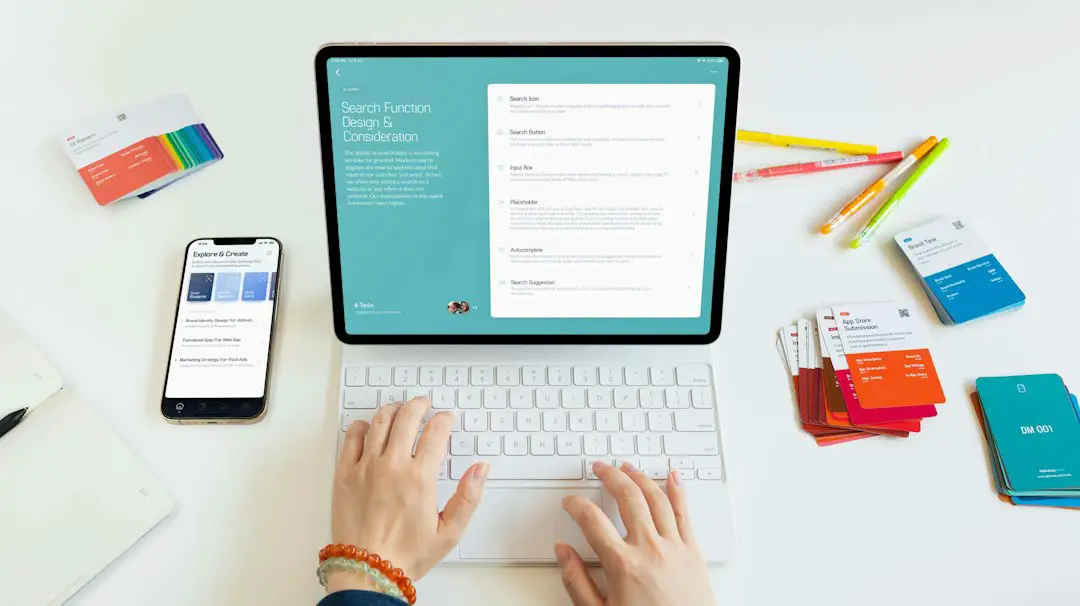
Figma is not a traditional Canva clone, but it is one of the most powerful free design tools available. It is widely used by product designers, interface designers, startup teams, and agencies because it supports real-time collaboration, reusable components, design systems, and prototyping.
For non-designers, Figma may feel less template-driven at first. However, once you learn the basics, it offers excellent control over layout, alignment, spacing, typography, and reusable brand elements. It can be used to create pitch decks, website mockups, app screens, diagrams, and polished presentation visuals.
The biggest advantage is collaboration. Multiple users can work in the same file, leave comments, review versions, and build shared design systems. That makes Figma especially valuable for teams that need more structure than a simple poster editor provides.
Free-plan limitations: team and file organization features may be restricted depending on the plan, but the free tier remains highly capable.
5. Photopea
Best for: advanced photo editing, PSD files, and Photoshop-style workflows.
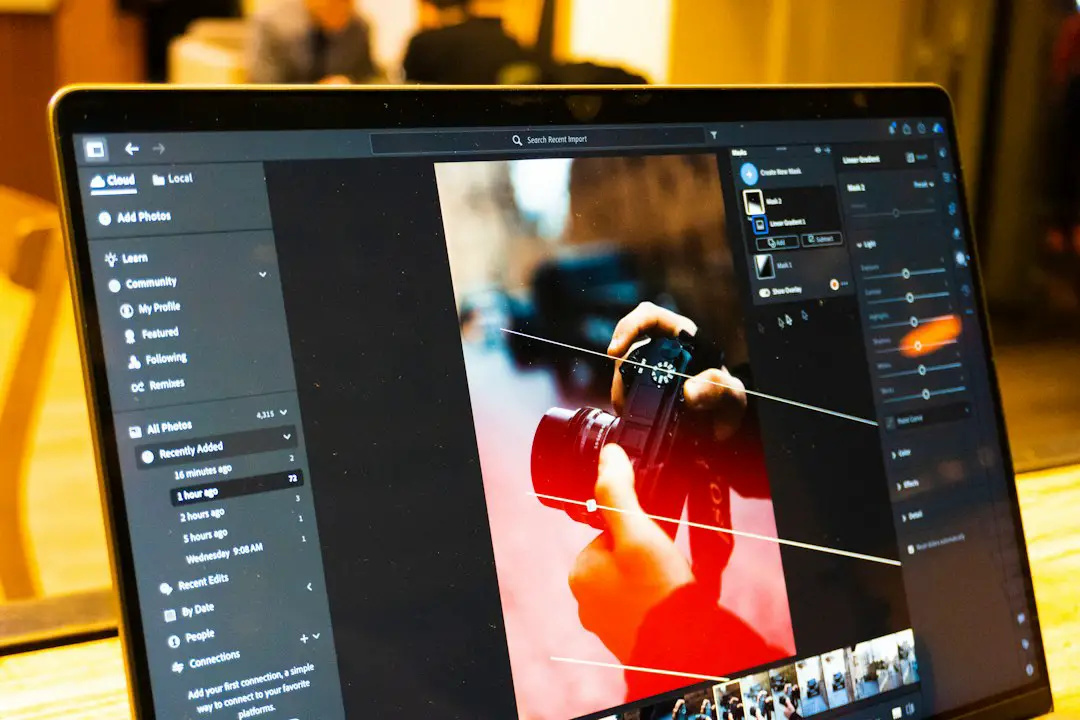
Photopea is a browser-based image editor that feels much closer to Photoshop than Canva. It supports layers, masks, adjustment tools, smart objects, and common professional file formats, including PSD. This makes it a serious free option for users who need detailed image editing rather than template-based design.
If your work involves retouching images, adjusting product photos, editing mockups, preparing thumbnails, or working with layered files, Photopea is extremely useful. It runs in the browser, so there is no heavy installation process, and it can handle many tasks that simple design platforms cannot.
Photopea is less beginner-friendly than Canva, but that is also its strength. It gives more control to users who understand layers and editing tools. For creators who want premium-level photo manipulation at no cost, it deserves attention.
Free-plan limitations: the free version is supported by ads, and performance depends on your browser and device.
6. Pixlr
Best for: quick image editing, background removal, filters, and AI photo tools.
Pixlr offers a convenient middle ground between a template editor and a professional photo editor. It includes easy tools for cropping, resizing, adding text, applying effects, and creating clean visuals for online use. Its AI-powered features, such as background removal and image generation tools, make it attractive for creators who need fast edits.
Pixlr is particularly helpful for social media managers, bloggers, online sellers, and students who need to enhance images without learning complex software. You can start from a blank canvas, edit an existing image, or use ready-made layouts.
Compared with Photopea, Pixlr is easier for casual users. Compared with Canva, it gives stronger photo-editing flexibility. That makes it a reliable option when your design work starts with images rather than templates.
Free-plan limitations: ads, export limits, and access to certain AI or premium assets may vary by plan.
7. Penpot
Best for: open-source design, team collaboration, wireframes, and prototypes.
Penpot is an open-source design and prototyping platform aimed at teams that want professional design capabilities without vendor lock-in. It is especially relevant for interface design, wireframing, user experience workflows, and collaborative product planning.
While it is not the best choice for someone who only wants Instagram templates, Penpot is a serious alternative for teams building websites, apps, dashboards, or digital products. It supports components, shared libraries, layouts, comments, and interactive prototypes. Because it is open source, it also appeals to organizations that care about transparency, flexibility, and long-term control.
Penpot’s interface is more technical than Canva’s, but it rewards users who need structure and collaboration. Designers, developers, educators, and product teams can use it to move from rough concepts to functional prototypes without paying for a premium design suite.
Free-plan limitations: its template marketplace and casual marketing-design options are less extensive than Canva-style platforms.
How to Choose the Right Free Alternative
- Choose Adobe Express if you want polished templates and an easy creative workflow.
- Choose Microsoft Designer if you want AI-generated layouts quickly.
- Choose VistaCreate if you want a familiar Canva-like experience.
- Choose Figma if collaboration and precise layout control matter.
- Choose Photopea if you need advanced image editing or PSD support.
- Choose Pixlr if you want fast browser-based photo edits and AI tools.
- Choose Penpot if you need open-source prototyping and team design features.
Free design tools are not always completely unrestricted, and pricing models can change. Still, the platforms above provide meaningful value without requiring an upfront payment. For most users, the smartest approach is not to find a single perfect Canva replacement, but to combine tools: one for templates, one for photo editing, and one for collaboration. Used this way, free design software can support professional-looking results without adding another subscription to your budget.