
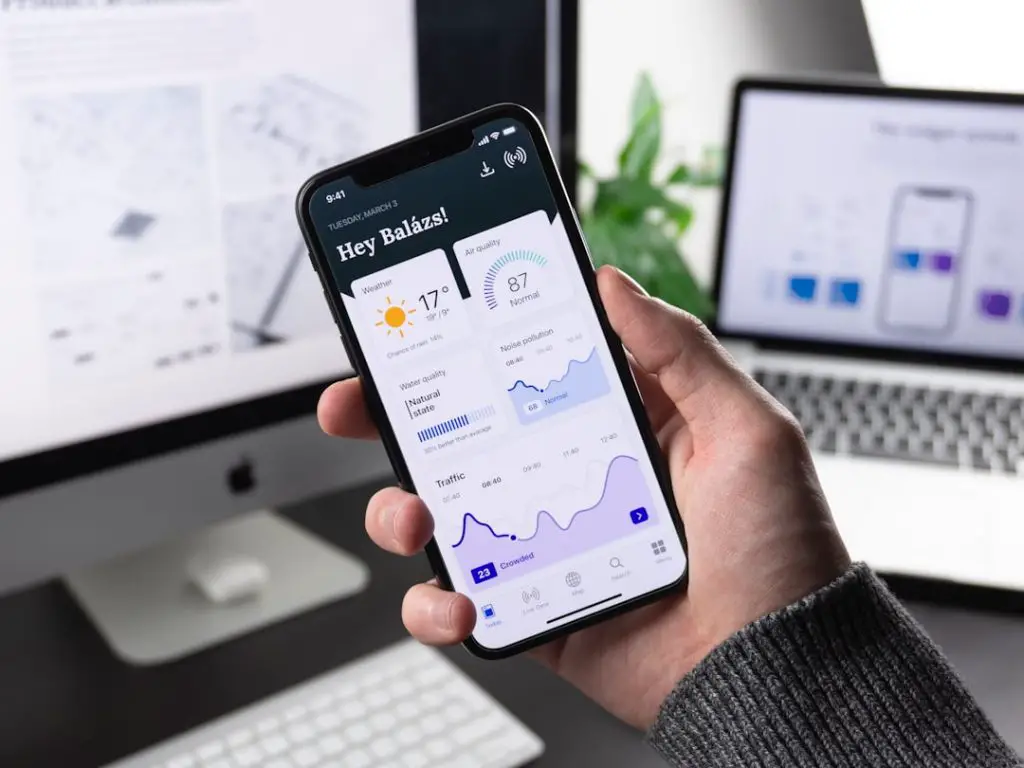
Running payroll used to mean stacks of paper, endless spreadsheets, and last-minute tax panic. Not anymore. Today, mobile payroll management tools let you calculate salaries, file taxes, and pay employees прямо from your phone. It’s fast. It’s simple. And it saves serious time.
TLDR: Mobile payroll tools make it easy to pay employees and handle taxes from anywhere. They automate calculations, reduce errors, and keep you compliant with tax laws. Many also integrate with accounting and HR systems. If you want stress-free payroll, these seven tools are worth checking out.
Let’s dive into 7 mobile payroll management tools that make handling salaries and taxes simple and smooth.
1. Gusto
Best for: Small to mid-sized businesses that want automation and simplicity.
Gusto is one of the most popular payroll platforms. And for good reason. It’s clean. It’s intuitive. And it works beautifully on mobile devices.
With Gusto, you can:
- Run payroll in minutes
- Automatically calculate and file taxes
- Manage benefits
- Track time-off requests
- Send direct deposits
The mobile experience lets employers approve payroll from anywhere. On vacation? No problem. On a coffee break? Done.
Fun fact: Gusto automatically files federal, state, and local taxes in all 50 states.

2. QuickBooks Payroll
Best for: Businesses already using QuickBooks accounting.
If you’re using QuickBooks for accounting, adding QuickBooks Payroll is a smart move. Everything syncs automatically. No double data entry. No confusion.
Key features include:
- Automatic tax calculations and filings
- Same-day direct deposit
- Mobile paycheck creation
- Employee self-service portal
Employees can view pay stubs and W-2s from their phones. Employers can approve payroll in just a few taps.
It feels like your accounting and payroll are finally talking to each other. Because they are.
3. ADP Mobile Solutions
Best for: Growing businesses and larger teams.
ADP has been in the payroll game for decades. Their mobile solution brings that experience into your pocket.
The ADP app allows you to:
- Review and approve payroll
- Monitor tax payments
- Manage employee profiles
- Access workforce analytics
Employees love it because they can:
- Check pay statements
- Download tax forms
- Clock in and out
ADP is powerful. It’s scalable. And it’s built for compliance-heavy environments.
4. Paychex Flex
Best for: Businesses that want strong HR and payroll in one app.
Paychex Flex combines payroll, HR, and benefits into one mobile-friendly platform.
What makes it stand out?
- Real-time payroll processing
- Automated tax administration
- Retirement and insurance integration
- Employee onboarding tools
The mobile app gives both employers and employees easy access. Everything is secure. Everything is centralized.
No more jumping between five systems. It’s all in one place.
5. Rippling
Best for: Tech-savvy businesses that want automation.
Rippling goes beyond payroll. It connects payroll with IT, HR, and apps.
Need to pay an employee in another state? Or another country? Rippling handles it.
Its mobile features allow you to:
- Approve payroll instantly
- Track compliance updates
- Automate tax calculations
- Manage global payments
One cool feature: when you add a new hire, Rippling can automatically set up their payroll, benefits, and even work apps.
It’s smart. Really smart.


6. OnPay
Best for: Budget-conscious businesses.
OnPay keeps things simple and affordable. No complicated pricing tiers. No hidden fees.
Despite being budget-friendly, it offers:
- Full-service payroll
- Automated tax filings
- Benefits administration
- Mobile-friendly dashboard
It’s especially popular with nonprofits and small businesses.
The mobile experience is clean and fast. You can run payroll in just a few minutes. Even while standing in line for coffee.
7. Square Payroll
Best for: Retail, restaurants, and hourly teams.
If you use Square for payments, Square Payroll fits perfectly into your system.
It shines when managing hourly employees because it:
- Syncs with timecards
- Automatically calculates overtime
- Files payroll taxes
- Supports contractors and employees
The mobile dashboard makes it simple to track labor costs in real time.
For busy store managers, that’s priceless.

Quick Comparison Chart
| Tool | Best For | Mobile Payroll | Tax Filing | Integrations |
|---|---|---|---|---|
| Gusto | Small to mid businesses | Yes | Automatic federal and state | Accounting and benefits tools |
| QuickBooks Payroll | QuickBooks users | Yes | Automatic | Seamless with QuickBooks |
| ADP | Large teams | Yes | Full service | Extensive enterprise tools |
| Paychex Flex | HR focused businesses | Yes | Automatic | HR and retirement tools |
| Rippling | Automation focused teams | Yes | Automatic and global | IT and app management |
| OnPay | Budget small businesses | Yes | Full service | HR and benefits |
| Square Payroll | Retail and restaurants | Yes | Automatic | Square POS system |
Why Mobile Payroll Tools Matter
Payroll isn’t just about paying people. It’s about timing. Accuracy. Compliance.
Mistakes are expensive. Late tax filings can bring penalties. Wrong salary calculations hurt trust.
Mobile payroll tools help by:
- Reducing manual errors
- Automating tax updates
- Sending reminders
- Backing up data securely
They also give you freedom. You’re no longer tied to your desk on payday.
What To Look For In a Mobile Payroll App
Not all payroll apps are the same. Before choosing one, check these features:
1. Automatic Tax Filing
Tax laws change often. Automation keeps you compliant.
2. User-Friendly Interface
You shouldn’t need a manual to run payroll.
3. Direct Deposit Options
Fast payments keep employees happy.
4. Employee Self-Service
Let employees download pay stubs and tax forms themselves.
5. Security Features
Payroll involves sensitive data. Encryption and multi-factor login are must-haves.
6. Integration Capabilities
Your payroll system should connect with accounting, HR, and time tracking tools.
Final Thoughts
Payroll doesn’t have to be stressful. It doesn’t have to take hours. And it definitely doesn’t need piles of paperwork.
With the right mobile payroll tool, you can:
- Pay employees quickly
- Handle taxes automatically
- Stay compliant
- Access payroll anytime, anywhere
Whether you run a small startup, a retail shop, or a growing company with remote employees, there’s a mobile payroll solution built for you.
The best tool? The one that fits your business size, budget, and workflow.
Choose wisely. Automate smartly. And enjoy payday without the headache.