
Facial recognition search tools are changing how investigations work. They help find people across the open web using just a face. This is powerful stuff. It can also be risky if used carelessly. In this article, we keep it simple, clear, and a little fun.
TLDR; Facial recognition tools can scan the web to find where a face appears. OSINT investigators use them to spot fake profiles, track scams, and verify identities. Some tools are public and easy. Others are restricted and controversial. Always use them responsibly and follow the law.
Why Facial Recognition Matters for OSINT
OSINT means Open Source Intelligence. It uses public data only. No hacking. No sneaking.
Faces are everywhere online. Social media. News sites. Forums. Photo dumps.
Facial search tools turn a single photo into many leads. They save time. They reveal patterns.
But they also raise ethical questions. Privacy matters. Consent matters.
So use these tools wisely.

1. PimEyes
PimEyes is one of the most popular face search tools today.
You upload a photo. PimEyes scans the web. It finds similar faces.
The results can be scary good.
It focuses on faces only. Not clothes. Not backgrounds.
Why investigators like it:
- Very accurate face matching
- Huge index of websites
- Fast results
Things to watch out for:
- Full results require payment
- No social media scraping
PimEyes is great for journalists and researchers. It is less useful for hobby searches.
2. FaceCheck ID
FaceCheck ID is built with OSINT in mind.
It does face matching plus risk hints.
The tool flags images linked to scams or crimes.
Why it stands out:
- Clear score system
- Scam and fraud focus
- Easy interface
Limitations:
- Credits system can be confusing
- Not every match is accurate
This tool is popular with fraud investigators and crypto researchers.
3. Clearview AI
Clearview AI is powerful. Very powerful.
It uses a massive private database of images.
Most users are law enforcement agencies.
What makes it unique:
- Extremely large image database
- High accuracy
Important notes:
- Not public access
- Strong legal and ethical concerns
For OSINT learning, it matters to know this tool exists. Most people will never touch it.
4. Social Catfish
Social Catfish focuses on identity verification.
It is popular in romance scam investigations.
You upload a face or enter details.
Best use cases:
- Dating scam research
- Fake profile checks
- Reverse image lookups
Downsides:
- Subscription required
- Results can be broad
This tool is friendly for beginners. It uses simple language.
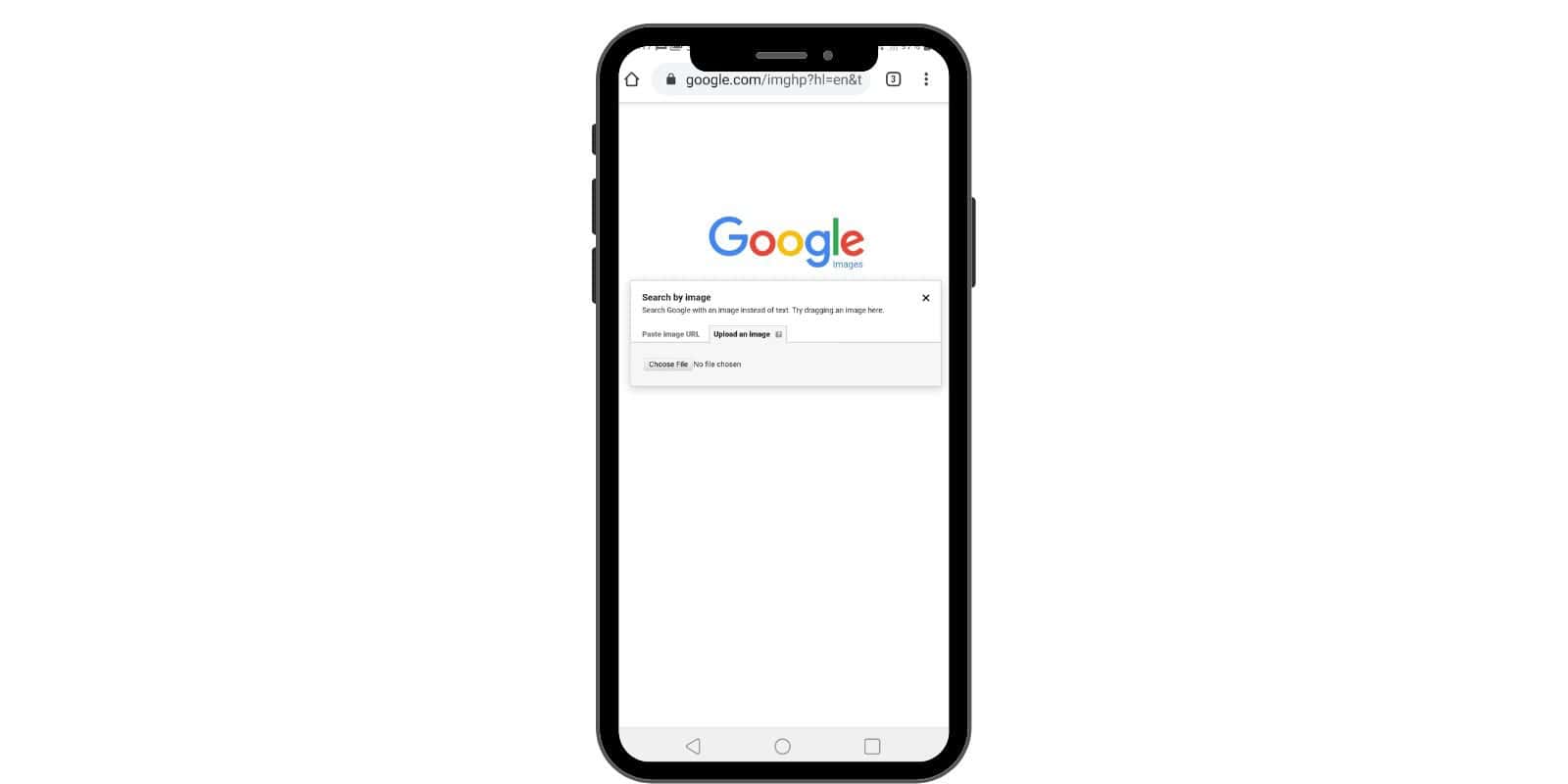
5. Google Images
Google Images is free. Everyone uses it.
It is not true facial recognition.
But it still helps.
Google matches visual patterns. Hair. Face shape. Scene.
Why OSINT analysts still use it:
- Fast and free
- Good for finding original image sources
- Useful browser tools
What it cannot do:
- No face-only matching
- Limited accuracy for faces
Use Google Images as a first step. Not the last.
6. Yandex Images
Yandex Images often surprises people.
It performs better with faces than Google in many cases.
Especially with Eastern European content.
Strengths:
- Strong face similarity matching
- Great for non English websites
Weak points:
- Interface feels outdated
- Results may vary by region
Many investigators quietly love Yandex. It finds things others miss.
7. Bing Visual Search
Bing Visual Search is Microsoft’s answer.
It sits between Google and Yandex.
Faces are not the main focus, but it helps.
Why use it:
- Clean interface
- Good for objects and people together
Why not rely on it alone:
- Weak pure face matching
- Smaller index
It works best as part of a mix.
8. TinEye
TinEye is a classic reverse image tool.
It is not a facial recognition engine.
But it is honest about that.
What TinEye is great at:
- Finding original image uploads
- Detecting image reuse
- Tracking photo history
Where it fails:
- No face similarity search
- Limited database size
TinEye is perfect for verifying profile photos.
Image not found in postmetaTips for Using Facial Search Tools Safely
Always start with a clear image.
Avoid sunglasses and heavy filters.
Run searches on multiple platforms.
Compare results carefully.
Never assume a match is proof.
Faces can look alike. Context matters.
Document everything. Keep screenshots. Save links.
And always respect local laws.
Ethics and Privacy
This part matters.
Just because you can search a face does not mean you should.
Avoid targeting private individuals without cause.
Do not publish sensitive details.
OSINT is about truth. Not harm.
Final Thoughts
Facial recognition search tools are here to stay.
They can help expose scams. They can protect people.
They can also be abused.
The best investigators use restraint.
They cross check facts.
They stay curious.
And they never forget the human behind the face.