

A scalable web scraping project needs more than a scraper; it needs a controlled system for crawling, rendering, rotating access, cleaning data, storing results, and catching failures before they pile up. Small scripts may work for 500 pages. They usually fall apart at 500,000. The right toolset keeps extraction fast, stable, and easier to fix when target sites change.
TLDR: Teams scaling web scraping should build around nine core tools: a crawler framework, browser automation, proxies, CAPTCHA handling, orchestration, validation, storage, monitoring, and selector management. For example, an ecommerce analytics team scraping 2 million product pages per week may cut failed jobs from 18% to under 5% by adding proxy rotation, schema checks, and alerting. The goal is not just more requests. The goal is repeatable data collection with fewer surprises.

1. Crawler Framework: Scrapy
Scrapy is often the backbone of larger scraping systems. It handles requests, retries, concurrency, pipelines, middleware, and exports without forcing engineers to rebuild everything from scratch.
It works best for sites where HTML is available without heavy browser rendering. A team can define spiders, set crawl rules, manage throttling, and push scraped items into storage. That structure matters when dozens of scrapers need the same standards.
The annoying part? Scrapy can feel rigid at first. New users may spend too long tracing middleware order or debugging item pipelines. Still, once configured, it is faster and cleaner than a pile of random scripts.
2. Browser Automation: Playwright
Playwright is essential when pages need JavaScript execution, login flows, scrolling, or user-like interaction. It supports Chromium, Firefox, and WebKit, which helps when testing how sites behave across engines.
Playwright is useful for scraping search results, booking sites, social feeds, and dashboards that render content after the initial page load. It can wait for selectors, intercept requests, take screenshots, and run in headless mode.
It should not be used for every page. Browser sessions consume more CPU and memory than plain HTTP requests. Many teams use Playwright only when needed, then send lighter pages through Scrapy or direct requests.
3. Proxy Management Tools
Proxy rotation helps distribute traffic across IP addresses. This reduces blocks, rate limits, and suspicious access patterns. Tools may include managed proxy networks, in-house proxy pools, or gateway services that rotate automatically.
At scale, proxy quality matters more than raw proxy count. Datacenter proxies are cheaper and fast. Residential proxies may work better on strict retail or travel sites. Mobile proxies are expensive but useful for specific use cases.
- Track success rate by proxy. Bad IPs should be removed quickly.
- Match proxy region to the target data. Local prices and stock may differ.
- Set request limits. One proxy making 10,000 requests in an hour is asking for trouble.
4. CAPTCHA Solving and Block Detection
CAPTCHAs, soft blocks, login walls, and empty response pages can ruin a job while still returning HTTP 200. That is why block detection is as useful as CAPTCHA solving itself.
Teams often use CAPTCHA solving services only as a fallback. First, they try better throttling, cleaner headers, smarter session handling, and proxy rotation. If CAPTCHA use becomes constant, the scraper is probably too aggressive or poorly disguised.
Honestly, it feels like some sites invent new ways to waste 30 seconds per request. A good scraper should detect those pages fast, pause, switch identity, or mark the URL for later retry.

5. Job Orchestration: Airflow, Celery, or Prefect
Orchestration tools run scraping jobs on schedules, manage dependencies, retry failed tasks, and show what happened. This becomes critical when scrapers feed reports, pricing engines, or machine learning systems.
Apache Airflow is popular for scheduled workflows. Celery works well for distributed task queues. Prefect gives teams a cleaner setup for Python-first workflows.
Without orchestration, jobs live in cron files, mystery servers, and old scripts nobody wants to touch. Expect to waste time on missed runs and silent failures if this layer is skipped.
6. Data Validation: Great Expectations or Pandera
Scraped data is messy. Prices disappear. Dates change format. Product titles move into new tags. Data validation tools catch those issues before bad data reaches users.
Great Expectations can check columns, ranges, null rates, and row counts. Pandera is good for validating pandas data frames inside Python workflows. Both help teams define what “good data” means.
- Price must be numeric and above zero.
- Product URL must be unique.
- Availability must match approved values.
- Daily row count should not drop by more than 20% without an alert.
7. Storage: S3, PostgreSQL, BigQuery, and Parquet
Storage should match the use case. Amazon S3 or similar object storage is great for raw HTML, screenshots, and large files. PostgreSQL works well for structured records and application access. BigQuery is useful for analytics at large volume.
Parquet is a strong format for column-based analytics. It compresses well and works smoothly with data processing tools. A common setup stores raw responses first, cleaned records second, and analytics tables last.
This layered setup protects teams when parsers break. If raw HTML is saved, engineers can reprocess old pages instead of scraping everything again.
8. Monitoring and Alerts: Prometheus, Grafana, and Sentry
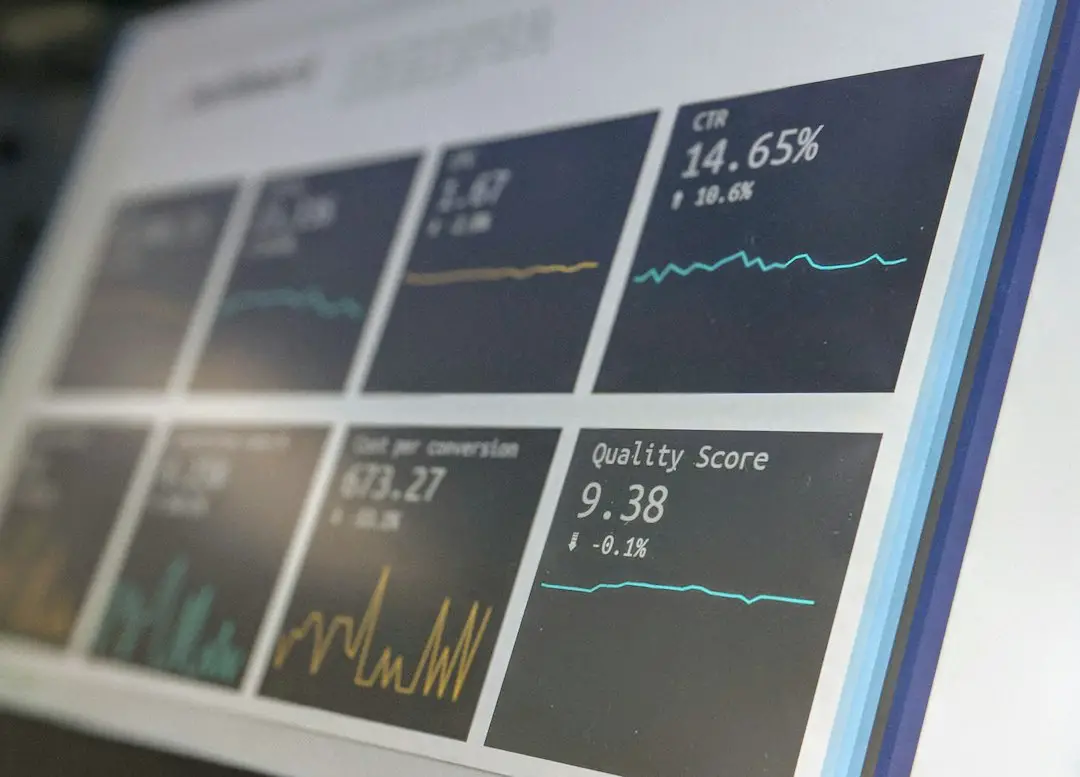
Monitoring shows whether scraping systems are healthy. It should track request volume, failure rate, response time, proxy errors, CAPTCHA rate, parser errors, and data volume.
Prometheus collects metrics. Grafana turns them into dashboards. Sentry catches exceptions and stack traces. Together, they help engineering teams see problems before business users complain.
Useful alerts include:
- Failure rate above 10% for 15 minutes.
- Median response time above 5 seconds.
- Daily item count below expected range.
- CAPTCHA rate doubled compared with the previous day.
9. Selector Management and Change Tracking
Selectors break all the time. Product names move from one class to another. Tables become cards. Pagination changes. A serious scraping setup needs selector management instead of hardcoded chaos.
Teams can store selectors in configuration files, databases, or version-controlled rule sets. They can also test selectors against saved HTML samples. This prevents one tiny front-end change from breaking an entire pipeline in silence.
Good change tracking compares old and new page structures. If extraction falls from 95% to 40%, the system should flag it. Fast repair matters more than pretending sites will stay the same.
How These Tools Work Together
A mature scraping system usually follows a simple flow. The orchestrator starts the job. The crawler sends requests. Playwright handles hard pages. Proxies rotate traffic. Block detection filters bad responses. Parsed results pass through validation. Storage keeps raw and clean data. Monitoring reports the health of the whole system.
This setup may sound heavier than a script, but it saves time once volume grows. It also keeps teams from mixing scraping logic, retry rules, storage code, and alerting inside one fragile file.
FAQ
What is the most essential tool for scaling web scraping?
A crawler framework is usually the first key tool. Scrapy is a common choice because it supports concurrency, retries, middleware, and structured pipelines.
When should a team use Playwright instead of Scrapy?
Playwright should be used when a site requires JavaScript rendering, login actions, scrolling, or clicks. Scrapy is better for faster HTML-based scraping.
Are proxies always required?
No. Small, respectful scraping jobs may not need them. At larger volumes, proxies help reduce rate limits and regional access issues.
How can scraped data quality be improved?
Teams should validate fields, monitor row counts, store raw HTML, and create alerts for sudden drops. Tools like Great Expectations and Pandera are useful for this.
What is the biggest mistake in scaling scraping projects?
The biggest mistake is scaling request volume before adding monitoring, validation, and retry controls. More traffic only creates more broken data if the system cannot detect failures.