

Choosing between AI presentation tools and traditional slide software is no longer a simple question of convenience. Presentations are used for sales pitches, investor updates, education, internal reporting, training, and strategic decision-making. The right tool can save hours, improve clarity, and help teams communicate more professionally. However, the best choice depends on your workflow, content standards, collaboration needs, and the level of control you require.
TLDR: AI presentation tools are best for speed, idea generation, first drafts, and users who want automated design support. Traditional slide software is stronger for precision, brand control, complex formatting, and formal business environments. Many organizations will get the best results by combining both: using AI to create structure and drafts, then refining the final deck in established slide software.
Understanding the Two Categories
Traditional slide software refers to established tools such as Microsoft PowerPoint, Apple Keynote, and Google Slides. These platforms give users direct control over layouts, fonts, transitions, data charts, animations, and visual hierarchy. They are widely used in corporate, academic, and government settings because they are familiar, reliable, and compatible with many workflows.
AI presentation tools, by contrast, use artificial intelligence to assist with content creation, design, summarization, image selection, layout generation, and slide sequencing. Instead of building every slide manually, users can often enter a prompt, upload notes, or provide a document, and the tool generates a complete draft presentation. Some platforms also offer AI text rewriting, automatic branding, data visualization suggestions, and speaker notes.
The difference is not simply “new versus old.” It is more accurate to say that AI tools emphasize automation and acceleration, while traditional slide software emphasizes control and refinement.
Speed and Productivity
Speed is one of the strongest advantages of AI presentation tools. A user can often create a usable first draft in minutes by entering a topic, audience, tone, and desired slide count. For professionals under time pressure, this can be valuable. AI can outline the narrative, create section headings, suggest key points, and apply a consistent layout without requiring manual formatting.
Traditional slide software is usually slower at the beginning. Users must decide the structure, choose templates, write content, design each slide, and adjust visuals manually. Experienced users can work quickly, especially with existing templates, but the process still requires more hands-on effort.
However, speed at the draft stage does not always mean speed at the final stage. AI-generated presentations often need fact-checking, editing, visual correction, and tone adjustment. If the topic is technical, regulated, or highly specific, the review process can be significant. Traditional software may take longer upfront, but it can produce a more controlled result with fewer unexpected issues.

Design Quality and Visual Consistency
AI presentation tools are particularly useful for users who are not trained designers. They can automatically select layouts, balance text and imagery, and create visually coherent slides. This reduces the risk of overcrowded slides, inconsistent spacing, or mismatched design elements. For startups, educators, consultants, and small teams, AI-assisted design can make presentations look more polished with less effort.
Traditional slide software offers broader design control but requires more skill. A strong designer can create highly customized, brand-specific decks with precise typography, animations, diagrams, and visual systems. A less experienced user, however, may produce slides that look dated or inconsistent.
The key distinction is that AI tools often provide good design by default, while traditional tools provide complete design freedom. For simple to moderately complex presentations, AI design is often sufficient. For high-stakes investor decks, enterprise sales materials, conference keynotes, or executive board presentations, manual refinement is usually still necessary.
Content Creation and Storytelling
AI tools can be excellent at creating structure. They can transform rough notes into an agenda, convert a report into a slide outline, or suggest a logical narrative flow. This is helpful when users know what they want to say but struggle to organize it clearly.
AI can also rewrite content for different tones, such as formal, persuasive, educational, or concise. It can generate speaker notes, summaries, introductions, and conclusions. For many users, this removes the “blank page” problem and accelerates the thinking process.
Traditional slide software does not usually create content by itself, although some platforms now include AI features. The user remains responsible for the message, structure, and wording. This can be a disadvantage for speed, but an advantage for accuracy and originality. Human-created content is often more nuanced, especially when it involves strategy, confidential context, expert judgment, or sensitive topics.
AI-generated content should always be reviewed carefully. It may sound confident while being incomplete, generic, or inaccurate. For professional use, AI should be treated as an assistant, not an authority.
Customization and Brand Control
Traditional slide software remains the stronger option for organizations with strict brand guidelines. Companies often require specific fonts, colors, logos, spacing rules, chart styles, legal disclaimers, and approved templates. PowerPoint and similar platforms are built to support this level of control.
AI presentation tools vary widely in brand customization. Some allow users to upload brand assets or choose a style guide, while others provide only limited control. Even when branding features exist, the output can still require adjustment to meet corporate standards.
If your organization regularly creates external-facing decks, sales proposals, or investor materials, brand consistency matters. In these cases, AI is useful for early ideation and drafting, but traditional slide software is often better for the final version.
Data Visualization and Charts
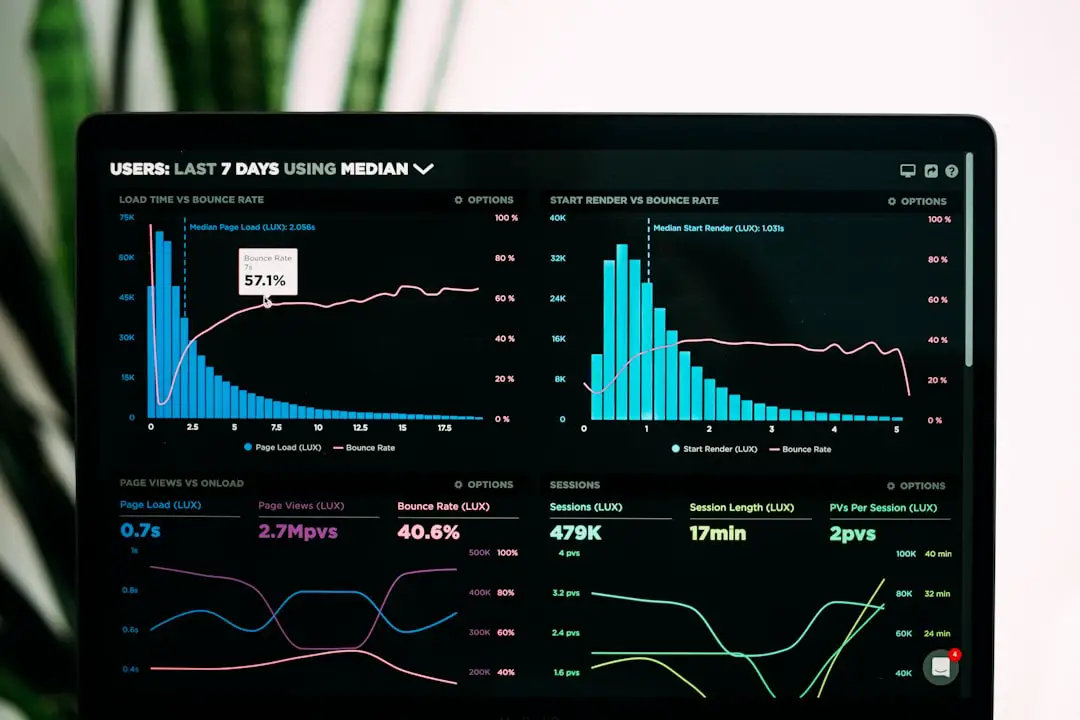
Traditional slide software generally performs well when presentations need charts, tables, dashboards, and detailed data formatting. PowerPoint and Google Slides integrate with spreadsheet tools, allowing users to create charts from structured data and update them as numbers change. This is important for finance, operations, marketing analytics, and performance reporting.
AI presentation tools can summarize data and suggest chart types, but they may not always handle complex datasets reliably. Some tools can create attractive visualizations, yet users must verify calculations, labels, sources, and chart logic. A visually appealing chart is not useful if it misrepresents the data.
For data-heavy presentations, a cautious workflow is recommended: analyze and verify the data in a dedicated spreadsheet or analytics platform, then use either AI or traditional software to present it clearly.

Collaboration and Team Workflows
Traditional slide software has mature collaboration features. Google Slides is known for real-time editing, comments, version history, and cloud sharing. PowerPoint also supports collaboration through Microsoft 365. These tools are deeply embedded in many organizations, making them easy to adopt across departments.
AI presentation tools increasingly support collaboration, but their capabilities differ by platform. Some are excellent for sharing drafts and collecting feedback, while others are more focused on individual creation. Teams should evaluate whether the tool supports user roles, comments, version control, export formats, and integration with existing systems.
For large organizations, workflow compatibility can be more important than AI features. If colleagues, clients, or executives expect a PowerPoint file, the ability to export cleanly becomes essential.
Ease of Use and Learning Curve
AI presentation tools are often easier for beginners. A user can describe the desired presentation and let the tool handle much of the structure and design. This is especially valuable for non-designers, students, founders, trainers, and busy professionals who need a fast result.
Traditional slide software is familiar to many people, but advanced features can be difficult to master. Creating custom templates, aligning objects precisely, building complex animations, and formatting charts can require significant practice.
That said, familiarity is a major advantage. Many professionals already know how to use PowerPoint or Google Slides, and organizations often have established templates and training materials. A new AI tool may require evaluation, onboarding, and policy approval before it can be used widely.
Accuracy, Security, and Governance
AI tools introduce important questions about accuracy and data privacy. If users upload confidential reports, financial forecasts, customer information, or internal strategy documents, organizations must understand how that data is processed, stored, and used. Enterprise-grade tools may provide stronger privacy controls, but not all AI products meet the same standards.
Traditional slide software is not automatically risk-free, but it is often governed by existing IT policies, access controls, and compliance procedures. Companies already using Microsoft or Google ecosystems may prefer to keep sensitive presentation work inside approved environments.
For regulated industries such as healthcare, finance, legal services, and government, this is a critical factor. Teams should review data handling policies, retention settings, licensing terms, and administrative controls before adopting AI presentation tools.
Cost Considerations
Traditional slide software is often included in broader productivity suites. Many organizations already pay for Microsoft 365 or Google Workspace, meaning the marginal cost of using slide software is low. For individuals, free or low-cost options are also available.
AI presentation tools may charge separately, often through monthly or annual subscriptions. Pricing can depend on the number of users, AI generation limits, export options, branding features, and collaboration capabilities. The cost may be justified if the tool saves significant time or improves output quality, but it should be evaluated realistically.
The right question is not simply “Which tool is cheaper?” but “Which tool produces the best value for the work being done?” If a sales team can create proposals faster, or a training team can produce learning materials more efficiently, an AI tool may pay for itself. If presentations are infrequent and highly customized, traditional software may be enough.
Best Use Cases for AI Presentation Tools
- Fast first drafts: Turning a prompt, brief, or document into an initial slide deck.
- Brainstorming: Generating structure, titles, key messages, and alternative angles.
- Educational content: Creating lesson outlines, summaries, and training modules.
- Internal updates: Building quick reports, meeting recaps, and team briefings.
- Non-designers: Helping users produce visually acceptable slides without advanced design skills.
Best Use Cases for Traditional Slide Software
- Executive presentations: Creating polished decks that require precision and approval.
- Brand-sensitive materials: Maintaining strict alignment with corporate guidelines.
- Data-heavy reports: Managing charts, tables, and linked spreadsheet data.
- Client deliverables: Producing files in formats expected by external stakeholders.
- Complex customization: Designing advanced layouts, animations, and interactive elements.


Practical Recommendation: Use a Hybrid Workflow
For many professionals, the most effective approach is not choosing one tool exclusively. A hybrid workflow can offer the benefits of both. Start with an AI presentation tool to create an outline, draft slide content, and explore design directions. Then export the deck and refine it in traditional slide software where you can apply exact branding, verify data, adjust layouts, and prepare the final file.
This approach is especially useful for teams that need both speed and reliability. AI reduces the time spent on early-stage creation, while traditional software ensures the final presentation meets professional standards. It also helps teams avoid overreliance on AI-generated content while still benefiting from automation.
Final Verdict
AI presentation tools are changing how presentations are created. They are fast, practical, and increasingly capable, especially for first drafts and design assistance. They lower the barrier for users who need professional-looking slides but lack design experience or time.
Traditional slide software remains essential for precision, control, compatibility, and governance. It is still the safer choice for high-stakes, data-heavy, or brand-sensitive presentations. Its maturity and widespread adoption make it difficult to replace entirely.
The best choice depends on the nature of the presentation. If you need speed, inspiration, and a solid starting point, AI tools are highly valuable. If you need exact control, verified accuracy, and formal delivery, traditional slide software remains the stronger final production environment. For most serious users, the smartest strategy is to use AI to accelerate the process and traditional software to perfect the result.