
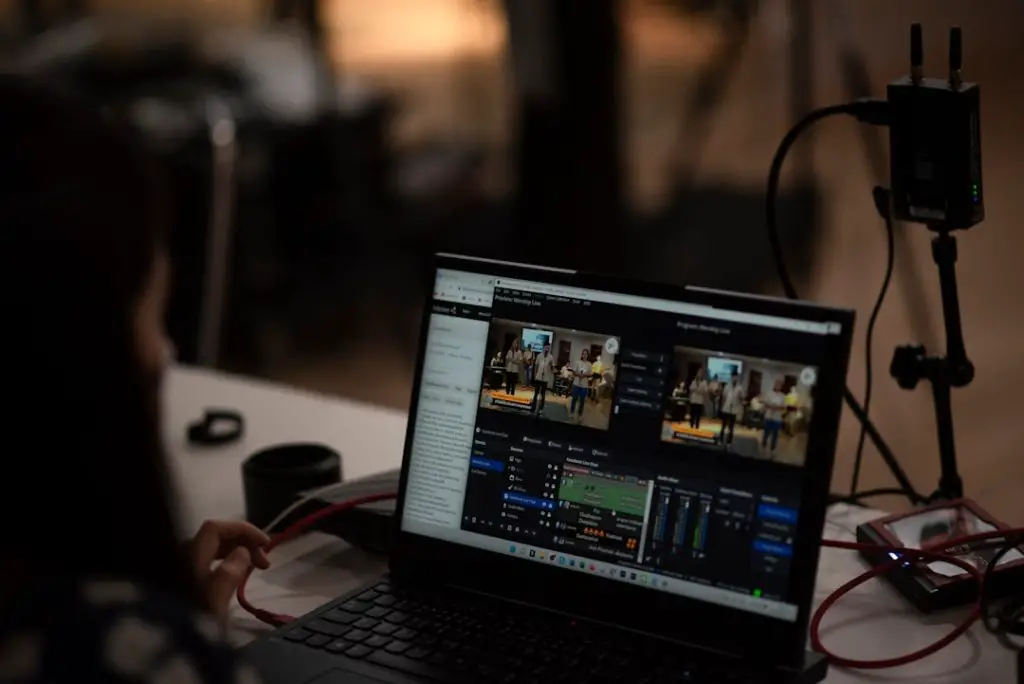
Audio is everywhere now. People record meetings, podcasts, interviews, classes, voice notes, and customer calls. But listening again can take forever. That is where AI speech-to-text tools step in. They turn spoken words into written text, fast.
TLDR
AI speech-to-text tools like Rev help you convert audio into text in minutes. They are useful for podcasts, meetings, videos, interviews, school notes, and business content. The best tools are fast, simple, and accurate. You still need to check the final transcript, but AI does most of the boring work.
What Is Speech-To-Text?
Speech-to-text means turning spoken words into written words. You upload an audio or video file. The tool listens to it. Then it creates a transcript.
A transcript is just the written version of what was said. Simple.
Think of it like having a super fast note-taker. This note-taker does not drink coffee. It does not complain. It just listens and types.
Tools like Rev use artificial intelligence to do this work. Some services also offer human transcription. That means real people review or create the transcript. AI is usually faster and cheaper. Human transcription is often more accurate, especially with messy audio.
Today, many people use a mix of both. AI does the first draft. A human fixes the tricky parts.

Why Do People Use AI Transcription Tools?
Because time is precious. And replaying a one-hour meeting is not fun.
Let us be honest. Nobody wants to scrub through audio just to find one quote. Nobody wants to type every “um,” “yeah,” and “sorry, can you repeat that?” by hand.
AI transcription helps you move faster. It makes audio easier to search, share, and reuse.
Here are common reasons people use these tools:
- Podcasters use transcripts for blog posts and show notes.
- Journalists use them to capture interviews.
- Students use them to review lectures.
- Businesses use them for meetings and calls.
- Creators use them for captions and content ideas.
- Researchers use them to study interviews and focus groups.
- Legal and medical teams use them for records, with care and privacy rules.
Once audio becomes text, it becomes much easier to work with. You can copy it. Search it. Highlight it. Edit it. Share it. Turn it into five other things.
How Tools Like Rev Work
The process is usually very simple.
- You record audio or video.
- You upload the file to the tool.
- The AI processes the sound.
- The tool creates a transcript.
- You review and edit the text.
- You download or share the final file.
That is it. No magic wand needed. Though it may feel like one.
Behind the scenes, the AI has been trained on huge amounts of speech data. It learns patterns in voices, words, accents, and sentences. When it hears audio, it guesses which words were spoken. Good tools make very smart guesses.
But AI is not perfect. It can confuse similar words. It may hear “ice cream” as “I scream.” This is funny in a cartoon. It is less funny in a legal transcript.
That is why editing still matters.
What Makes Rev And Similar Tools Popular?
Rev is well known because it offers both AI transcription and human transcription. That gives users options.
If you need speed, AI transcription is great. If you need very high accuracy, human transcription may be better. If your audio is clear, AI can do a strong job. If your audio sounds like it was recorded inside a blender, humans may help more.
Most popular speech-to-text tools offer features like:
- Fast turnaround, often in minutes.
- Speaker labels, so you know who talked.
- Timestamps, so you can jump to exact moments.
- Editable transcripts, so you can fix errors.
- Export options, like TXT, DOCX, PDF, SRT, or VTT.
- Video captions, useful for YouTube, courses, and social media.
- Search tools, so you can find words fast.
These features save time. They also make audio content more useful.
AI Transcription Is Great For Meetings
Meetings can be messy. People talk over each other. Someone joins late. Someone says, “Let’s circle back,” for the ninth time.
AI speech-to-text tools help capture what happened. You can create meeting notes. You can pull action items. You can check decisions later.
This is useful for remote teams. It is also helpful for people who missed the meeting. Instead of asking, “What did I miss?” they can read the transcript.
Some tools can even summarize the meeting. They can list tasks. They can highlight key points. This turns a long meeting into a short recap.
That is a win.


AI Transcription Is A Podcast Superpower
If you make podcasts, transcripts are your friend.
Search engines cannot listen to your podcast the way people do. But they can read text. A transcript helps people find your episode online.
You can also turn the transcript into new content. One episode can become many things.
- A blog post.
- A newsletter.
- Social media quotes.
- Short video captions.
- A list of key takeaways.
- A guest quote page.
This is great because creating content takes effort. Transcription helps you squeeze more value from work you already did.
It is like turning one pizza into several snacks. Delicious and efficient.
Captions Make Videos Better
Transcription is not just for documents. It also helps with captions.
Captions are the words you see on a video while people speak. They help viewers understand the content. They are also useful when people watch with the sound off.
And let us be real. Many people watch videos in quiet places. On buses. In offices. In bed while pretending they are going to sleep.
Captions also improve accessibility. They help people who are deaf or hard of hearing. They help non-native speakers. They help everyone follow along.
Many AI speech-to-text tools can create caption files. Common formats include SRT and VTT. You can upload these to video platforms, online courses, or editing software.
Accuracy: The Big Question
Everyone asks the same thing. “How accurate is it?”
The answer is: it depends.
AI transcription can be very accurate with clear audio. It works best when:
- People speak clearly.
- There is little background noise.
- Only one person speaks at a time.
- The microphone is close.
- The language is supported well.
- There are not too many unusual names or technical terms.
Accuracy drops when the audio is hard to hear. Music, echoes, wind, traffic, and cross-talk can confuse the AI.
Accents can also affect results. So can slang. So can industry jargon. If someone says “API endpoint authentication flow,” AI might handle it. Or it might panic quietly and write something weird.
That is why proofreading is important. Always review the transcript before using it for serious work.
How To Get Better Transcripts
You can help the AI do a better job. A little prep goes a long way.
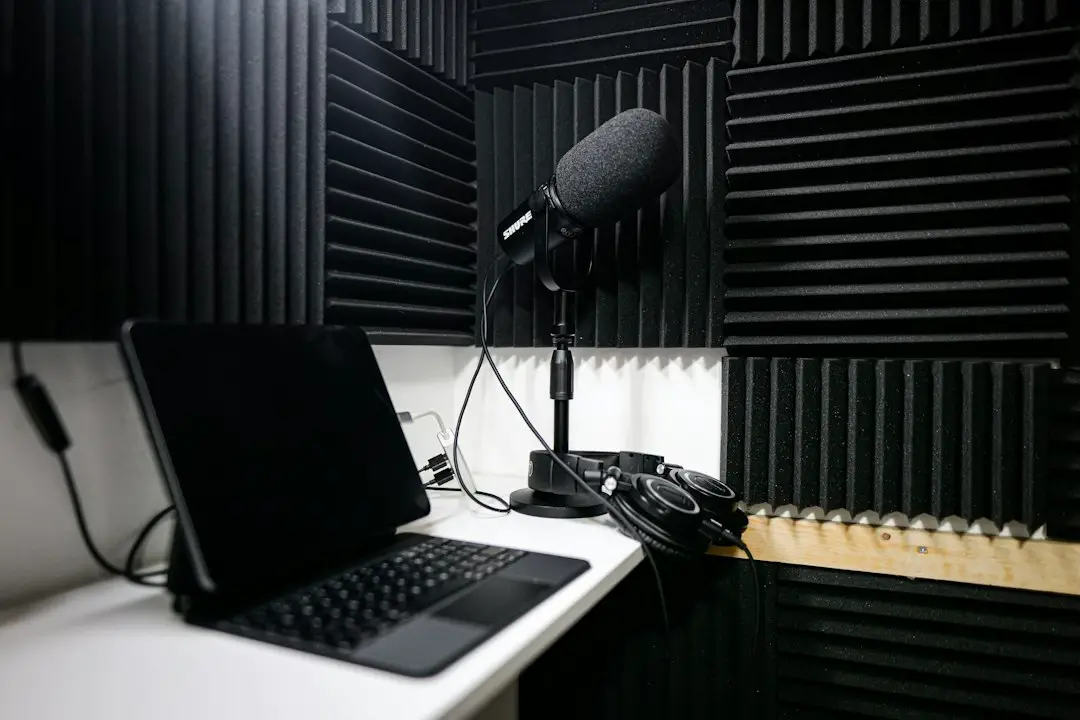
- Use a good microphone. Your laptop mic is okay. A real mic is better.
- Record in a quiet place. Avoid fans, traffic, and barking dogs.
- Ask people to speak one at a time. AI hates chaos.
- Keep the mic close. Distance makes speech harder to detect.
- Share names and terms if the tool allows it. This helps with spelling.
- Use separate tracks when possible. This makes speaker labels easier.
Good audio makes good transcripts. Bad audio makes mystery soup.
What To Look For In A Speech-To-Text Tool
There are many tools out there. Some are simple. Some are packed with features. The best choice depends on your needs.
Look for these things:
- Accuracy: Does it understand your audio well?
- Speed: How fast do you get the transcript?
- Price: Is it per minute, per hour, or subscription based?
- Editing tools: Can you fix text inside the platform?
- Speaker detection: Can it tell different voices apart?
- Export formats: Can you download what you need?
- Security: Is your data protected?
- Language support: Does it handle the language you use?
- Human review: Can you upgrade to human help if needed?
If you handle private information, pay special attention to security. This matters for healthcare, legal work, finance, education, and internal business meetings.


AI Versus Human Transcription
AI is fast. Humans are careful. Both have a place.
AI transcription is best when you need speed and lower cost. It is great for drafts, notes, internal content, and simple recordings.
Human transcription is best when accuracy matters most. It is useful for legal files, medical notes, research interviews, and polished publications.
Here is the easy way to think about it:
- Need it fast? Use AI.
- Need it cheap? Use AI.
- Need it nearly perfect? Use humans.
- Need both? Use AI first, then human review.
This mix is becoming common. AI creates the draft. A person cleans it up. The result is faster than typing from scratch and better than raw AI alone.
Common File Types
Most tools accept popular audio and video files. These include:
- MP3
- WAV
- M4A
- MP4
- MOV
- AAC
For exports, you may see:
- TXT for plain text.
- DOCX for word processing.
- PDF for sharing.
- SRT for captions.
- VTT for web captions.
If you are making videos, caption formats matter. If you are writing articles, DOCX or TXT may be enough.
Fun Ways To Use Transcripts
Transcripts are not only for serious people with clipboards. They can be fun too.
- Turn a family interview into a memory book.
- Save funny quotes from a podcast.
- Create captions for pet videos.
- Turn voice notes into journal entries.
- Make study guides from recorded classes.
- Find your best ideas from rambling voice memos.
Sometimes your best thoughts happen while walking, driving, or cooking. Record them. Transcribe them. Boom. Your brain now has a search bar.
Limitations To Remember
AI speech-to-text is powerful. But it is not a mind reader.
It may miss jokes. It may misunderstand names. It may struggle with heavy noise. It may format sentences oddly. It may confuse speakers.
Also, transcripts can include sensitive information. Be careful where you upload files. Read privacy policies. Use trusted services. Delete files when you no longer need them.
If your audio includes private customer data, medical details, legal information, or company secrets, treat it with care.
The Future Of Speech-To-Text
Speech-to-text tools are getting better fast. AI models are improving. They are learning more accents, languages, and speaking styles. They are also getting better at summaries and action items.
In the future, these tools may do much more than transcribe. They may turn calls into reports. They may create training notes. They may translate speech in real time. They may detect tasks and send reminders.
Imagine finishing a meeting and instantly getting a clean summary, a task list, captions, and a searchable transcript. No typing. No panic. No mystery notes that say “follow up on thing.”
That future is already arriving.
Final Thoughts
AI speech-to-text tools like Rev make audio easier to use. They save time. They reduce boring typing. They help people search, share, caption, and repurpose spoken content.
They are not perfect. You should still review the transcript. But they are very helpful. For many people, they are now part of daily work.
If you record meetings, podcasts, videos, interviews, lectures, or voice notes, try an AI transcription tool. Start with clear audio. Check the results. Edit the small mistakes.
Then enjoy the magic of turning sound into text.
Your ears did the listening. The AI did the typing. Your fingers can take a tiny vacation.