
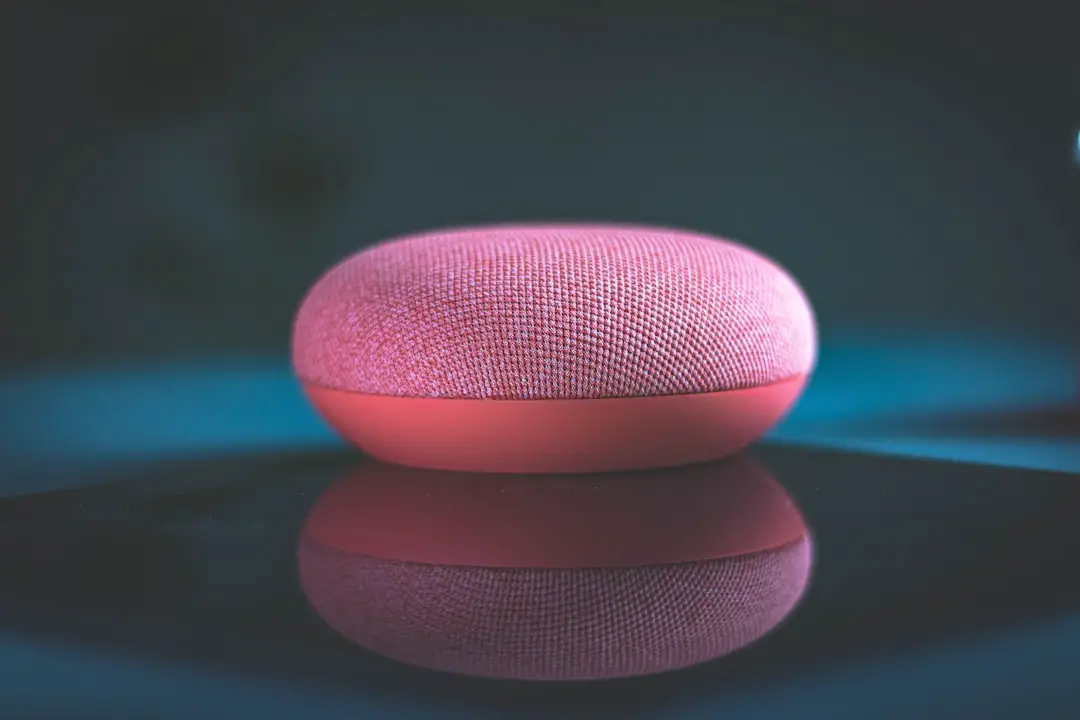
Google Assistant is the most useful AI voice assistant for most people, because it answers questions better, handles context more reliably, and works well across phones, speakers, cars, and smart displays. Alexa still wins in many smart-home setups. Siri is the best fit for people locked into Apple devices and privacy-focused habits. But for raw daily usefulness, Google Assistant comes out ahead.
TLDR: Google Assistant is the best all-round choice, especially for search, directions, reminders, translations, and follow-up questions. Alexa is stronger for smart-home control, with huge support for lights, plugs, cameras, thermostats, and routines. Siri is convenient on iPhone, Apple Watch, and HomePod, but it still feels too limited outside Apple’s own apps. In a typical week, a household using voice for 20 commands may save the most time with Google for information tasks, while Alexa may win if 70% of those commands control smart devices.
Quick verdict: which assistant is best?
- Best overall: Google Assistant
- Best for smart homes: Alexa
- Best for Apple users: Siri
- Best for privacy-conscious users: Siri
- Best for shopping by voice: Alexa
- Best for general knowledge: Google Assistant
The real answer depends on the devices already in the home. A person with an iPhone, Apple Watch, AirPods, and HomePod will get solid value from Siri. A home filled with Echo speakers, Ring cameras, and smart plugs will feel smoother with Alexa. An Android user with Google Nest speakers, Gmail, Google Calendar, Maps, and YouTube will usually get the broadest help from Google Assistant.
Google Assistant: the smartest everyday helper
Google Assistant’s biggest strength is simple: it understands more questions and gives better answers. That matters. Voice assistants are often used for tiny moments. Weather. Timers. Travel time. Sports scores. Conversions. Restaurant hours. Random facts. Google handles those with fewer awkward dead ends.
Its follow-up handling is also stronger. If a user asks, “Who directed Oppenheimer?” and then asks, “How old is he?” Google is more likely to understand that “he” means Christopher Nolan. Siri and Alexa can do this in some cases, but Google is usually more consistent.
Google Assistant also works well with Google’s own services. That includes Maps, Calendar, Gmail, Photos, YouTube, and Search. For many users, that is the daily workflow. Asking for commute time, setting a calendar event, finding a photo, or checking a flight feels natural.
The catch is that Google’s assistant experience has become less tidy during its shift toward Gemini features. On some Android phones, users may notice that older Assistant commands and newer AI features do not always behave the same way. That can be annoying. A simple smart-home command should not feel like a software experiment.
Alexa: the smart-home champion
Alexa is still the easiest assistant to recommend for many connected homes. Amazon built Alexa around the living room, kitchen, and bedroom. It is great at controlling devices with short commands. “Turn off the lights.” “Set the thermostat to 70.” “Start the coffee maker.” These commands are where Alexa shines.
Alexa also has broad smart-device support. Many cheaper smart bulbs, plugs, switches, locks, and cameras support Alexa first. A user can build a voice-controlled home without buying pricey gear. That is a big reason Echo speakers remain popular.
Routines are another strong point. Alexa can chain actions together. A “good night” routine might lock the door, turn off lights, lower the thermostat, and play white noise. For families, that can feel genuinely useful rather than gimmicky.
Still, Alexa is weaker for general knowledge and natural conversation. It often answers simple questions well, then stumbles when the wording changes. It drives many users crazy that Alexa can control a cheap smart plug flawlessly, then fail at a basic follow-up question two seconds later. Its shopping features are useful for Amazon customers, but they can also feel pushy.
Siri: best inside the Apple bubble
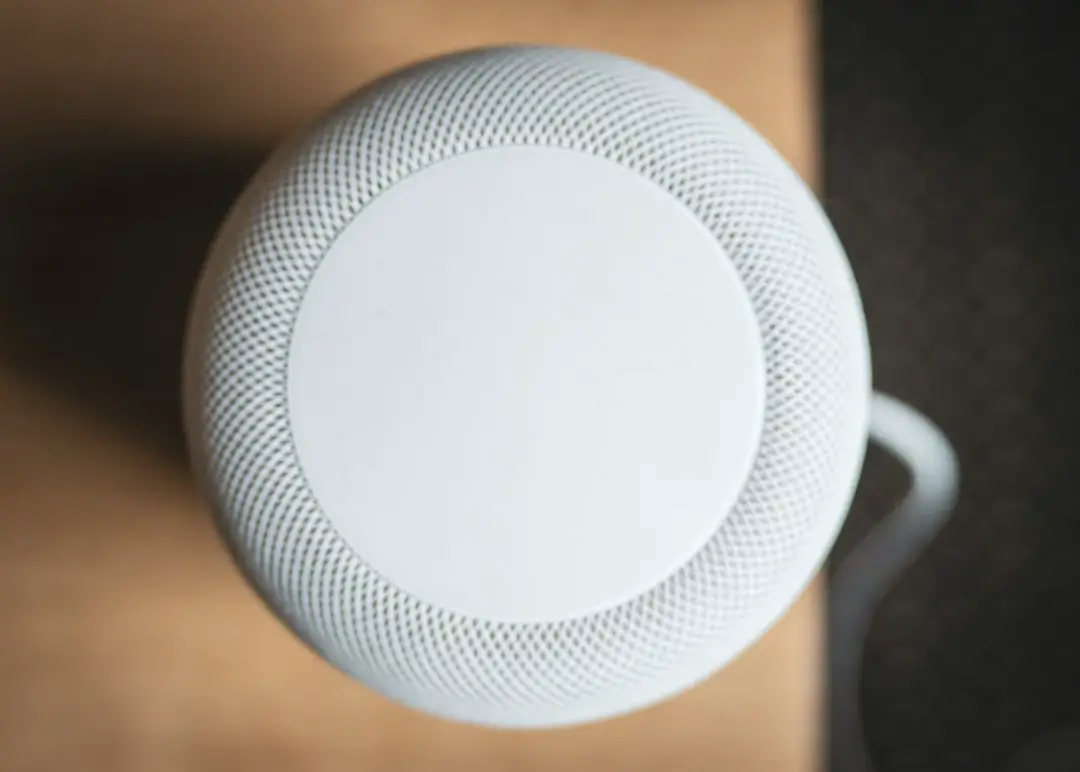
Siri is not the strongest assistant overall, but it makes sense for Apple users. It is baked into the iPhone, iPad, Mac, Apple Watch, AirPods, CarPlay, and HomePod. That access matters. A person can raise a wrist and set a reminder, send a message, start a workout, or ask for directions.
Siri also feels safer for users who care about privacy. Apple puts more focus on on-device processing and tighter data controls. For sensitive tasks, that gives Siri an edge. Asking Siri to call a family member, read a text, or start a timer feels simple and low risk.
The weaker side is flexibility. Siri is still frustrating when asked to work outside Apple’s preferred paths. It may struggle with third-party apps. It may misunderstand requests that Google handles easily. It may answer with a web result instead of a clean spoken response. Honestly, it feels like Siri often knows the phone very well but knows the wider world less well.
How they compare on common tasks
| Task | Best assistant | Why it wins |
|---|---|---|
| Answering factual questions | Google Assistant | Better search knowledge and context |
| Smart-home control | Alexa | Huge device support and strong routines |
| iPhone tasks | Siri | Deep Apple system access |
| Maps and travel | Google Assistant | Google Maps is hard to beat |
| Shopping | Alexa | Works tightly with Amazon |
| Privacy | Siri | Stronger Apple privacy model |
Which one understands speech best?
Speech recognition depends on accent, background noise, microphone quality, and room layout. In general, Google Assistant tends to be the best at understanding varied phrasing. It does not need commands to be as rigid. That makes it feel less robotic.
Alexa is strong with short commands, especially in a quiet room with an Echo device nearby. It may struggle more with unusual names, layered requests, or natural follow-ups. Siri performs well on Apple hardware, especially close-range devices like iPhone and Apple Watch. But it can still misread intent even when it hears the words correctly.
Which assistant is best for families?
Alexa is often the best family assistant at home. Echo speakers are cheap, easy to place in several rooms, and simple for children or older adults to use. Timers, reminders, announcements, music, and lights are all easy.
Google Assistant is better for families that use Android phones, Google Calendar, Google Photos, and YouTube. It is also helpful for homework-style questions, translations, and local searches.
Siri works best for Apple-heavy families. Shared reminders, family messages, Find My, and Apple Music all fit neatly. But a HomePod-based home usually costs more than an Echo-based one.

Privacy and trust
All three assistants need voice data to work well. That makes trust a serious factor. Apple has the strongest privacy image, and Siri benefits from that. Google collects more data across services, but that data also helps make the assistant more useful. Amazon sits in the middle, with strong home features but obvious shopping ties.
Users can review recordings, delete voice history, and adjust privacy settings. They should. Voice assistants sit in personal spaces. Bedrooms. Kitchens. Cars. That deserves more care than a normal app.
Final recommendation
Google Assistant is the best pick for most users because it is the most capable across everyday tasks. It answers better, handles follow-ups better, and connects well with services people already use. Alexa is the better choice for smart homes, especially budget-friendly ones. Siri is the right answer when the user lives inside Apple’s ecosystem and values privacy more than flexibility.
The most useful assistant is not always the “smartest” in a lab test. It is the one that saves time without making the user repeat the same command three times. By that standard, Google wins overall, Alexa wins the home, and Siri wins the iPhone.
FAQ
Which voice assistant is the smartest?
Google Assistant is generally the smartest for questions, context, search, travel, and natural language. It gives fewer dead-end answers than Alexa or Siri.
Is Alexa better than Google Assistant?
Alexa is better for smart-home control and Amazon shopping. Google Assistant is better for general knowledge, Maps, follow-up questions, and Google service integration.
Is Siri worth using?
Yes, Siri is worth using for Apple users. It is handy for messages, calls, reminders, timers, Apple Watch commands, CarPlay, and privacy-focused tasks.
Which assistant is best for smart homes?
Alexa is usually best for smart homes. It supports a huge range of devices and has strong routine features.
Which assistant is best for privacy?
Siri is the best choice for privacy-conscious users. Apple gives Siri tighter system controls and a stronger privacy-first reputation.
Which assistant should most people choose?
Most people should choose Google Assistant if they want the best all-round helper. Alexa is better for smart homes, while Siri is best for Apple-only users.