
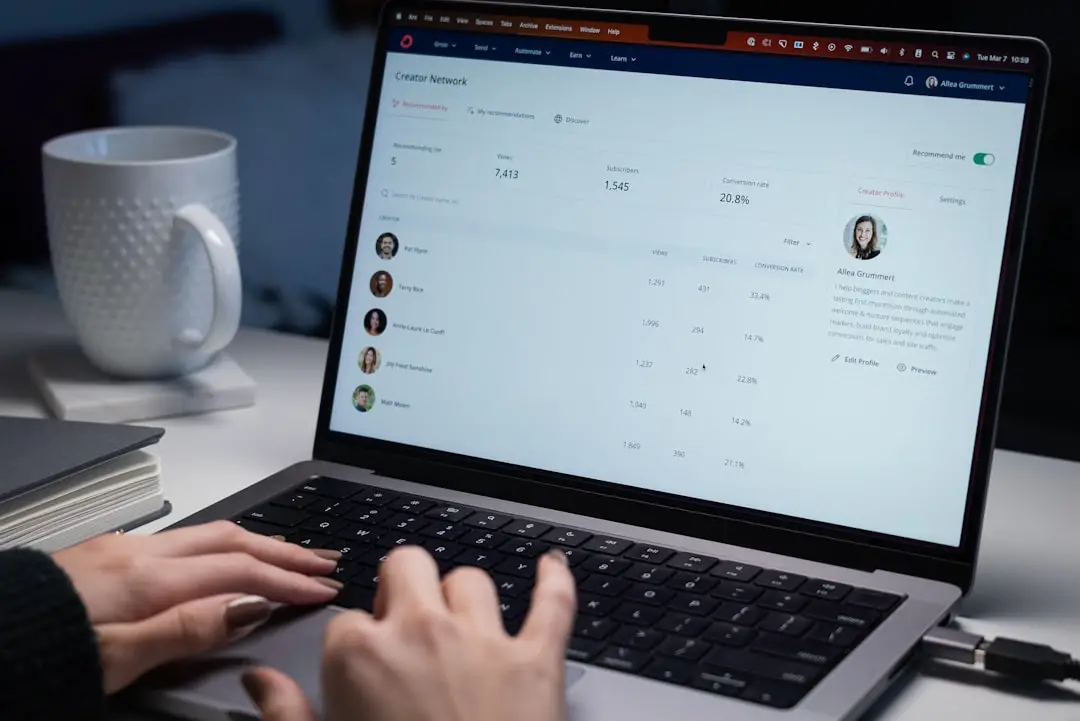
Hiring software can feel like a giant snack aisle. So many shiny boxes. So many bold promises. ApplicantStream is one of those tools that says, “Relax, I can help you move candidates from job post to hire without making a mess.”
TLDR: ApplicantStream is an applicant tracking system built to help teams post jobs, collect applications, manage candidates, and keep hiring organized. It is best for companies that want a practical ATS with recruiting workflow support, but pricing is not clearly public, so you will likely need a quote. For example, a 50-person company hiring 12 roles per year could use it to keep all resumes, interview notes, and candidate statuses in one place instead of juggling 200 files in email. If you want transparent pricing, tools like JazzHR, Breezy HR, Zoho Recruit, or Workable may be easier to compare.
What Is ApplicantStream?
ApplicantStream is an applicant tracking system, also called an ATS. That means it helps companies manage job applicants from the first click to the final offer.
Think of it like a digital hiring clipboard. But cleaner. And with fewer coffee stains.
Recruiters and HR teams can use ApplicantStream to post jobs, receive applications, review resumes, track candidate stages, and organize hiring communication. It is designed to make hiring less chaotic.
This matters because hiring can get messy fast. One job post can bring in 20 applicants. Or 200. Or 2,000 if the internet is feeling spicy.
ApplicantStream Key Features
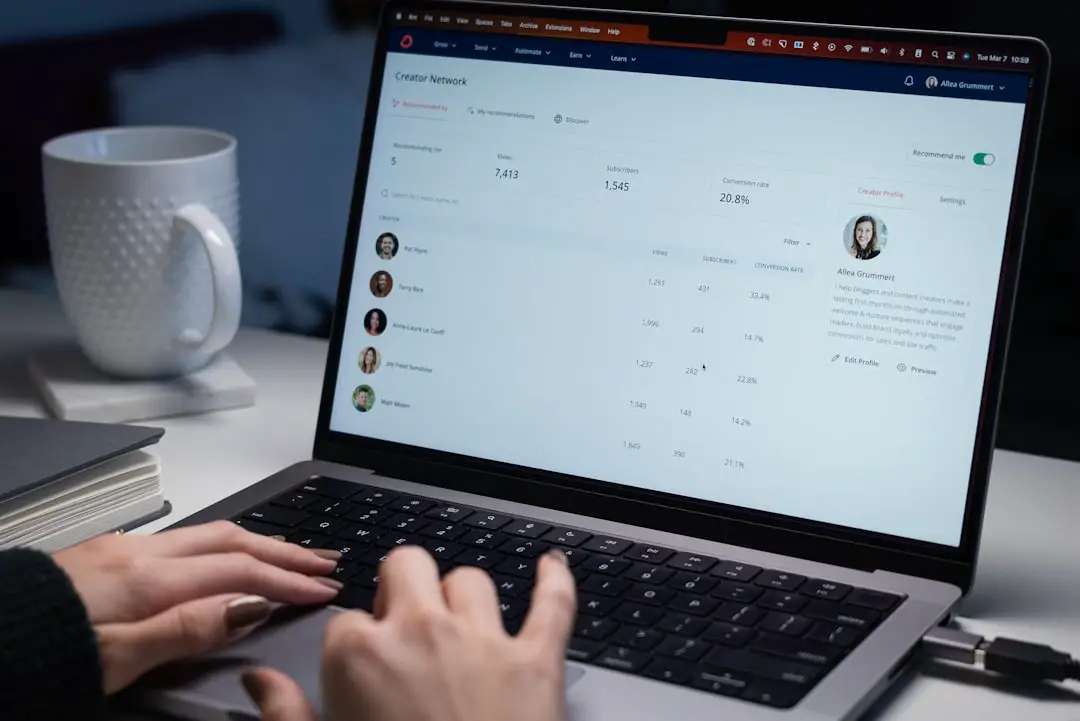
ApplicantStream includes many of the standard features you would expect from an ATS. The big goal is simple. Keep hiring moving.
- Job posting tools: Create and manage open roles from one place.
- Candidate tracking: Move applicants through stages like applied, screened, interviewed, and hired.
- Resume management: Store resumes and candidate details in a searchable system.
- Communication tools: Keep notes and messages tied to the right candidate.
- Hiring workflow: Help recruiters and managers follow the same process.
- Reporting: Review hiring activity and spot bottlenecks.
- Compliance support: Help maintain records for hiring audits and regulations.
The best feature is not one flashy button. It is the central workspace. Everyone can see what is happening. No more asking, “Did anyone call Alex?” five times a day.
Ease of Use
ApplicantStream is built for practical recruiting. It is not trying to be a spaceship. That is good news for busy HR teams.
The layout is usually focused on the hiring pipeline. Candidates enter the system. Teams review them. Then candidates move forward, pause, or get rejected. Simple.
Still, like most ATS tools, setup matters. If you build messy workflows, you get messy results. If you set up clear stages, clean templates, and user roles, the system becomes much more useful.
Pro tip: Before using any ATS, map your hiring process on paper. Yes, paper. Old school works. Then build that flow inside the software.
ApplicantStream Pricing
Here is the slightly annoying part. ApplicantStream does not appear to publish simple pricing plans publicly on its main site. That means you will likely need to contact the company for a custom quote.
This is common in HR software. Vendors often price based on things like:
- Company size
- Number of users
- Number of open jobs
- Hiring volume
- Extra services or integrations
- Contract length
Custom pricing can be good if you need a tailored setup. It can be less fun if you just want a number right now. Like ordering lunch with “market price” next to the sandwich.
Before booking a demo, prepare your questions. Ask about setup fees, monthly costs, support, training, contract terms, and cancellation rules. Also ask if job board posting costs are included or separate.
Who Is ApplicantStream Best For?
ApplicantStream may fit teams that want a dedicated hiring system without overcomplicating the process.
It can work well for:
- Small and midsize businesses that hire regularly.
- HR teams tired of tracking applicants in spreadsheets.
- Recruiters who need a central candidate database.
- Companies with compliance needs that must keep hiring records organized.
It may be less ideal for very tiny teams hiring once a year. In that case, a simpler or lower-cost tool may be enough.
It may also be less ideal if you need published prices before speaking to sales. Some buyers want quick checkout. ApplicantStream may require a conversation first.

Pros and Cons
Pros
- Centralized hiring: Resumes, notes, and stages live in one place.
- Good for process control: Teams can follow a repeatable hiring flow.
- Useful for growing companies: It can replace inbox chaos.
- Candidate history: Past applicants can stay searchable.
- Reporting features: Managers can see hiring activity more clearly.
Cons
- No obvious public pricing: You may need a quote.
- Setup takes planning: The tool is only as clean as your workflow.
- May be too much for rare hiring: Very small teams may not need it.
- Feature depth depends on package: Always confirm what is included.
ApplicantStream Alternatives
ApplicantStream is not the only ATS in the playground. Plenty of other tools want to help you hire your next superstar. Or at least someone who replies to interview emails.
1. Workable
Workable is a popular ATS with job posting, candidate sourcing, interview kits, automation, and reporting. It is known for being polished and fairly easy to use.
It is a strong choice for teams that want a modern interface and many integrations. Pricing is usually clearer than fully custom enterprise tools, but plans and rates can change. Always check the latest details.
2. JazzHR
JazzHR is a favorite for small and midsize businesses. It offers job posting, candidate tracking, interview scheduling, offer management, and team collaboration.
It often appeals to companies that want a straightforward ATS without enterprise-level complexity. Pricing is usually plan-based, which makes comparison easier.
3. Breezy HR
Breezy HR is colorful, visual, and pipeline-friendly. Candidates move through stages like cards on a board. It feels simple and friendly.
It is a good option for teams that like drag-and-drop hiring workflows. Breezy also offers a free plan for basic needs, though growing teams usually need paid features.
4. Zoho Recruit
Zoho Recruit is part of the larger Zoho software family. It works for both in-house HR teams and staffing agencies.
It can be cost-effective, especially if your company already uses Zoho apps. It includes candidate tracking, resume parsing, job posting, custom workflows, and automation.
5. Greenhouse
Greenhouse is a more advanced ATS. It is popular with scaling companies that care deeply about structured hiring.
It offers strong interview planning, scorecards, reporting, integrations, and candidate experience tools. Pricing is usually custom, so it may suit larger budgets better.
6. Lever
Lever combines ATS features with candidate relationship management, often called CRM. That means it helps teams track applicants and nurture future candidates.
It is useful for companies that recruit proactively. If you build talent pipelines months before hiring, Lever may be worth a look.

How to Choose the Right ATS
Do not pick an ATS just because it has the prettiest dashboard. Pretty is nice. Useful is better.
Ask these questions first:
- How many people do we hire each year?
- How many users need access?
- Do we need job board posting?
- Do we need interview scheduling?
- Do we need compliance reports?
- Do hiring managers need easy review tools?
- What is our monthly or yearly budget?
If you hire a few people per year, keep it simple. If you hire every month, invest in better workflows. If you hire at high volume, reporting and automation become very important.
Final Verdict
ApplicantStream is a solid option for companies that want to organize hiring in one place. It covers the basics that matter. Job posts. Applications. Candidate tracking. Team notes. Reports.
Its biggest weakness is pricing visibility. Many buyers want to compare costs quickly. ApplicantStream makes that harder if public prices are not available.
Still, it may be a good fit if you want a practical ATS and are willing to speak with sales. Just ask clear questions. Get the full quote. Confirm the features. Then compare it with alternatives like Workable, JazzHR, Breezy HR, Zoho Recruit, Greenhouse, and Lever.
In short, ApplicantStream can help turn hiring from a messy junk drawer into a neat little toolbox. And that is a beautiful thing.