
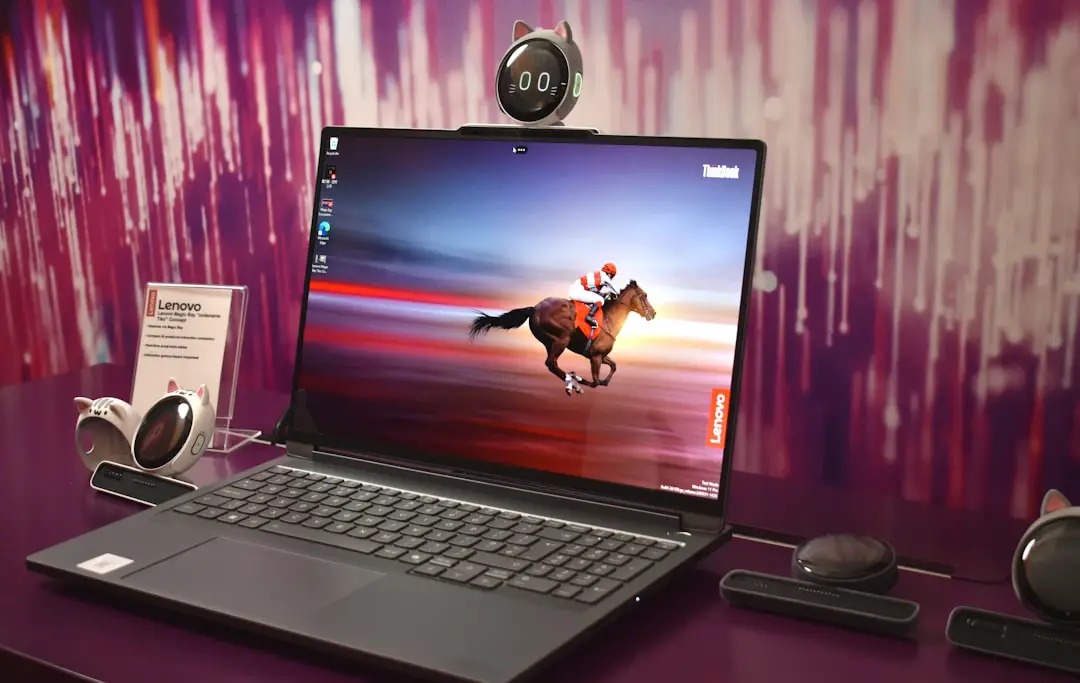
The Lenovo Legion Pro 5i is widely regarded as a high-performance gaming and productivity laptop, offering powerful Intel processors and dedicated NVIDIA graphics in a relatively compact chassis. As workloads such as video editing, 3D rendering, virtual machines, and modern gaming continue to demand more memory, many users are asking a crucial question: can the Lenovo Legion Pro 5i support 64GB of RAM? The answer depends on the specific configuration, chipset, BIOS limitations, and memory module support.
TL;DR: Most recent Lenovo Legion Pro 5i models can support up to 64GB of RAM, provided they are equipped with two DDR5 SODIMM slots and an Intel platform that allows high-capacity modules. However, official specifications sometimes list lower maximums than the hardware can practically handle. BIOS version, generation year, and RAM speed compatibility all play a critical role. Always verify your exact model number before upgrading.
Understanding the Lenovo Legion Pro 5i Memory Architecture
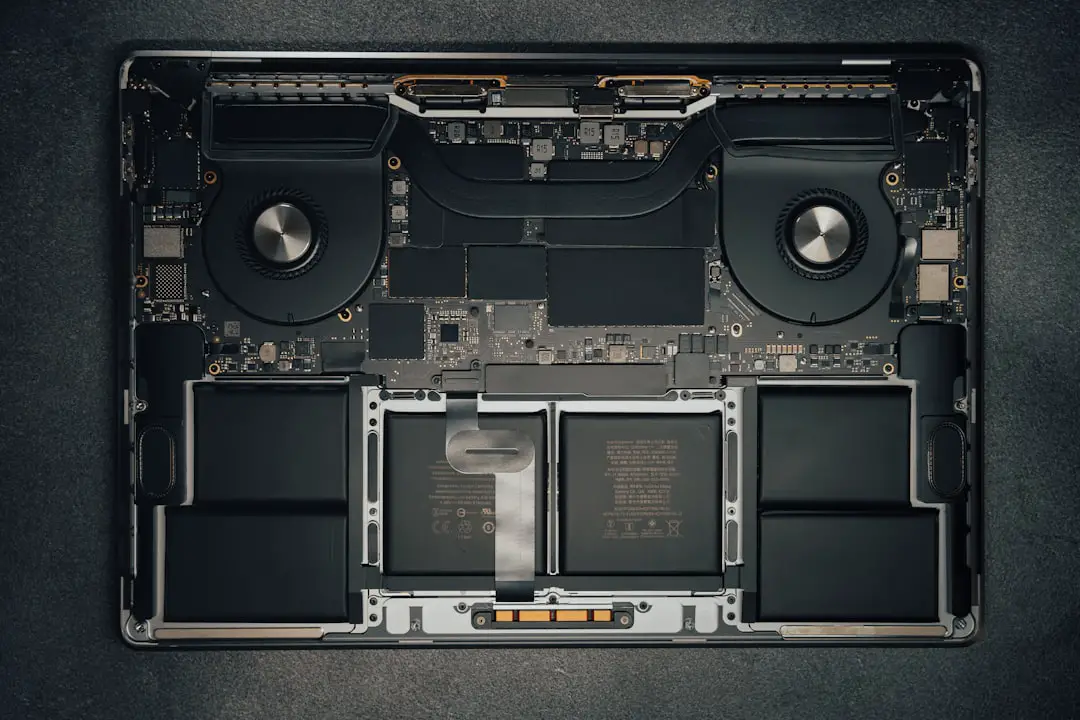
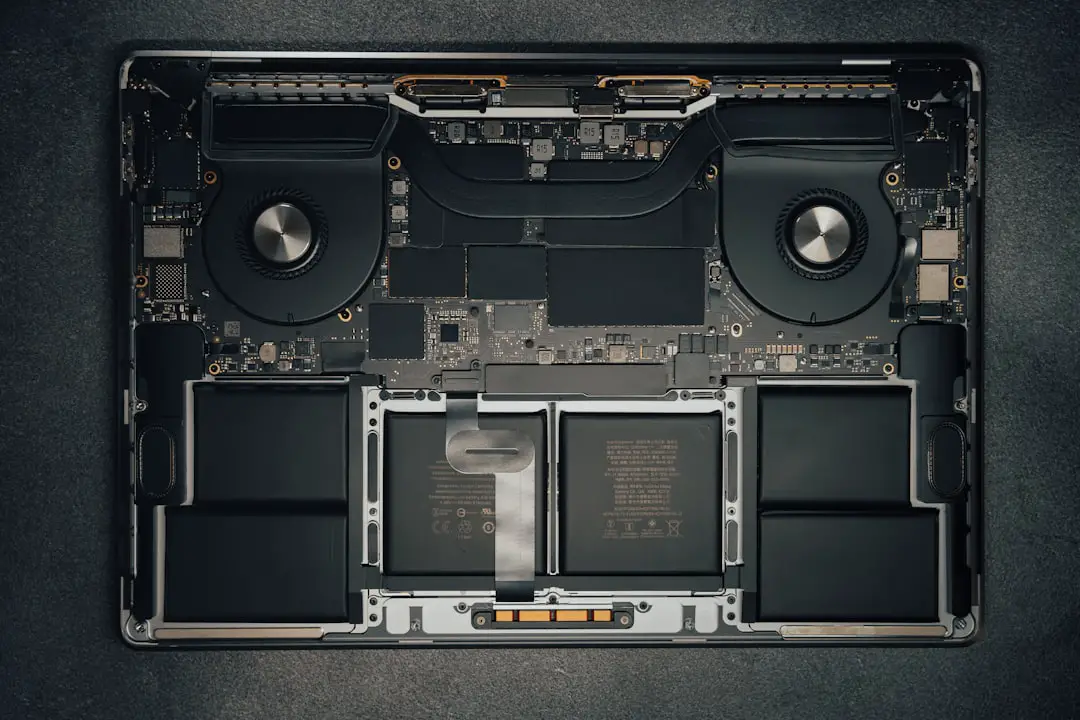
The Legion Pro 5i typically comes with two SODIMM slots, allowing memory upgrades. Unlike ultrabooks with soldered RAM, this series is designed with serviceability in mind, which makes it attractive for users who anticipate future performance upgrades.
Most 2023 and 2024 models are built on:
- 13th or 14th Gen Intel Core i7 or i9 processors
- Intel HM770 chipset (or similar)
- DDR5 memory support
These platforms are inherently capable of supporting large amounts of memory. In many cases, Intel’s CPU memory controller supports up to 64GB or even 96GB depending on the processor variant. However, the theoretical maximum supported by the CPU is not always equal to Lenovo’s official rating.
Official Lenovo Specifications vs Real-World Limits
Lenovo often lists official memory support limits such as:
- 32GB maximum (2x16GB)
- 64GB maximum (2x32GB)
The difference usually depends on when the product documentation was created and what memory modules were widely available at that time. In several cases across Lenovo’s lineup, laptops initially advertised with a 32GB maximum were later confirmed by users and technicians to successfully run 64GB configurations.
This happens because:
- The BIOS firmware supports higher-density memory modules.
- Intel’s integrated memory controller allows it.
- Testing was limited to commonly available modules at launch.
Still, not all Legion Pro 5i variants behave the same way. Exact model numbers matter.
How to Determine If Your Legion Pro 5i Supports 64GB
Before purchasing memory, you should verify three critical elements:
1. Exact Model Number
Check the sticker on the bottom panel or in Windows by typing msinfo32. Look for identifiers such as:
- 16IRX8
- 16IRX9
- 82WKxxxx
These numbers determine motherboard revision and chipset generation.
2. Processor Memory Support
Visit Intel’s official ARK database and confirm your CPU’s maximum supported memory. Many 13th Gen Intel HX processors support:
- Up to 128GB (theoretical)
- DDR5 4800MT/s or faster
If the processor itself supports 64GB or more, that is a strong indicator your laptop likely can as well.
3. BIOS Version
BIOS firmware can artificially limit recognized memory capacity. Updating to the latest Lenovo BIOS version is strongly recommended before installing 64GB.
DDR5 vs DDR4 Considerations
Older Legion 5i models used DDR4 memory. Newer Legion Pro 5i generations typically use DDR5. The distinction matters because:
- DDR4 models usually top out at 64GB (2x32GB).
- DDR5 modules may allow higher density support.
- DDR5 speeds vary (4800, 5200, 5600 MT/s).
You cannot mix DDR4 and DDR5 memory. Always match your laptop’s original memory type.
Common Supported 64GB Configurations
For most Legion Pro 5i models that support 64GB, the correct setup is:
- 2x32GB DDR5 SODIMM
- Matched speed (example: 5600MT/s if supported)
- Same voltage specifications
- Non-ECC, unbuffered memory
It is strongly recommended to purchase a matched kit rather than two separate modules to avoid compatibility inconsistencies.
BIOS Limits and Firmware Behavior
Even when hardware allows 64GB, BIOS behavior determines whether the system properly initializes and runs the memory without instability.
Lenovo Legion BIOS generally:
- Automatically detects installed memory.
- Adjusts speed to supported maximum.
- Does not offer advanced XMP configuration options in most models.
This means memory typically runs at JEDEC speeds rather than enthusiast overclocked profiles. Stability is prioritized over customization.
If the BIOS does not recognize the full 64GB, potential causes include:
- Outdated BIOS firmware
- Incompatible memory rank configuration
- Faulty module
Updating BIOS before installation significantly reduces risk.
Step-by-Step Upgrade Overview
Upgrading RAM in the Legion Pro 5i is straightforward but requires careful handling.
- Power off and unplug the laptop.
- Remove bottom panel screws.
- Disconnect battery internally (recommended).
- Release side clips on existing SODIMMs.
- Install new 32GB modules at angle and press firmly.
- Reassemble and boot into BIOS to confirm detection.
After booting into Windows, verify memory recognition in:
- Task Manager → Performance → Memory
- System Information
Performance Benefits of 64GB RAM
Not every user needs 64GB. However, in certain workloads, the improvement is substantial.
Gaming:
- Minimal improvement over 32GB for most titles.
- Useful for heavy modding and background multitasking.
Content Creation:
- 8K video editing becomes smoother.
- Premier Pro, DaVinci Resolve benefit from large cache.
- After Effects compositions render more reliably.
Virtualization and Development:
- Multiple virtual machines run simultaneously.
- Large datasets processed in-memory.
- Data science workflows benefit significantly.
Thermal and Power Considerations
Increasing RAM capacity does not significantly impact thermals. DDR5 SODIMM modules consume relatively low power compared to CPU and GPU components.
However:
- Higher capacity dual-rank modules may draw slightly more power.
- Battery life differences are typically minimal.
- System stability depends more on memory quality than capacity.
Potential Compatibility Issues
Despite broad support, certain issues may arise:
1. Mixed Memory Speeds
If you combine modules with different speeds, the system will downclock to the slowest module.
2. Single vs Dual Rank Differences
Some systems behave differently with dual-rank 32GB modules. Most modern Legion Pro 5i units handle them properly, but memory QVL lists are limited in laptops.
3. Unsupported High-Speed Kits
Purchasing 6000MT/s kits may result in downclocking if the CPU officially supports 5600MT/s maximum.
Does Lenovo Void Warranty for RAM Upgrades?
Typically, upgrading RAM does not void warranty as long as:
- No physical damage occurs during installation.
- You reinstall original memory before sending the unit for service.
However, policies vary by region. Consulting Lenovo’s support documentation for your country is advisable.
Practical Recommendation
If your Legion Pro 5i:
- Uses 13th or 14th Gen Intel HX processor
- Has two DDR5 SODIMM slots
- Runs latest BIOS version
Then upgrading to 64GB (2x32GB) is highly likely to work without issue.
For older DDR4-based 5i models, 64GB is also commonly supported, though checking CPU and chipset documentation remains essential.
Final Verdict
The Lenovo Legion Pro 5i can support 64GB of RAM in most modern configurations, provided hardware and BIOS versions align with high-density modules. While official documentation may occasionally list lower limits, real-world testing and platform capabilities show that 2x32GB setups are broadly compatible across recent generations.
For users engaged in professional content creation, software development, scientific computing, or heavy multitasking, a 64GB upgrade transforms the Legion Pro 5i into a true workstation-class machine. For pure gaming, 32GB often remains sufficient, making 64GB a forward-looking upgrade rather than a necessity.
As always, confirm your exact model, update BIOS firmware, and choose high-quality matched memory kits to ensure maximum stability and performance.