
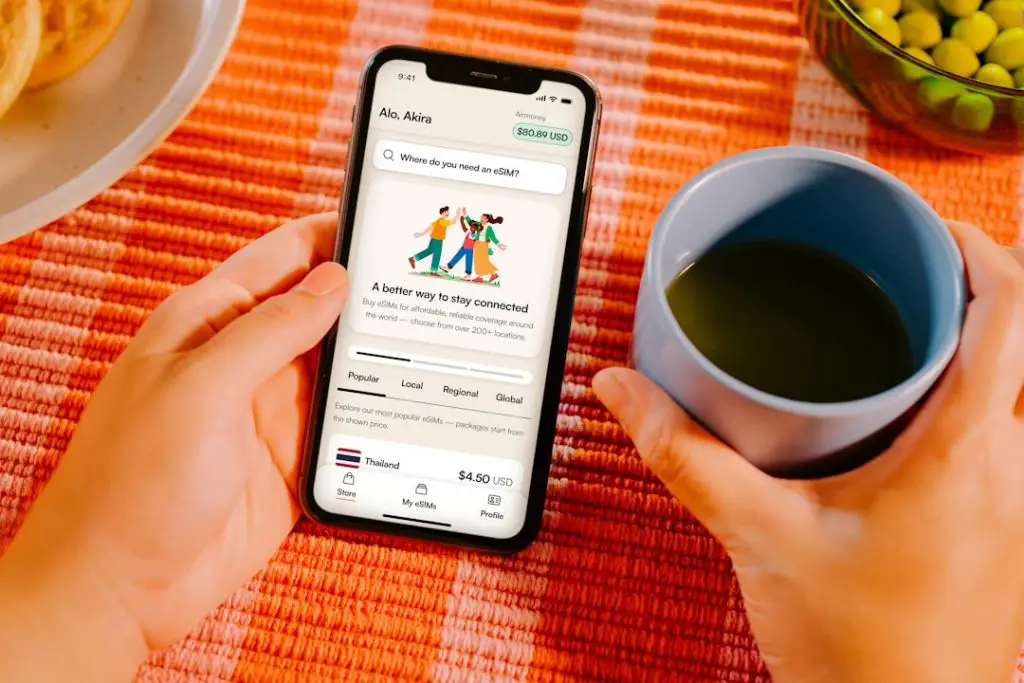
Choose Cronometer if accuracy matters most, and choose MyNetDiary if you want a calmer, simpler daily tracker. Both can help you treat nutrition like a budget: planned intake, actual intake, trends, and small corrections. That matters because the CDC says only about 1 in 10 U.S. adults eat enough fruits and vegetables [source: CDC]. A tracker will not fix habits by itself, but it can show where your routine is leaking time, money, energy, and calories.
TLDR: For most people, MyNetDiary is the easiest daily choice, while Cronometer is better for serious nutrient tracking. If you spend $12 on lunch and log 850 calories, the app can help you spot both a food pattern and a budget pattern. A useful goal is simple: log meals at least 5 days per week for 30 days, then review weight, protein, fiber, sodium, and spending on takeout. If logging takes more than 3 minutes per meal, you will likely stop using the app.
What “personal finance tracker” thinking has to do with food apps
A money tracker works because it shows categories and trends. Food apps do the same. You record inputs, see totals, and adjust before small choices become expensive habits.
The best app is not the one with the longest feature list. It is the one you will open when you are tired, hungry, and annoyed. Honestly, it feels like some apps forget that dinner happens in real life, not in a spreadsheet.

1. MyNetDiary: best for simple calorie and weight tracking
MyNetDiary is strong for people who want direct feedback without feeling buried. The dashboard is clean. Food logging is fast. Weight goals, calorie targets, water, macros, and basic exercise logs are easy to find.
It is a good fit if you want a food diary that feels close to a personal budget app. You set a goal. You track daily. You review progress. The paid plan adds more diet plans, deeper reports, and more coaching tools.
- Best for: weight loss, calorie tracking, basic habit checks.
- Strength: simple interface and useful reports.
- Weak spot: advanced micronutrient tracking is not as deep as Cronometer.
2. Cronometer: best for nutrient detail
Cronometer is the serious option. It tracks calories, macros, vitamins, minerals, amino acids, and more. This is helpful for athletes, people with medical nutrition plans, and anyone who wants more than “carbs, fat, protein.”
The USDA FoodData Central database contains nutrient data for thousands of foods [source: USDA], and Cronometer’s appeal is that it treats data quality with care. That makes it useful if accuracy is your main concern.
The catch is the app can feel less casual. You may spend extra time picking the right food entry. That is good for precision, but annoying when you just want to log breakfast before work.
- Best for: nutrient targets, medical diets, athletic plans.
- Strength: strong micronutrient detail.
- Weak spot: more effort than lighter trackers.
5 more apps for nutrition and daily habits
3. MyFitnessPal
MyFitnessPal has a huge food database and a strong community feel. It works well for calorie counting and macro tracking. Expect to waste time on duplicate or odd food entries, though. It drives me crazy when a simple item has ten versions with different numbers.
4. Lose It
Lose It is friendly and focused. It is a solid pick if weight loss is your main goal. The app uses a calorie budget model that feels familiar if you already track spending. Its barcode scanner and meal patterns can save time.
5. Yazio
Yazio is polished and easy to read. It supports fasting, meal plans, calories, and macros. It is a good option for people who want structure without a clinical feel.
6. Lifesum
Lifesum mixes food tracking with meal inspiration. It is less intense than Cronometer. It is better for people who want gentle guidance, recipes, and visual feedback.
7. Habitica
Habitica is not a nutrition tracker first. It turns habits into a game. Use it for water, walking, sleep, meal prep, or “no takeout” days. It can pair well with MyNetDiary or Cronometer if motivation is your weak spot.
How to choose without overthinking it
- If you want easy daily logging: pick MyNetDiary.
- If you need nutrient precision: pick Cronometer.
- If you want the biggest food database: try MyFitnessPal.
- If weight loss is the only goal: try Lose It.
- If you want fasting plus meals: try Yazio.
- If you want lighter coaching: try Lifesum.
- If you need habit motivation: add Habitica.
Use a 14-day test. Log the same breakfast, lunch, dinner, snack, water, and weight in two apps. Track how long it takes. Also check whether the reports answer your real question. That question might be “Why am I always over calories?” or “Why did grocery spending rise 18% this month?”
The same review method works for bigger software choices too. Good tool selection is about data quality, time saved, and useful reporting. That is true when comparing enterprise asset management software, testing AI overview rank tracking tools, or reviewing brand tracking tools. The scale changes. The discipline stays the same.
Privacy and cost checks
Before paying, read what data the app collects. Food, weight, health goals, and exercise can be sensitive. Turn off sharing features you do not need. Use app permissions carefully.
Also check the real yearly price, not just the monthly hook. A $9.99 monthly plan is about $120 per year. If the app saves you two unused takeout meals per month, it may pay for itself. If you stop opening it after a week, it is just another subscription.
Bottom line: Start with MyNetDiary for ease or Cronometer for detail. Add one habit app only if you need it. Keep the system small, or you will quit before the data becomes useful.