

ConvertKit is the better choice for most creators selling digital products directly from email. Mailchimp is stronger for broad small-business marketing, retail brands, and teams that need polished campaign tools. But if you sell ebooks, templates, paid newsletters, workshops, presets, or courses, ConvertKit usually gets you from idea to paid offer with less friction.
TLDR: Choose ConvertKit if your main goal is to sell digital products through email funnels, creator-style landing pages, and simple automations. Choose Mailchimp if you need richer design options, ecommerce integrations, and multi-channel campaigns for a broader business. For example, a creator with a 5,000-person list selling a $49 template pack may see better speed with ConvertKit: one landing page, one checkout, and a 5-email sequence can be live in a few hours. A retail brand with 25,000 contacts, Shopify data, and seasonal promotions may get more value from Mailchimp’s reporting and store integrations.
Best Overall Pick for Digital Product Sellers
ConvertKit wins for direct digital product sales. Its tools are built around creators who earn from audiences. That matters. Selling digital products is not just about sending newsletters. You need landing pages, opt-in forms, tagging, purchase triggers, nurture sequences, and clean checkout flows.
ConvertKit keeps that path fairly simple. You can build a landing page, collect email addresses, tag subscribers by interest, sell a digital product, and follow up based on behavior. The whole system feels made for solo operators and small teams.
Mailchimp can do much of this, but it often needs more setup. It works best when paired with an ecommerce store or third-party sales tool. That is not bad. It just adds more moving parts. Honestly, it feels like Mailchimp wants to serve everyone, while ConvertKit is comfortable serving creators.


Where ConvertKit Is Stronger
ConvertKit’s main strength is sales-focused simplicity. It does not overwhelm you with endless design panels or campaign paths. You create the offer, build the page, set the automation, and send the emails.
- Built-in product selling: ConvertKit Commerce lets creators sell digital products and subscriptions without building a full online store.
- Clean automations: Visual automations are easy to understand. Tags, forms, purchases, and sequences connect in a readable way.
- Creator-friendly landing pages: Pages are simple, fast, and good enough for ebooks, guides, workshops, and paid content.
- Subscriber-first pricing logic: ConvertKit focuses on subscribers, not bloated audience lists full of duplicates.
- Good fit for content marketing: Bloggers, YouTubers, podcasters, coaches, and educators will feel at home.
The automation system is a major reason creators choose ConvertKit. If someone downloads a free checklist, you can tag them as interested in a topic. Then you can send a 5-day email sequence. If they buy, they are removed from the sales pitch and moved into an onboarding sequence. That is the flow digital product sellers need every week.
Where Mailchimp Is Stronger
Mailchimp is better for brands that care about design, multi-channel campaigns, and ecommerce reporting. Its email builder is more polished. Templates look sharper out of the box. Teams that send newsletters, product updates, coupons, surveys, and store campaigns may prefer it.
Mailchimp also has a wider set of business marketing tools. You can manage email campaigns, landing pages, basic customer journeys, audience segments, ads, social posting, and integrations with stores such as Shopify, WooCommerce, and BigCommerce.
That said, selling a simple PDF or mini-course can feel heavier than it should. Expect to waste time on connecting tools if you do not already have a store. You may need a checkout platform, delivery tool, or integration layer. For a creator trying to sell a $29 workbook this week, that extra setup is annoying.
Ease of Use
ConvertKit is easier for creator funnels. The interface uses plain concepts: forms, broadcasts, sequences, tags, and automations. Once you understand tags, most of the system makes sense.
Mailchimp is easier for visual campaign design. Its drag-and-drop editor is stronger. If your emails need branded sections, product blocks, banners, and frequent layout changes, Mailchimp has the edge.
The practical question is simple: Do you need a prettier campaign builder, or do you need a faster sales funnel? For digital products, speed often wins. A plain email that sells clearly can beat a beautiful campaign that took three days to assemble.

Automation and Segmentation
Both platforms support segmentation, but they think about it differently.
ConvertKit uses tags and sequences in a way that fits creator sales. You can tag subscribers by lead magnet, interest, product purchase, webinar attendance, or link click. Then you can send highly relevant emails without building a complex database.
Mailchimp offers strong audience segmentation, especially with ecommerce data. You can target people by purchase history, predicted demographics, engagement, location, and store activity, depending on your plan and integrations.
For example, a Mailchimp user with Shopify connected can send a campaign to people who bought Product A but not Product B. That is useful for stores. A ConvertKit user can do similar work with tags, but the setup usually feels more natural for content-based selling.
Checkout and Digital Delivery
This is where the gap becomes clear.
ConvertKit can sell digital products natively. You can create a product page, accept payments, and deliver the file or access link. This is ideal for:
- ebooks
- Notion templates
- PDF guides
- paid newsletters
- workshop replays
- audio files
- small courses
Transaction costs and availability can vary, so check current terms before launch. Still, the native selling option is a major benefit.
Mailchimp usually works better when another platform handles the sale. You can connect a store or checkout tool, then use Mailchimp for promotion and follow-up. This is a good setup for larger catalogs. It is less ideal for a solo creator selling one or two products.
Pricing Considerations
Pricing changes often, so the safest move is to compare current plan pages before signing up. Still, the pattern is clear.
ConvertKit can feel expensive as your list grows, but the value is strong if your list earns revenue. A 3,000-subscriber list that brings in $2,000 per month from templates or courses can justify the cost.
Mailchimp can look cheaper at first, but costs rise with contacts, features, and sending needs. Also watch how each tool counts contacts. Paying for inactive or duplicate contacts can quietly hurt margins.
A serious seller should track revenue per subscriber, not just software cost. If 10,000 subscribers generate $0.40 per subscriber per month, that is $4,000 monthly revenue. A platform that improves conversions by even 8% could add $320 per month. That matters more than saving $20 on a plan.
Reporting and Analytics
Mailchimp has stronger general reporting. It gives useful campaign metrics, ecommerce reports, audience insights, and comparative data. For store owners and marketing teams, that depth is helpful.
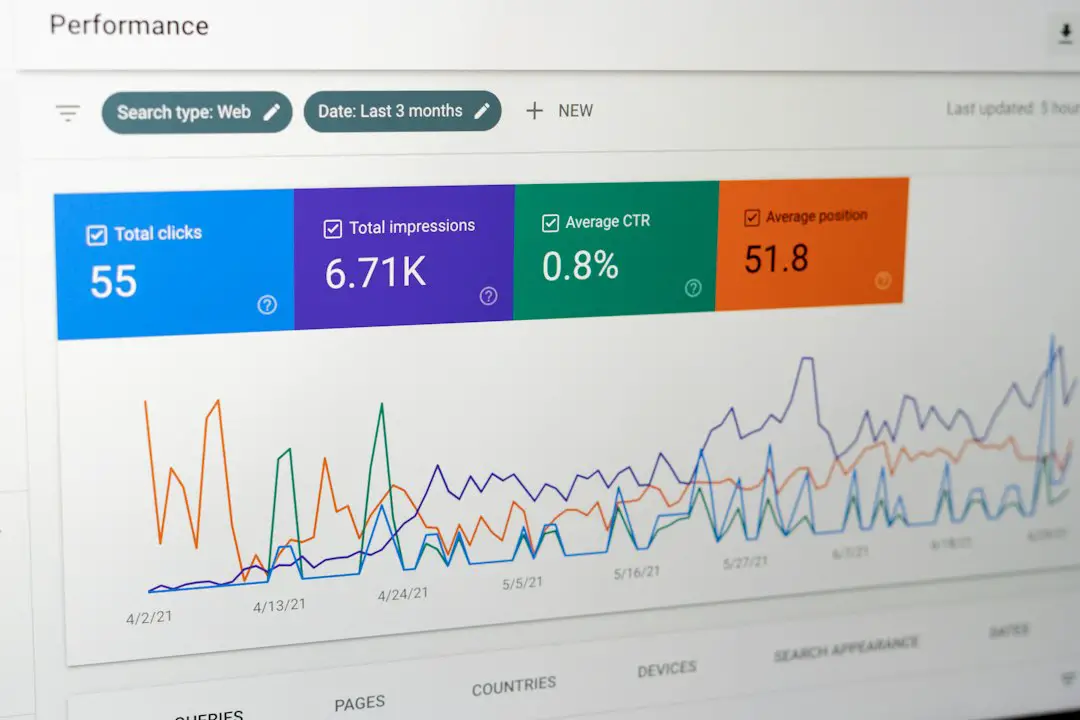
ConvertKit gives the key creator metrics without much clutter. You can monitor subscribers, open rates, click rates, purchases, and sequence performance. It is enough for most digital product sellers, though advanced analysts may want more detail.
Do not obsess over open rates alone. Apple Mail Privacy Protection and similar features can distort them. Clicks, purchases, refund rates, and revenue per email are more reliable. If one launch email earns $1,450 from 312 clicks, that tells you far more than a 44% open rate.

Who Should Choose ConvertKit?
Choose ConvertKit if you are:
- a creator selling one to ten digital products
- a coach or consultant selling workshops or resources
- a writer building a paid newsletter or ebook funnel
- a course creator who wants simple email automation
- a solo founder who values speed over heavy customization
ConvertKit is best when email is the center of your business. It helps you turn attention into trust, then trust into sales.
Who Should Choose Mailchimp?
Choose Mailchimp if you are:
- running an ecommerce store with many products
- working with a team that needs branded campaigns
- sending frequent promotions across customer types
- using Shopify, WooCommerce, or similar platforms
- focused on broader marketing, not only digital products
Mailchimp is a better fit when digital products are only one part of a wider sales operation.
Final Recommendation
For most digital product sellers, ConvertKit is the safer and faster choice. It reduces setup work, connects email to sales cleanly, and supports creator-style growth. Mailchimp remains a strong platform, especially for ecommerce brands and teams that need polished campaign design.
If your business is built around an audience, choose ConvertKit. If your business is built around a store, choose Mailchimp. That one distinction will solve the decision for most sellers.