
Building a brand is exciting. But designing a logo can feel scary. Many entrepreneurs and creators think they need to hire a designer or learn complicated software. The good news? You don’t. Today, there are easy logo design tools that help you create something beautiful in minutes. No design degree required.
TL;DR: You don’t need to be a designer to create a professional logo. Many easy-to-use tools like Canva, Looka, and Wix Logo Maker help you design fast. They offer templates, AI support, and drag-and-drop features. Pick the one that matches your budget, style, and goals.
Let’s break it all down in a simple way. We’ll look at the best tools. We’ll talk about features. And we’ll help you choose the right one.
Why Your Logo Matters
Your logo is your brand’s face. It’s often the first thing people see. A good logo builds trust. It makes you look professional. It helps people remember you.
Think about big brands. You recognize them instantly. That little symbol becomes powerful over time.
A strong logo should be:
- Simple
- Easy to read
- Scalable (looks good in big and small sizes)
- Relevant to your industry
- Memorable
The good news? Modern tools make this easy.

What Makes a Logo Tool “Easy”?
Before we list the tools, let’s define “easy.”
An easy logo design tool should:
- Have drag-and-drop features
- Offer ready-made templates
- Provide font and color suggestions
- Export high-quality files
- Not require technical skills
Bonus points if it includes AI. Artificial intelligence can generate logo ideas based on your business name and industry. This saves time and reduces guesswork.
Top Easy Logo Design Tools
1. Canva
Canva is extremely popular. And for good reason. It’s simple. It’s clean. It’s beginner-friendly.
You can start with a logo template and customize everything. Change fonts. Colors. Icons. Layout.
Why people love it:
- Huge template library
- Drag-and-drop interface
- Free version available
- Works in your browser
Best for: Creators, small business owners, social media brands.
Downside? Some logo icons are used often. So you must customize to stand out.
2. Looka
Looka uses AI. You enter your business name. Choose colors. Pick styles you like. The platform generates logo options instantly.
It feels almost magical.
Why people love it:
- AI-powered designs
- Professional results
- Brand kit options
- Modern styles
Best for: Startups wanting a fast and polished result.
It’s not fully free. You pay to download high-resolution files.
3. Wix Logo Maker
Wix is known for website building. But their logo maker is excellent too.
It uses AI to ask questions about your brand. Then it generates custom designs.
Why people love it:
- Easy questionnaire process
- Customizable results
- Affordable pricing
- Great if you also use Wix for websites
Best for: Entrepreneurs building both a website and a brand.
4. Adobe Express
Adobe might sound advanced. But Adobe Express is made for beginners.
It offers logo templates that look clean and modern. You can tweak fonts and icons easily.
Why people love it:
- High-quality design assets
- Free starter plan
- Simple editing tools
- Strong brand credibility
Best for: Creators who want slightly more polished visuals.
5. Tailor Brands
Tailor Brands is another AI-powered platform. It creates logos based on your preferences.
It focuses heavily on branding packages. Not just logos.
Why people love it:
- Smart AI system
- Complete brand kits
- Business tools included
Best for: Entrepreneurs launching a full brand.

Comparison Chart
| Tool | Free Option | AI Powered | Best For | Ease of Use |
|---|---|---|---|---|
| Canva | Yes | No | Social media brands | Very Easy |
| Looka | No (preview free) | Yes | Startups | Very Easy |
| Wix Logo Maker | No (preview free) | Yes | Website owners | Easy |
| Adobe Express | Yes | No | Content creators | Easy |
| Tailor Brands | No | Yes | Full business branding | Easy |
How to Choose the Right Tool
Not sure where to start? Ask yourself these simple questions:
- Do I want AI to generate ideas for me?
- Do I need a full brand kit?
- What is my budget?
- Do I want total creative control?
If you love experimenting, Canva may be enough. If you want automation, try Looka or Tailor Brands.
Simple Logo Design Tips
No matter which tool you use, follow these rules.
1. Keep It Simple
Don’t overload your logo. Too many colors confuse people. Too many fonts look messy.
2. Choose Fonts Carefully
Fonts send messages. Serif fonts feel traditional. Sans-serif fonts feel modern. Script fonts feel elegant.
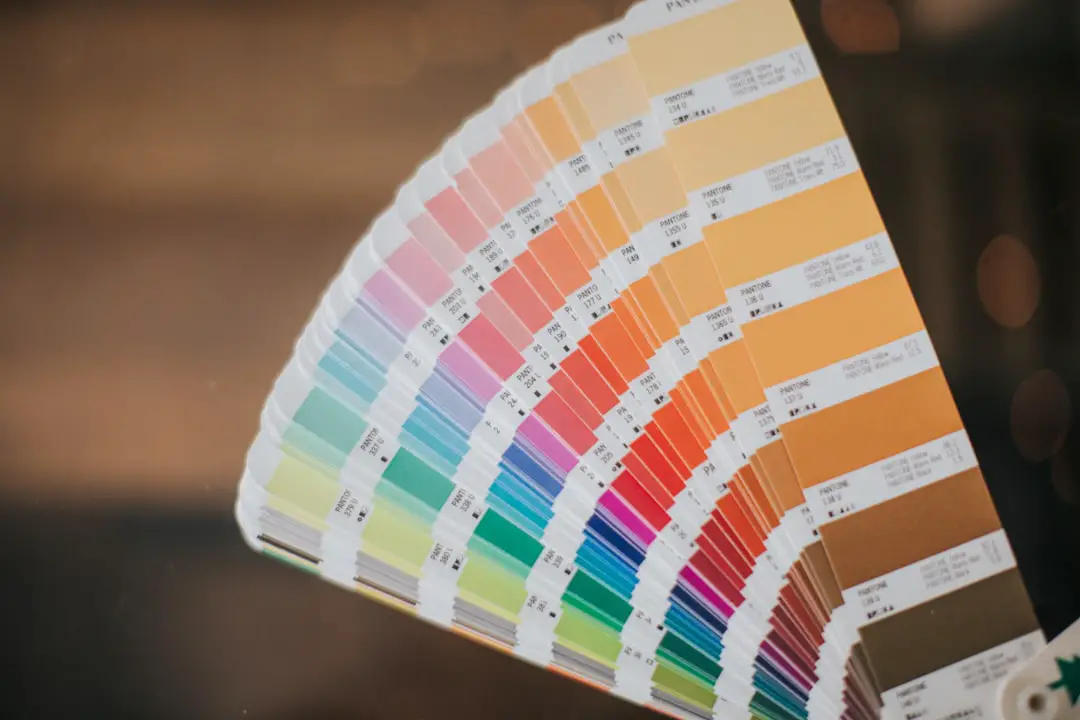
3. Limit Colors
Use two or three colors max. Make sure they look good in black and white too.
4. Think About Scalability
Your logo should look good on a business card. And on a billboard.
5. Test It
Show friends. Ask for feedback. Sometimes fresh eyes help.

Common Mistakes to Avoid
Many beginners make the same errors. You don’t have to.
- Copying another brand too closely
- Following short-term trends
- Using low-resolution files
- Ignoring readability
- Changing logos too often
A logo should grow with your brand. Not change every month.
Free vs Paid: Is It Worth Paying?
Free tools are great for starting out. If you’re testing an idea, free is fine.
But if you are building a serious business, paying for high-resolution files is smart. You’ll need:
- PNG files with transparent background
- Vector files like SVG or EPS
- Color and black versions
These formats matter for printing and professional use.
When Should You Hire a Designer?
Easy tools are amazing. But they’re not perfect for everyone.
You may want a professional designer if:
- You have a large budget
- You need a very unique brand identity
- You are in a highly competitive industry
- You want deep strategy behind your branding
For most early-stage entrepreneurs, though, DIY tools work beautifully.
Final Thoughts
Logo design does not have to be stressful. It can actually be fun.
Today’s easy logo design tools give entrepreneurs and creators real power. You can experiment. You can test ideas. You can launch fast.
Start simple. Pick a tool. Play with templates. Adjust colors. Try new fonts.
Remember, your first logo does not need to be perfect. It just needs to represent your story right now.
As your brand grows, your design can grow too.
The most important thing? Take action. Open one of these tools today. Create something. You might surprise yourself.
Your brand deserves a face. Make it one you love.