
Creating videos with MidJourney has become an exciting frontier for digital artists, marketers, and content creators who want to transform static AI-generated images into dynamic visual stories. While MidJourney is primarily known for its powerful image generation capabilities, combining it with animation techniques and complementary tools makes it possible to produce stunning AI-driven videos. With the right workflow, anyone can turn creative prompts into scroll-stopping video content for social media, advertising, or entertainment.
TLDR: MidJourney does not natively export full videos, but creators can generate high-quality images and animate them using additional tools. The process involves crafting consistent prompts, generating image sequences, enhancing and upscaling visuals, and assembling them in video or AI animation software. By maintaining visual consistency and leveraging motion tools, users can produce professional-looking AI-generated videos. This guide explains each step in detail.
Understanding How MidJourney Fits Into Video Creation
MidJourney excels at producing highly detailed, stylized, and imaginative images from text prompts. However, video creation requires multiple frames shown in sequence to simulate motion. Since MidJourney does not yet function as a traditional video generator, creators simulate motion in one of three primary ways:
- Image Sequence Animation: Creating multiple similar images with slight variations.
- Camera Motion Effects: Applying zoom, pan, and parallax effects to a single image.
- AI Motion Tools: Using external platforms that animate still images.
Understanding these approaches helps determine which workflow best fits a project’s creative vision.
Step 1: Plan the Video Concept
Every successful AI video begins with a clear concept. Planning includes defining:
- The storyline or theme
- Visual style (cinematic, anime, hyperrealistic, fantasy)
- Aspect ratio (16:9 for YouTube, 9:16 for TikTok)
- Duration and pacing
Creators often draft a simple storyboard outlining each scene. This structure ensures that multiple MidJourney prompts generate visuals that remain coherent and narratively aligned.
Tip: Saving prompt templates significantly improves visual consistency across scenes.
Step 2: Generate Consistent Images in MidJourney
The next step involves generating the visuals inside MidJourney. Consistency is key when preparing images for video animation.
Best practices include:
- Using identical stylistic keywords in every prompt
- Specifying camera angles (wide shot, close up, aerial view)
- Mentioning lighting conditions
- Adding character descriptions repeatedly
- Using seed numbers to maintain visual similarity
For example, a creator producing a fantasy short film might repeat phrases such as cinematic lighting, ultra detailed, volumetric fog, dramatic atmosphere in every prompt.
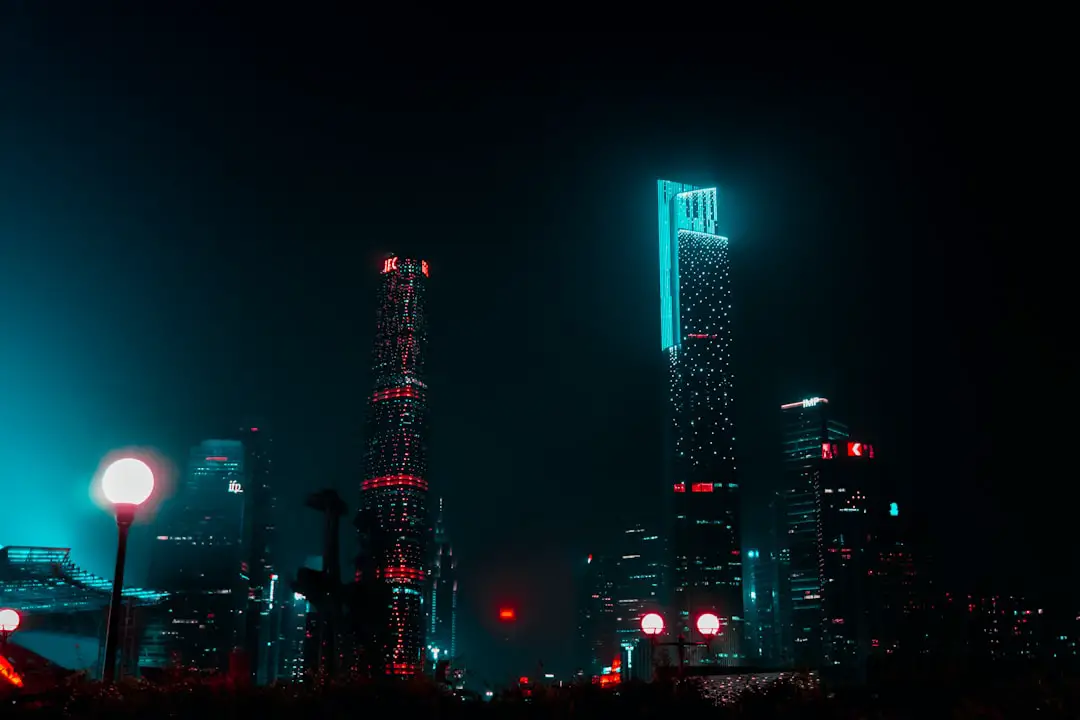
Generating multiple variations per scene allows flexibility during editing. After selecting the strongest outputs, images should be upscaled for maximum clarity.
Step 3: Upscale and Enhance Visual Quality
High-resolution images improve the final video output. MidJourney’s upscale options increase detail, but additional enhancement tools can sharpen textures and reduce artifacts.
Creators often:
- Upscale to the highest resolution available
- Use AI upscalers for further enhancement
- Correct minor distortions in editing software
- Adjust brightness and color grading for consistency
Maintaining identical color grading across frames prevents flickering in the finished video.
Step 4: Animate the Images
Once still images are ready, the animation phase begins. There are multiple approaches depending on the desired level of motion.
Option A: Basic Motion Effects (Beginner-Friendly)
This method involves importing images into video editing software and applying:
- Slow zoom (Ken Burns effect)
- Pan transitions
- Crossfades
- Light overlays and particle effects
This technique works especially well for cinematic slideshows, trailers, and atmospheric scenes.
Option B: AI-Powered Animation Tools
Advanced creators often use AI animation platforms to add natural motion, such as wind movement, facial expressions, or camera shifts.
Image not found in postmetaHere is a comparison of popular tools often paired with MidJourney:
| Tool | Best For | Strengths | Skill Level |
|---|---|---|---|
| Runway | AI motion and video editing | Image-to-video generation, advanced controls | Intermediate |
| Pika | Quick AI animation | Simple image animation, cinematic movement | Beginner |
| Kaiber | Stylized music videos | Artistic transitions, audio sync | Beginner to Intermediate |
| Adobe After Effects | Professional animation | Full control, parallax effects | Advanced |
Step 5: Create Frame Sequences for Smoother Motion
For more realistic movement, creators generate multiple MidJourney images that depict subtle motion changes. For instance:
- Character turning head slightly
- Walking pose progression
- Environmental shifts like clouds moving
These images are arranged sequentially at high frame rates (e.g., 24 frames per second) to simulate natural animation.
Pro Tip: Slight prompt modifications such as “character looking slightly left” then “character looking forward” help simulate progression.
Step 6: Add Sound Design and Music
Audio dramatically enhances perceived production value. Once visuals are assembled:
- Add background music that matches tone
- Include ambient sound effects
- Layer voiceovers if storytelling is involved
- Sync transitions to music beats
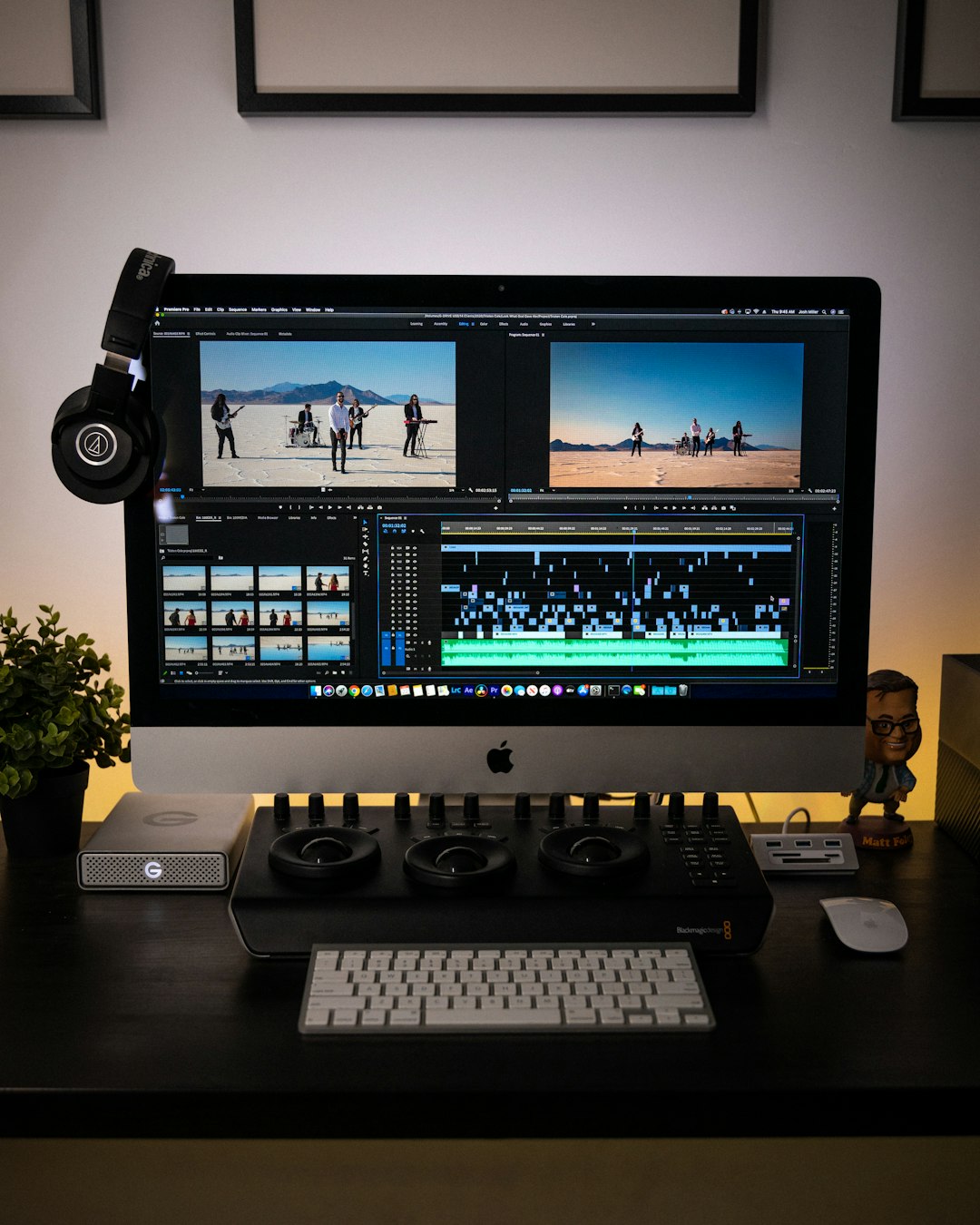
Even subtle environmental sounds, such as wind or city ambiance, make static AI visuals feel immersive.
Step 7: Export and Optimize
Export settings depend on where the video will be published. Standard recommendations include:
- Resolution: 1920×1080 (Full HD) or 4K
- Format: MP4 (H.264)
- Frame rate: 24 or 30 fps
- Bitrate optimized for platform
Before publishing, reviewing the video for flicker, distortion, or unintended morphing artifacts ensures a polished result.
Best Practices for Professional Results
- Keep prompts structured: Subject + environment + style + lighting + camera.
- Maintain consistent seed values when generating sequences.
- Use subtle motion: Over-animation can look unnatural.
- Leverage color grading to unify scenes.
- Storyboard first to prevent disjointed visuals.
Professionals treat MidJourney not as a one-click video solution but as a powerful visual engine within a broader production workflow.
Common Mistakes to Avoid
- Using drastically different prompts between scenes
- Ignoring aspect ratio alignment from the beginning
- Animating low-resolution images
- Overusing AI motion without control
- Skipping post-production adjustments
By avoiding these pitfalls, creators can significantly improve final output quality.
The Future of MidJourney and Video
AI video tools are evolving rapidly. As image-to-video capabilities continue improving, MidJourney-generated assets are expected to integrate even more seamlessly with motion systems. Creators who master today’s hybrid workflow will be well-positioned for tomorrow’s fully integrated AI video solutions.
Frequently Asked Questions (FAQ)
1. Can MidJourney create videos directly?
No, MidJourney primarily generates images. Videos are created by animating those images using external tools or editing software.
2. What is the easiest way to turn a MidJourney image into a video?
The simplest method is importing the image into video editing software and applying slow zoom or pan effects. AI animation platforms offer faster automated motion options.
3. How can visual consistency be maintained across scenes?
Consistency is achieved by repeating stylistic keywords, keeping character descriptions identical, and using seed numbers to control variation.
4. What aspect ratio should be used?
For YouTube, 16:9 is standard. For TikTok or Instagram Reels, 9:16 vertical format works best. The aspect ratio should be determined before generating images.
5. Is coding required to create videos with MidJourney?
No coding is required. The process relies on prompt writing and standard video editing tools.
6. How long does it take to create an AI-generated video?
Simple videos can be created in a few hours. More complex projects with frame sequences and detailed animation may take several days.
7. Are AI-generated videos suitable for commercial use?
Usage rights depend on the platform’s licensing terms and subscription plan. Users should review MidJourney’s terms of service before commercial distribution.
By combining creative prompting, thoughtful planning, and strategic use of animation tools, creators can transform MidJourney’s stunning visuals into engaging, professional-quality videos. The process requires experimentation and refinement, but with consistency and practice, AI-powered video production becomes both efficient and artistically rewarding.