
In today’s digital marketing landscape, multimedia plays a pivotal role in capturing audience attention and enhancing the effectiveness of email campaigns. Marketing professionals use images, videos, GIFs, and other visual content to boost open rates and click-through engagement. However, improper sizing and editing can result in emails that load slowly, display incorrectly, or end up in the spam folder. Knowing how to resize and edit multimedia effectively is essential for creating dynamic and optimized email messages that resonate with subscribers.
Why Multimedia Matters in Email Marketing
Email marketing campaigns that feature visuals are shown to perform significantly better than text-only messages. Multimedia helps :
- Increase engagement by making content more visually appealing
- Communicate messages faster through infographics and visual cues
- Enhance brand identity with consistent graphic design elements
But marketers must strike a careful balance. Including large or poorly optimized media files can doom a campaign to low performance. This is where proper resizing and editing come into play.
How to Resize Images for Email Campaigns
Images are the most commonly used form of media in emails. Before inserting any image, it’s important to ensure it’s resized appropriately. Here’s what to consider:
1. File Dimensions
Most email templates have a maximum width of 600 pixels to ensure readability across different devices. As a best practice:
- Keep image width between 500–600 pixels for full-width sections
- Use images around 200–400 pixels wide for supporting content
Use photo editing tools like Photoshop, Canva, or free online tools such as Pixlr or BeFunky to resize images without losing quality.
2. File Size
Email providers often block emails with large attachments or embedded files. It’s recommended that image file sizes be under 1MB–preferably below 500KB–for faster loading times on all devices.
To reduce file size without degrading quality:
- Use compressed formats like JPEG or WebP
- Compress images with tools like TinyPNG or ImageOptim

Editing Multimedia to Suit Email Formats
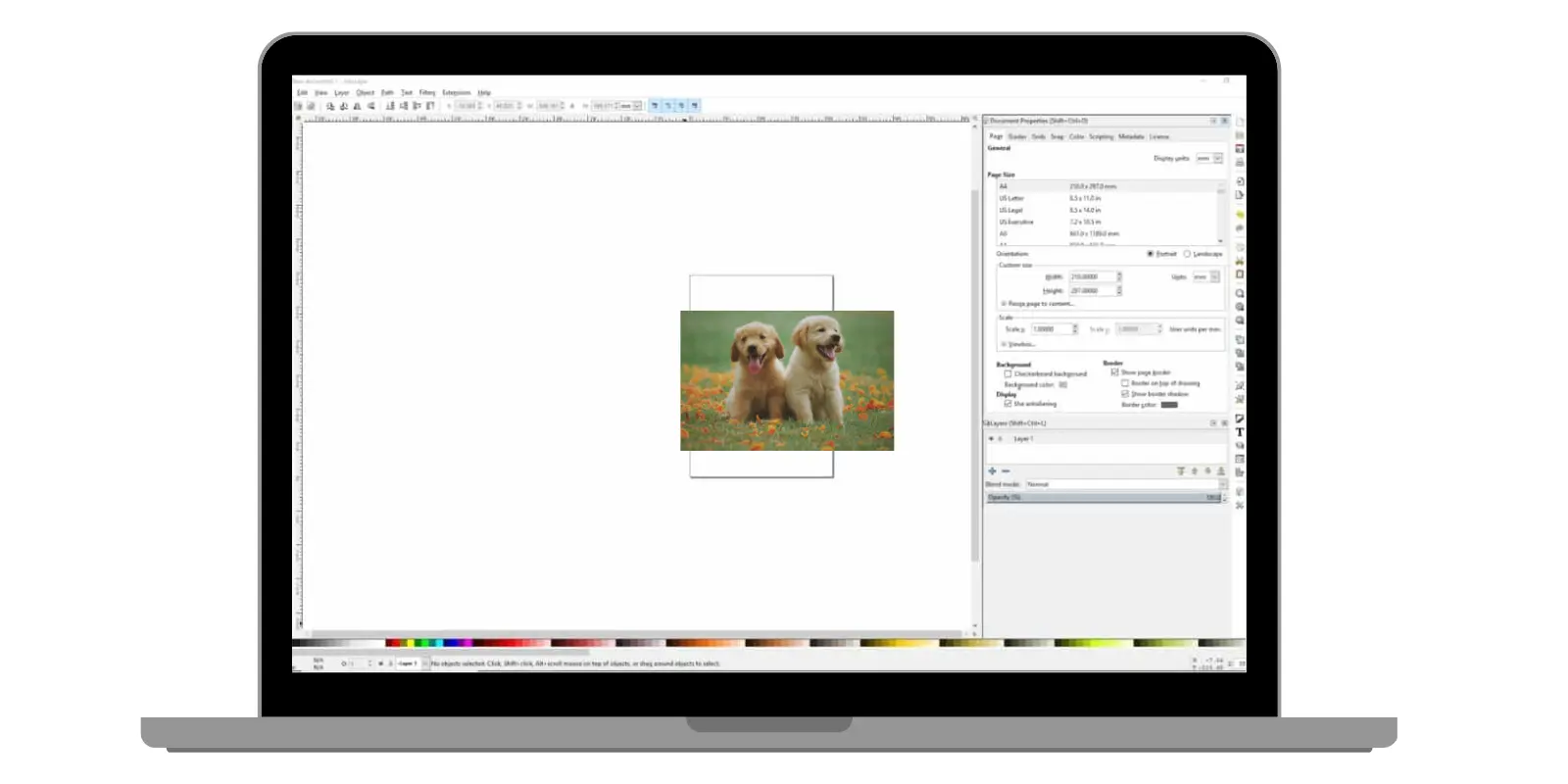
After resizing your media, the next step is to edit the content so that it looks polished and fits seamlessly within your email’s design. Here are key areas of focus:
1. Cropping and Alignment
Ensure that the focal point of the image remains intact after cropping. Place important elements in the center and align images properly with the rest of the text for visual harmony. Use email template editors to preview alignment before sending.
2. Color Optimization
Colors can appear differently on screens, particularly if the file isn’t formatted correctly. Use sRGB color profiles to ensure color consistency across devices.
3. File Type Selection
Each image file format has specific advantages:
- JPEG: Best for photographs or images with gradients
- PNG: Ideal for icons, flat graphics or images needing transparency
- GIF: Supports basic motion for simple animations
Choose formats based on the type of content and desired effects. Avoid using BMP or TIFF formats as they are large and not widely supported in emails.
Using Video in Email Campaigns
While embedding full videos into emails isn’t widely supported across email clients, there are ways marketers can integrate motion and video content effectively:
1. Use Thumbnails
Create a clickable image thumbnail of the video with a play button overlay. Link it to a landing page or video hosting platform like YouTube or Vimeo.
Benefits of this method include:
- Faster load times
- Broader compatibility across devices and email platforms
- Improved tracking with redirects and video engagement metrics
2. Convert Short Clips into GIFs
If you want a short animated visual within the email itself, convert a few seconds of video into a GIF. Be careful with file sizes—GIFs over 1MB may slow down email loading.

Best Practices for Multimedia in Emails
- Test Across Platforms: Use tools like Litmus or Email on Acid to test how your media displays in different email clients (Gmail, Outlook, Apple Mail, etc.)
- Use Responsive Images: Make use of
srcsetand inline CSS to adapt image sizes for smartphones and tablets - Add Alt Text: Always include descriptive alt text for accessibility and scenarios where images fail to load
- Be Strategic: Use media to support your message, not dominate it. Avoid overcrowding emails with excessive visuals
Tools for Resizing and Editing Multimedia
Here are some popular tools marketers can use to edit and resize multimedia content:
- Adobe Photoshop: Professional-grade resizing, color correction, and image export settings
- Canva: User-friendly with pre-set dimensions for email campaigns
- TinyPNG: Efficient online image compression for PNG and JPG files
- Kapwing: For resizing and editing GIFs and short videos
Choosing the right tool depends on the complexity of your media and your team’s skill level.
Optimizing Load Times and Deliverability
Deliverability and load speed are critical to campaign success. Besides resizing images, keep these tips in mind:
- Host larger files outside the email (e.g., video hosting platforms)
- Limit the use of large banners and hero graphics
- Use inline
CSSfor styling images instead of external stylesheets - Minimize the number of images per email to 2–4 where possible


Conclusion
Resizing and editing multimedia for email campaigns is both a creative and technical exercise. By managing dimensions, file sizes, formats, and alignment, marketers can ensure that their mailed visuals are engaging, lightweight, and compatible across all platforms. Investing time into these techniques can result in higher open rates, better user experiences, and ultimately greater conversions.
FAQ
- Q: What’s the ideal image size for emails?
A: Aim for images under 600px in width and less than 1MB in size for optimal performance. - Q: Can I embed a video directly into an email?
A: Most email clients do not support embedded videos. It’s better to use a clickable thumbnail linking to a video page. - Q: What file formats should I avoid in emails?
A: Avoid large formats like BMP and TIFF. Stick to JPEG, PNG, and GIF for best compatibility. - Q: Do I need to add alt text to images?
A: Yes. Alt text improves accessibility and provides context if images fail to load. - Q: How many images should I include in an email?
A: Keep it minimal. Two to four images depending on the email length is usually sufficient.