
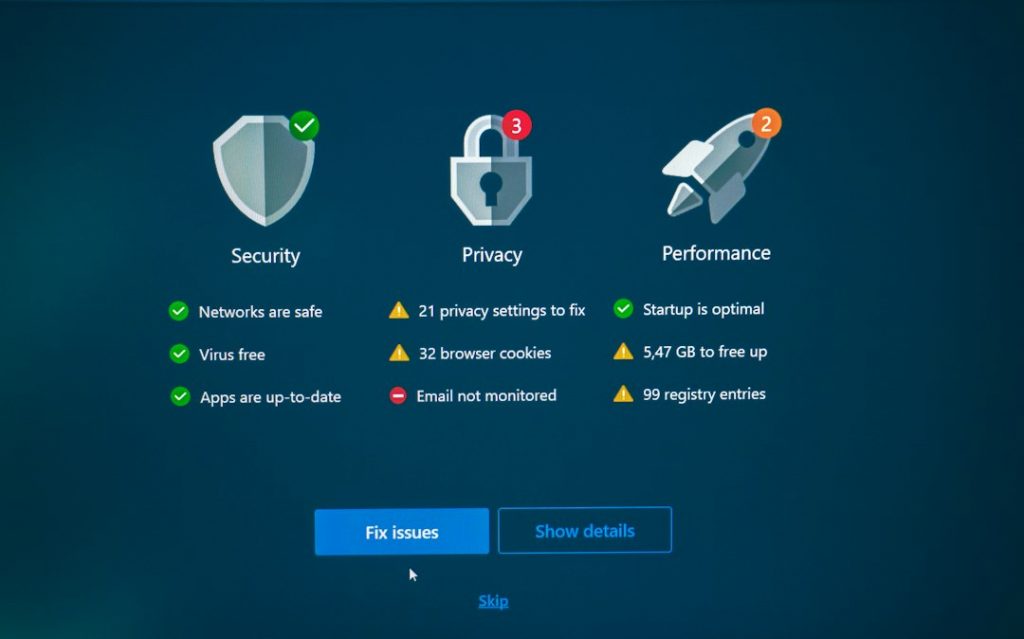
The safest torrent setup is simple: use a trusted VPN, keep antivirus active, and prefer well moderated private or reputable public sources for legal downloads. None of these tools does the whole job alone. A VPN hides your IP from other peers, antivirus checks files for malware, and private trackers reduce spammy uploads. Malware risk is not theoretical either: AV-TEST says it registers more than 450,000 new malicious programs and unwanted apps every day [source: AV-TEST].
TLDR: If you torrent, use a VPN plus antivirus, then choose trusted torrents with comments, checksums, and active moderation. For example, downloading a 4 GB Linux ISO through a VPN may add 5% to 20% more time, but it keeps your home IP away from the swarm. Antivirus helps if someone sneaks a fake installer into an archive. Private trackers can be cleaner, but they are not magic shields.


What each tool actually protects
Torrenting is not one risk. It is three risks wearing the same coat. There is privacy risk, because peers can see IP addresses. There is malware risk, because files may be fake or infected. There is also legal risk, because sharing copyrighted material without permission can cause trouble. Use torrents for legal content, open source software, public domain media, and files you have the right to share.
- VPN: protects your IP address from other peers and your internet provider.
- Antivirus: checks downloaded files before they run on your device.
- Private trackers: may offer better moderation, but still expose you to other users and bad files.
VPNs: best for privacy, weak against bad files
A VPN is the first tool most torrent users think about, and for good reason. In a torrent swarm, your IP can be visible to other peers. A VPN replaces it with the VPN server’s IP. That is useful if you care about privacy.
Pick a VPN with a kill switch, DNS leak protection, and clear support for peer to peer traffic. WireGuard and OpenVPN are good protocol choices. Avoid free VPNs for torrenting. They often have data caps, slow speeds, crowded servers, or vague logging rules. It drives me crazy that some free VPN apps take longer to connect than the torrent takes to start, then drop in the background without warning.
A VPN does not scan files. If you download a fake “movie” that is really an executable file, the VPN will happily protect the transfer while the malware reaches your computer. Privacy is not security. You need both.
Antivirus: best for malware, useless for hiding your IP
Antivirus software is your second layer. It watches for known malware, suspicious behavior, and sketchy scripts. It is especially useful with compressed files, cracked apps, fake codecs, and installers. Those are common hiding spots for junk.
Keep real time protection on. Scan the folder where your torrent client saves files. Be extra careful with files that ask for admin rights. A video, song, ebook, or image should not need to “install” anything. If a download includes a password protected archive, be suspicious. Passwords can block automatic scanning.
Honestly, waiting another 20 or 30 seconds for a scan is annoying. Still, it is much better than spending your night removing browser hijackers or restoring encrypted files from backup.

Private trackers: cleaner, but not risk free
Private trackers are invite only torrent sites. Many have upload rules, user ratings, comments, and staff moderation. That can reduce junk files. It can also make downloads faster, since members often seed well to keep a required ratio.
Still, private does not mean anonymous. Other peers can often see your IP unless you use a VPN. Some private trackers also restrict VPN use or require you to register your VPN IP. Read the rules before you connect. Getting banned for a simple setup mistake is a boring way to lose an invite.
Private trackers also create a false sense of safety. A trusted uploader can make a mistake. An old account can be sold or stolen. A rare file can sit unverified for years. Read comments, check file names, and scan everything.
Best setup for safer torrenting
- Use a paid VPN with a kill switch and peer to peer support.
- Bind your torrent client to the VPN interface if the app allows it. This stops leaks if the VPN drops.
- Turn on antivirus real time protection and scan completed downloads.
- Choose trusted torrents with many seeders, real comments, and sensible file names.
- Avoid executable files unless you fully trust the source.
- Keep backups on a separate drive or cloud account.
- Do not torrent copyrighted files without permission.
Quick comparison
| Tool | Best at | Weak spot |
|---|---|---|
| VPN | Hiding your IP from peers | Does not detect malware |
| Antivirus | Finding infected files | Does not hide torrent activity |
| Private tracker | Better quality control | Still needs caution and often a VPN |

Small habits that matter
Check file extensions before opening anything. On Windows, turn on “show file name extensions” so you can spot tricks like movie.mp4.exe. On macOS, be wary of unexpected DMG files. On Linux, check scripts before running them.
Also watch for oversized or tiny files. A 700 MB “4K movie” is likely fake. A 12 MB “full game” is worse. Read the comments. If several users report malware, do not try it “just to see.” Someone already took that hit for you.
Bottom line: VPNs, antivirus tools, and private trackers solve different problems. Use a VPN for privacy, antivirus for file safety, and good sources for fewer nasty surprises. The safest torrent is still the one you are legally allowed to download, from a source that other users have already checked.