
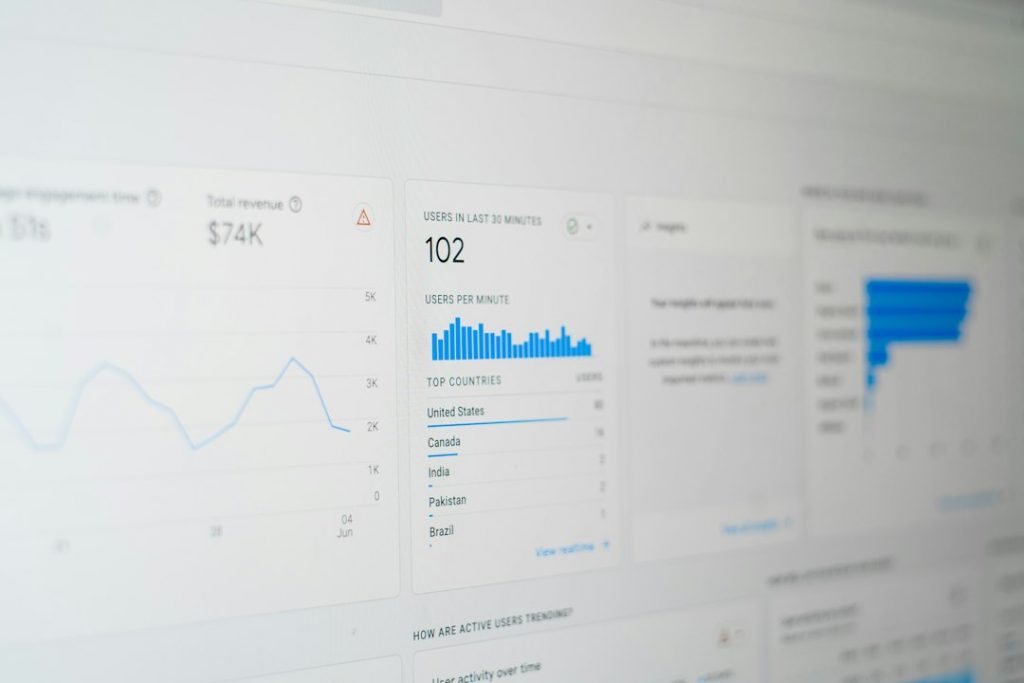
Agencies should manage client redirects and 404 monitoring from one WordPress dashboard, not from scattered spreadsheets, inbox requests, and server files. For most client sites, broken links and old URLs are not rare edge cases. They show up after redesigns, page merges, product changes, and badly planned content edits. Google also treats server-side redirects as a standard way to send users and search engines to the right URL when content moves [source: Google Search Central].
TLDR: WP 301 Redirects gives WordPress agencies one clean place to create redirects, watch 404 errors, and fix URL issues before clients notice them. For example, after a 120-page site rebuild, an agency might spot 280 404 hits in the first week and redirect the top 30 broken URLs that caused 82% of the errors. That saves support time and protects traffic from old blog posts, ads, email links, and search results. It is a practical setup for teams that manage many client sites and need fast answers.
WP 301 Redirects is built for this exact job. It helps agencies control redirects from inside WordPress, without asking a developer to edit server files for every small change. The plugin is also listed in the WordPress plugin directory here: WP 301 Redirects on WordPress.org.
That matters because redirect work is usually boring until it becomes urgent. A client launches a new site. Old service pages vanish. A campaign URL gets typed wrong. A popular article changes its slug. Then traffic starts hitting dead pages. Honestly, it feels like a waste when a team spends 15 minutes hunting for one broken URL that should have been visible in a dashboard from the start.

Why agencies need one redirect dashboard
Client sites change all the time. The bigger the site, the more messy the URL history becomes. A simple redirect plugin may work for one small site, but agencies need a calmer process. They need repeatable steps.
A central redirect workflow helps agencies:
- Fix broken URLs faster after redesigns and migrations.
- Reduce client complaints about “page not found” errors.
- Protect SEO value from old URLs that still get traffic.
- Clean up campaign mistakes without waiting on hosting support.
- Track patterns instead of guessing which links are broken.
The main benefit is control. Your team can see what is broken, decide what matters, and create the right redirect. No more digging through server rules, old project notes, or plugin settings spread across several tools.
How WP 301 Redirects fits agency work
WP 301 Redirects gives teams a focused place to manage URL forwarding and 404 errors inside WordPress. It is useful during site launches, domain changes, content pruning, WooCommerce cleanup, and blog restructuring.
For agencies, the best use is simple: check the dashboard during and after major changes. Watch the 404 log. Sort the errors. Redirect the URLs that matter. Ignore noise when it is clear that bots are probing random paths.
That last part is key. Not every 404 deserves a redirect. Some are junk. Some are typo traffic. Some are bot requests for files that never existed. A good dashboard helps teams avoid busywork. It shows where real users are hitting dead ends.
What agencies should track
A redirect dashboard is only useful if the team knows what to watch. The goal is not to create hundreds of redirects just to feel productive. The goal is to fix the URLs that affect users, rankings, and client revenue.
Track these items first:
- High-volume 404 URLs: These should be reviewed first.
- Old service or product URLs: Send them to the closest live replacement.
- Campaign URLs: Fix mistakes from email, paid ads, QR codes, and social posts.
- External backlinks: If another site still sends visitors to an old page, redirect it.
- Post-migration issues: Check daily for at least the first two weeks after launch.

A practical agency workflow
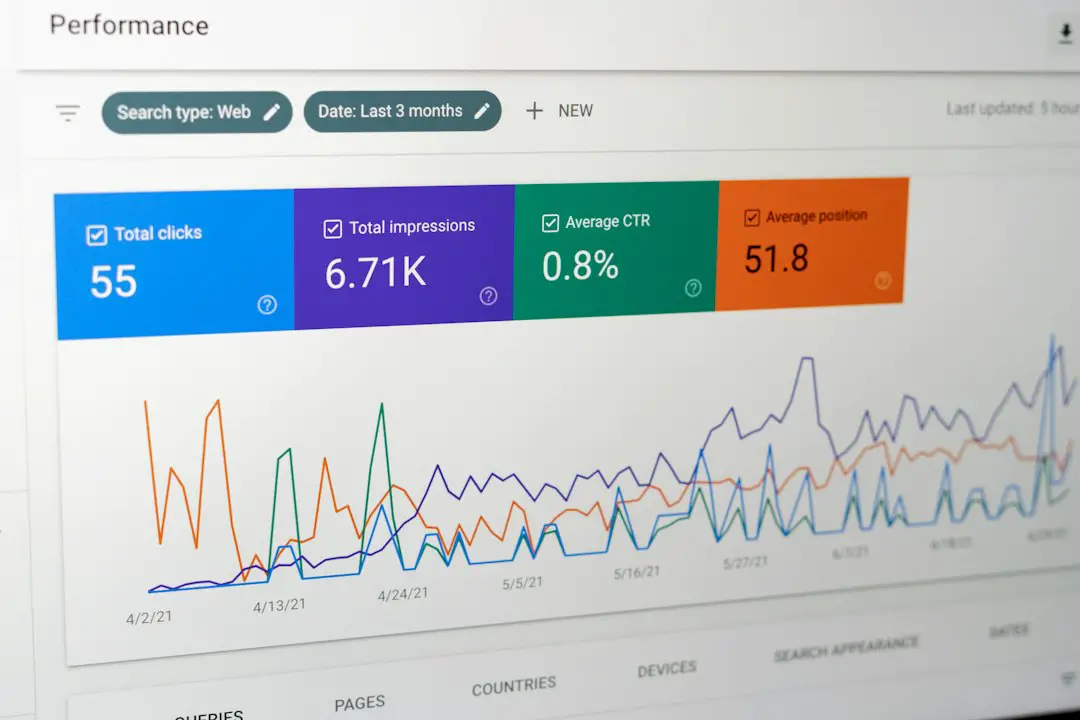
Here is a simple process that works well for client sites.
- Before launch: Export the old URL list from the current site or crawl.
- Map key pages: Match old URLs to the closest new pages.
- Add redirects: Create 301 redirects in WP 301 Redirects for permanent moves.
- Check the 404 log: Review it daily after launch.
- Fix in batches: Handle the top errors first, not every tiny request.
- Report to the client: Show how many broken visits were recovered.
This turns redirect management into a clear service. It also makes reports easier. Instead of saying, “We fixed some broken links,” you can say, “We corrected 43 high-value 404 errors and redirected 1,260 failed visits to live pages this month.” Clients understand that.
When to use 301 redirects
A 301 redirect is best when a URL has moved for good. Use it when a page is deleted and replaced, when a slug changes, or when two pieces of content are merged. It tells browsers and search engines that the new URL is the correct one.
Do not redirect every dead page to the homepage. That is lazy, and users hate it. If someone clicks an old pricing page, send them to the new pricing page. If they click an old product, send them to the closest category or replacement product. If there is no good match, keep the 404 and improve the page.
The catch is that bad redirects can create new problems. Redirect chains slow things down. Loops break pages. Random homepage redirects make analytics muddy. A dashboard reduces that risk because the team can review rules in one place.
Why this matters for client trust
Clients rarely ask about redirect strategy during a redesign. They ask when something breaks. That is why agencies should treat redirects and 404 tracking as part of launch quality control.
WP 301 Redirects helps make that process visible. It gives the agency a way to show action, not just promise cleanup. For retainers, it also creates a useful monthly task: review 404 errors, add needed redirects, and keep the site tidy.


For serious WordPress agencies, this is not just a plugin task. It is risk control. It protects traffic, saves support time, and gives clients a better site after every change. One dashboard will not fix a careless migration by itself, but it gives the team the data and tools needed to act fast.