
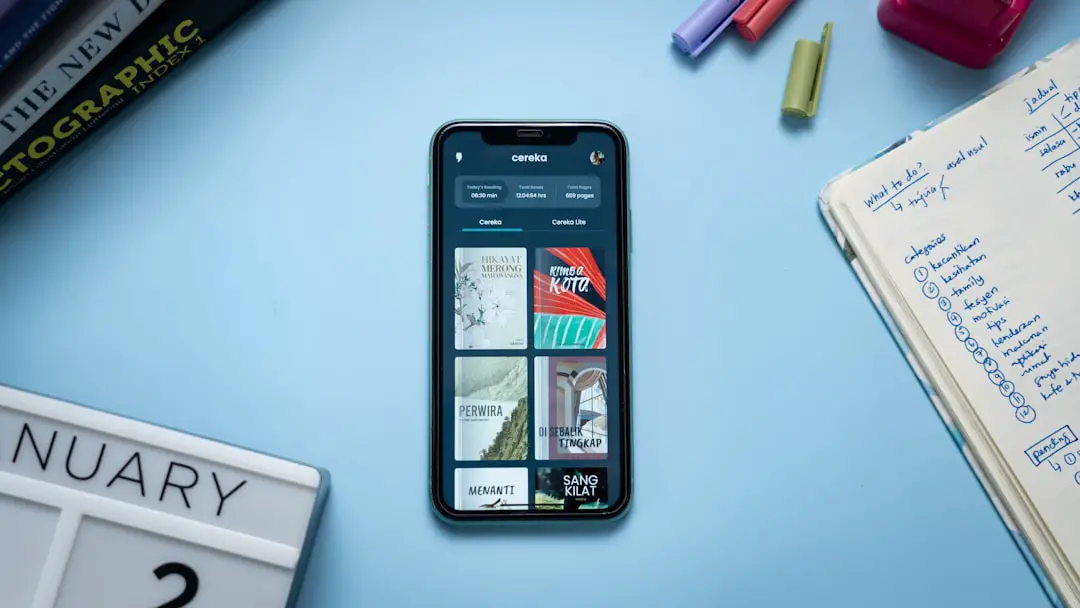
In-app messaging tools have transformed the way businesses communicate with their users, turning static applications into dynamic, interactive experiences. Instead of relying solely on emails or push notifications, companies can now engage users directly within their apps—at the exact moment interaction happens. This real-time communication channel helps boost engagement, guide user behavior, and foster stronger relationships that drive retention and growth.
TLDR: In-app messaging tools allow businesses to communicate with users in real time while they are actively using an app. These tools improve engagement, guide user behavior, and personalize experiences through targeted messages, tooltips, chat features, and notifications. When implemented strategically, in-app messaging increases retention, reduces churn, and strengthens customer relationships. Done poorly, however, it can overwhelm users and reduce trust.
As competition in digital markets grows fiercer, user experience has become the primary battleground. Users expect instant support, relevant guidance, and personalized interactions. In-app messaging bridges the gap between product functionality and meaningful communication by embedding helpful, context-aware messages directly into the user journey.
What Are In-App Messaging Tools?
In-app messaging refers to messages delivered to users while they are actively using a mobile or web application. Unlike push notifications, which appear outside the app, in-app messages are shown during live interaction. They are context-sensitive and can be triggered based on user behavior, time spent in-app, feature usage, or specific milestones.
Common types of in-app messages include:
- Welcome messages that greet new users
- Product tours and tooltips that guide onboarding
- Feature announcements introducing new capabilities
- Promotional banners for upsells or cross-sells
- In-app chat support for real-time assistance
- Feedback surveys to gather user insights
These tools are not just about broadcasting information—they’re about delivering the right message at the right time in the right context.
Why In-App Messaging Matters
User attention is limited. Emails go unread. Push notifications get dismissed. In contrast, in-app messaging interacts with users when they are already engaged, making communication far more effective.
The benefits of strategic in-app messaging include:
- Higher engagement rates: Messages appear during active sessions, increasing visibility and interaction.
- Improved onboarding: Guided assistance helps users understand features faster.
- Better retention: Relevant communication keeps users coming back.
- Increased conversions: Contextual offers and prompts drive purchasing decisions.
- Enhanced user satisfaction: Immediate assistance reduces frustration.
In-app messaging shifts communication from reactive to proactive. Instead of waiting for users to encounter problems, businesses can anticipate needs and provide timely guidance.
The Role of Personalization
One of the most powerful aspects of in-app messaging is personalization. Generic mass messages often feel intrusive. Personalized messages, however, feel helpful and relevant.
Modern tools enable segmentation based on:
- User demographics
- Behavior patterns
- Purchase history
- Feature usage frequency
- User lifecycle stage
For example, a fitness app might congratulate users who complete five workouts in a week, while gently nudging inactive users with motivational prompts. An e-commerce app can recommend products based on browsing history. These tailored interactions make the experience feel curated rather than automated.
Relevance transforms communication from interruption to value.
Enhancing Onboarding Through Guided Messaging
First impressions matter. Onboarding is often the deciding factor in whether a user sticks with an app or abandons it. In-app messaging tools can dramatically improve this critical phase.
Interactive product tours, contextual tooltips, and progress indicators can simplify complex features and shorten the learning curve. Instead of overwhelming users with static instructions, apps can introduce features step by step.
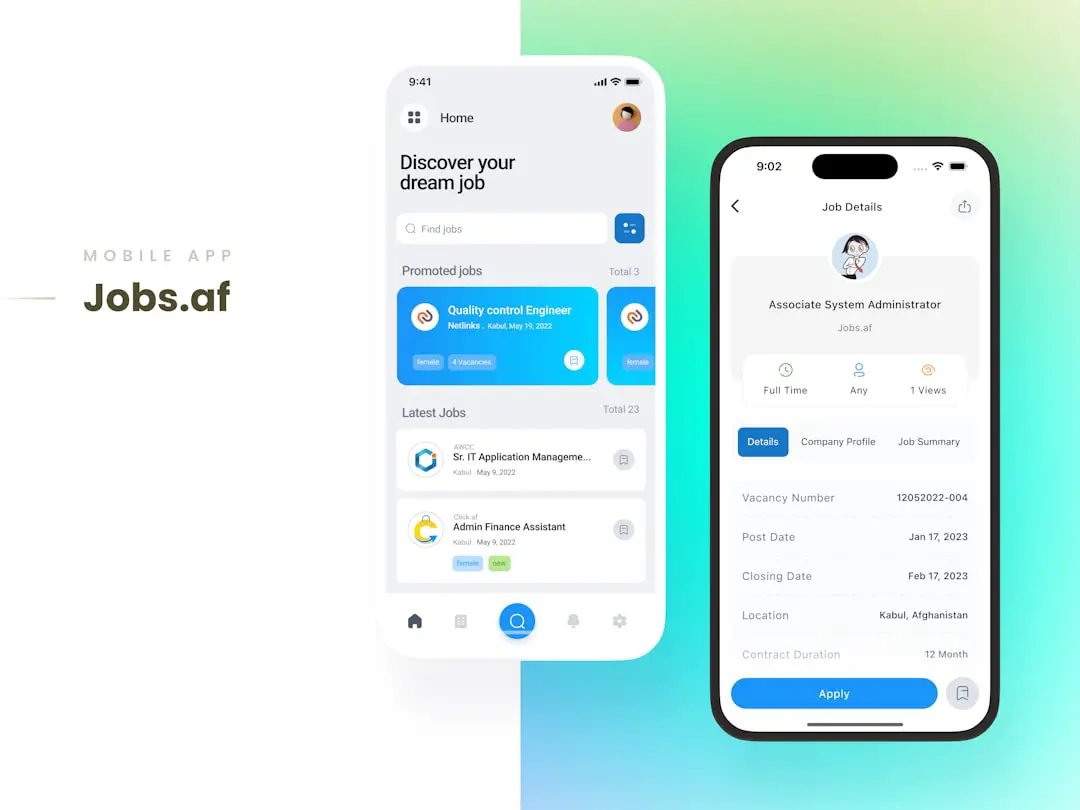
Effective onboarding messages should be:
- Short and actionable
- Visually clear
- Sequential and logical
- Optional or dismissible
By guiding users toward early achievements, such as completing a profile or making a first purchase, businesses can create momentum that leads to long-term engagement.
Driving Conversions with Contextual Messaging
In-app messaging is not only about user support—it is also a powerful revenue driver. Contextual messages can encourage users to upgrade plans, explore premium features, or complete transactions.
Consider these examples:
- A productivity app notifies users they’ve reached their task limit and offers an upgrade option.
- A streaming platform recommends premium content during browsing.
- An online store provides a limited-time discount when a user lingers on a product page.
Because these messages appear at moments of high purchase intent, they often convert better than external marketing campaigns.
However, there is a delicate balance. Overuse or aggressive messaging can create friction and reduce trust. The key lies in designing messages that assist rather than pressure.
Real-Time Customer Support
Customer expectations have shifted toward immediate resolution. In-app chat and messaging support tools allow users to connect with help centers without leaving the app.
Key advantages include:
- Reduced support tickets: Quick answers prevent escalations.
- Higher satisfaction rates: Immediate assistance builds loyalty.
- Context-aware troubleshooting: Support agents can see user activity.
Some systems integrate AI-powered chatbots that answer common queries instantly, while routing complex issues to human representatives. This hybrid model ensures efficiency without sacrificing personalization.
When help is embedded directly into the product experience, users feel supported rather than stranded.
Collecting Feedback Without Disruption
Understanding user sentiment is essential for product improvement. In-app surveys and feedback prompts collect insights while the experience is fresh in users’ minds.
Common methods include:
- Quick rating prompts after task completion
- Short satisfaction surveys
- Feature-specific feedback forms
- Net Promoter Score popups
The advantage of in-app feedback is context. Asking for input immediately after a user interacts with a feature ensures responses are specific and actionable.
Still, timing is crucial. Interrupting an important task can create frustration. Smart triggers ensure feedback requests appear at natural pauses in the user journey.
Best Practices for Effective Implementation
While in-app messaging offers powerful capabilities, careless implementation can overwhelm users. Following best practices helps maximize benefits while minimizing annoyance.
1. Prioritize Timing
Deliver messages at logical moments. Avoid interrupting critical workflows or overloading new users with too many prompts.
2. Keep It Concise
In-app messages should be short and direct. Users scan quickly, so clarity matters.
3. Limit Frequency
Too many messages can lead to banner blindness or frustration. Establish clear frequency caps.
4. Use Behavioral Triggers
Base messages on meaningful user actions rather than arbitrary schedules.
5. Continuously Test and Optimize
A/B testing different formats, wording, and placements helps refine effectiveness.
When thoughtfully executed, in-app messaging enhances rather than distracts from the user experience.
Challenges to Consider
Despite its advantages, in-app messaging presents several challenges:
- Message fatigue from excessive communication
- Design clutter that crowds the interface
- Poor targeting leading to irrelevant prompts
- Privacy concerns when personalization feels intrusive
Addressing these challenges requires a user-first mindset. Transparency about data use, thoughtful design integration, and continuous optimization are essential for maintaining trust.
The Future of In-App Messaging
The next generation of in-app messaging tools will likely become even more intelligent and predictive. Machine learning algorithms are already analyzing user behavior in real time to trigger adaptive messaging flows. Instead of pre-set journeys, apps will dynamically adjust communication strategies for each individual user.
Emerging trends include:
- AI-driven personalization based on micro-behavior analysis
- Omnichannel integration connecting in-app messages with email and SMS
- Interactive, multimedia messages incorporating video and animation
- Voice-assisted in-app communication
As technology evolves, in-app messaging will become less about notifications and more about seamless conversation.
Conclusion
In-app messaging tools have redefined how businesses engage with their users, transforming applications into interactive environments where communication feels immediate and relevant. By delivering contextual guidance, personalized offers, real-time support, and meaningful feedback opportunities, companies can significantly enhance the user experience.
The true power of in-app messaging lies not in volume, but in precision. When messages are timely, relevant, and helpful, they strengthen relationships and build trust. When poorly executed, they become noise.
For organizations seeking deeper engagement and sustained growth, in-app messaging is no longer optional—it is a strategic necessity woven directly into the fabric of modern digital experiences.