
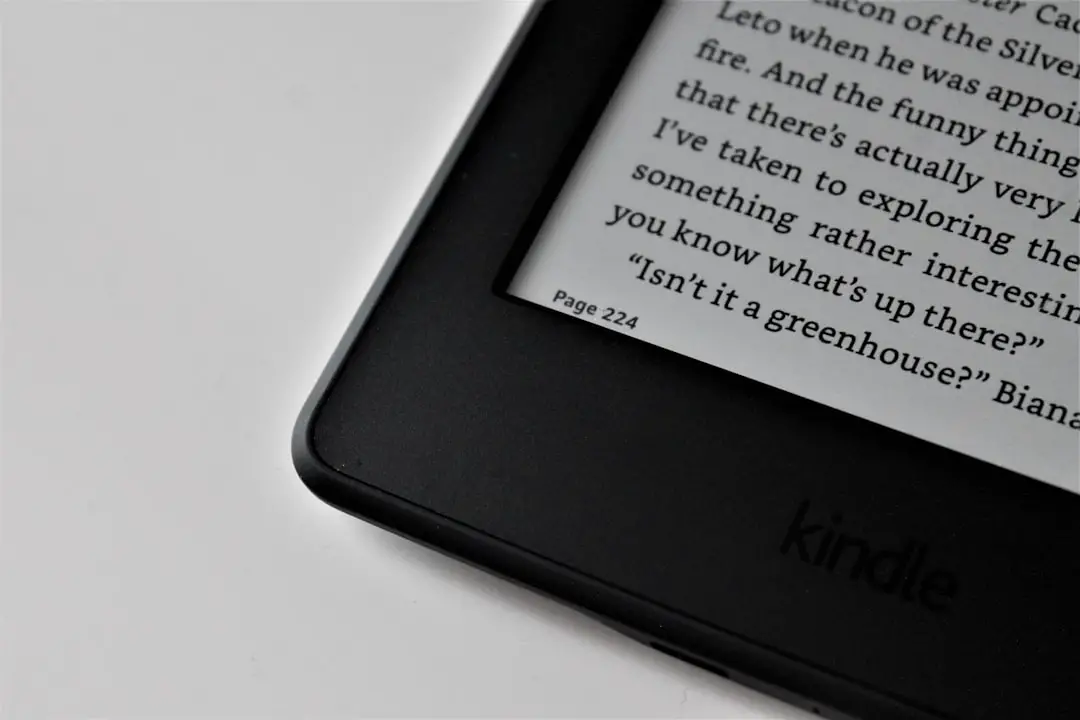
Choosing between the standard Kindle and the Kindle Paperwhite can be surprisingly challenging. Both devices are designed to deliver a focused, distraction-free reading experience, yet they differ in key areas such as display quality, lighting, water resistance, and price. For readers trying to decide which model suits their habits best, understanding these differences is essential.
TLDR: The standard Kindle is a budget-friendly, lightweight e-reader perfect for casual readers who want a simple device for everyday use. The Kindle Paperwhite offers a sharper display, waterproofing, and adjustable warm lighting, making it the better choice for avid readers or those who read in varied environments. While both devices provide access to the same Kindle ecosystem, the Paperwhite delivers a more premium experience. The right choice ultimately depends on reading habits and budget.
Design and Build Quality
At first glance, the Kindle and Kindle Paperwhite look quite similar. Both feature a minimalist design, slim profile, and a glare-free touchscreen display. However, subtle differences become apparent upon closer inspection.
The standard Kindle is slightly lighter and more compact, making it easy to slip into a small bag or hold for extended periods. Its plastic body feels solid but basic, aimed at affordability.
The Kindle Paperwhite, on the other hand, has a more refined look. The flush-front design gives it a sleeker appearance, and it generally feels more premium in hand. Although slightly heavier, most users find it comfortable enough for long reading sessions.
Display Quality: The Most Important Difference
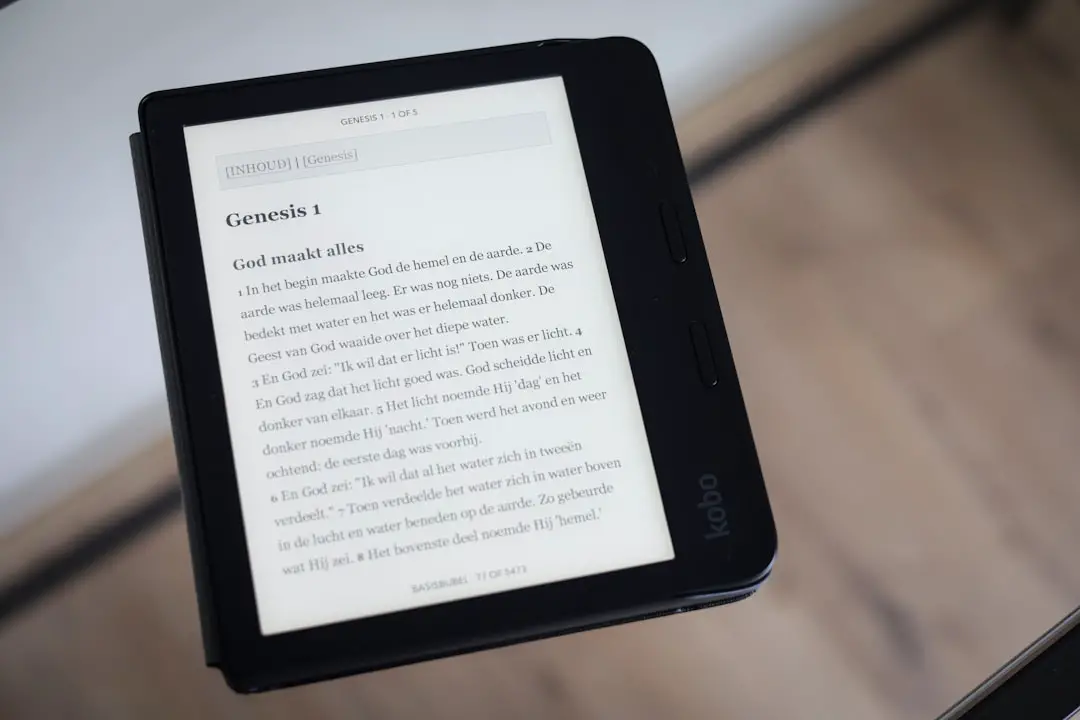
Display quality is arguably the most significant difference between the two devices.
- Kindle: 6-inch glare-free display with 300 ppi resolution.
- Kindle Paperwhite: 6.8-inch glare-free display with 300 ppi resolution and thinner bezels.
While both models now feature 300 pixels per inch (ppi), which ensures crisp text, the Paperwhite offers a larger screen and better contrast. The extra screen space on the Paperwhite allows for fewer page turns and a more immersive reading experience.
Additionally, the Paperwhite includes adjustable warm light, allowing readers to shift from cool white to amber tones. This feature reduces eye strain during nighttime reading. The standard Kindle includes front lighting but does not offer the same level of color temperature control.
For readers who frequently read before bed, the warm light feature can significantly enhance comfort.
Lighting and Visibility
Both devices are equipped with built-in front lights, allowing reading in complete darkness. However, the quality and customization differ:
- Kindle: Adjustable brightness with basic LED lighting.
- Kindle Paperwhite: Adjustable brightness plus adjustable warm light.
The Paperwhite typically includes more LEDs, delivering more evenly distributed lighting across the screen. This leads to fewer shadows and better visual clarity in low-light environments.
In bright sunlight, both models perform exceptionally well thanks to their matte, glare-free displays. Unlike tablets, neither device reflects harsh sunlight, making them ideal for outdoor reading.
Waterproofing: A Deciding Factor for Some
One of the Paperwhite’s standout features is its IPX8 waterproof rating. This means it can withstand immersion in fresh water for a short period. Whether reading by the pool, at the beach, or in the bathtub, users gain added peace of mind.
The standard Kindle does not offer waterproofing. For readers who primarily use their e-reader indoors, this may not matter. However, for travel or leisure reading near water, it may be a critical feature.
Image not found in postmetaBattery Life
Both devices boast impressive battery life compared to tablets or smartphones. A single charge can last weeks rather than days.
- Kindle: Up to 6 weeks of battery life (based on 30 minutes of reading per day).
- Kindle Paperwhite: Up to 10 weeks under similar conditions.
The Paperwhite’s extended battery life makes it particularly appealing for travelers or those who prefer less frequent charging. Both devices now typically use USB-C charging, which is convenient and faster than older micro-USB connections.
Storage Capacity
In terms of storage, both models usually offer sufficient capacity for thousands of eBooks.
- Kindle: Typically 16 GB.
- Kindle Paperwhite: 16 GB or higher options depending on the edition.
For the average reader who mainly downloads text-based books, even 8 GB would be more than enough. However, those who listen to Audible audiobooks may benefit from additional storage.
Performance and Speed
When turning pages, navigating menus, or highlighting text, both devices perform smoothly. The Paperwhite may feel slightly faster due to internal upgrades in recent models, but the difference is minor for most users.
Since both devices operate within Amazon’s Kindle ecosystem, users gain access to:
- The Kindle Store
- Kindle Unlimited
- Libby and library borrowing features
- Whispersync for cross-device syncing
From a software perspective, the experience is nearly identical.
Price and Value
Price is often the deciding factor.
- Kindle: More affordable and considered an entry-level option.
- Kindle Paperwhite: Higher cost but additional premium features.
The standard Kindle delivers outstanding value for readers who simply want an easy way to read eBooks without distractions. The Paperwhite justifies its higher price with waterproofing, better lighting, longer battery life, and a larger display.
Comparison Chart
| Feature | Kindle | Kindle Paperwhite |
|---|---|---|
| Display Size | 6 inches | 6.8 inches |
| Resolution | 300 ppi | 300 ppi |
| Adjustable Warm Light | No | Yes |
| Waterproof | No | Yes (IPX8) |
| Battery Life | Up to 6 weeks | Up to 10 weeks |
| Storage | 16 GB | 16 GB or more |
| Price | Lower | Higher |
Who Should Choose the Kindle?
The standard Kindle is ideal for:
- Casual readers who read occasionally
- Budget-conscious buyers
- Students needing a lightweight device
- First-time e-reader users
It covers all basic needs and provides access to the same reading ecosystem as its more expensive counterpart.
Who Should Choose the Kindle Paperwhite?
The Kindle Paperwhite is better suited for:
- Avid readers who read daily
- Nighttime readers needing warm light
- Travelers who value waterproofing
- Readers wanting a premium feel
The added comfort features make long reading sessions more enjoyable.
Final Verdict
When comparing the Kindle and Kindle Paperwhite, it becomes clear that neither device is universally “better.” Instead, each serves a specific type of reader.
The standard Kindle excels in affordability and simplicity. It offers everything required for a satisfying digital reading experience without unnecessary extras.
The Kindle Paperwhite, meanwhile, enhances comfort and durability with waterproofing, improved lighting, and extended battery life. For readers who spend hours immersed in books, those upgrades can be well worth the additional cost.
Ultimately, the decision comes down to how and where the user reads. For many, the Paperwhite strikes the perfect balance between price and premium features. For others, the standard Kindle is more than enough.
Frequently Asked Questions (FAQ)
1. Is the Kindle Paperwhite worth the extra money?
For frequent readers, yes. The adjustable warm light, waterproofing, larger screen, and longer battery life offer noticeable improvements that justify the higher price.
2. Do both devices support Audible audiobooks?
Yes, both models support Audible via Bluetooth headphones or speakers. However, audiobook listeners may prefer higher storage options.
3. Can both Kindles be used in bright sunlight?
Yes. Both devices feature glare-free e-ink displays that remain readable even under direct sunlight.
4. Which Kindle is better for children or students?
The standard Kindle is often sufficient due to its lower cost and lightweight design, making it suitable for students and younger readers.
5. Is the Kindle Paperwhite faster than the regular Kindle?
Performance differences are minimal. While the Paperwhite may feel slightly quicker in navigation, both devices provide smooth page-turning and reading experiences.
6. Can users read library books on both devices?
Yes. Both the Kindle and Kindle Paperwhite support library borrowing through compatible apps such as Libby, depending on region.
By understanding the strengths and limitations of each model, readers can confidently select the device that best complements their reading lifestyle.