
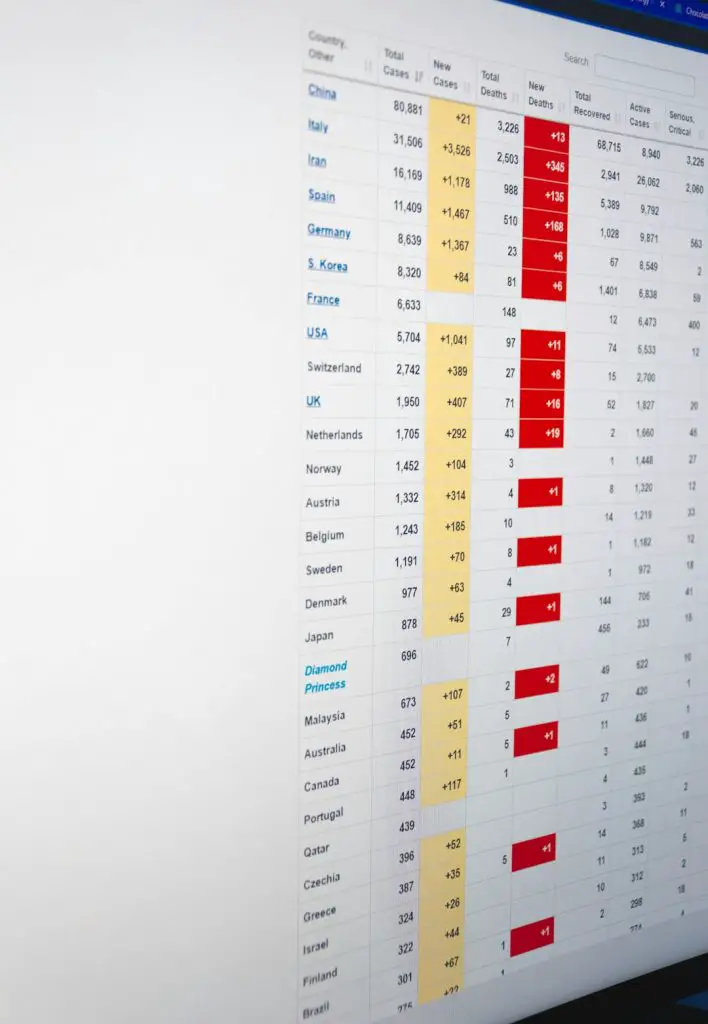
Choosing an ERP can feel like shopping for a spaceship. Lots of buttons. Big promises. A price tag that may make your CFO blink twice. Epicor Prophet 21, often called P21, is built for distributors that need better control of inventory, orders, pricing, purchasing, and warehouses.
TLDR: P21 is a strong ERP for midsize and large distributors, especially those with lots of SKUs, branches, and complex pricing. It can help a distributor cut stockouts, speed up order entry, and improve margins by a few percentage points when set up well. For example, a parts distributor with 50,000 SKUs and 5 branches may use P21 to see live inventory across all locations instead of calling each warehouse. Pricing is quote-based, so smaller teams may want to compare simpler tools first.
What Is P21 ERP?
P21 stands for Prophet 21. It is an ERP system from Epicor. It is made mainly for distribution businesses.
Think of it as the “control room” for your company. It connects sales, inventory, purchasing, accounting, reporting, and warehouse work. Instead of using five different tools and ten messy spreadsheets, your team works from one system.
P21 is popular with companies in industries like:
- Industrial supply
- HVAC and plumbing distribution
- Electrical distribution
- Fasteners and hardware
- Janitorial and safety products
- Medical and dental supply
- Automotive and replacement parts
If your business buys products, stores them, and sells them to customers, P21 may be on your shortlist.

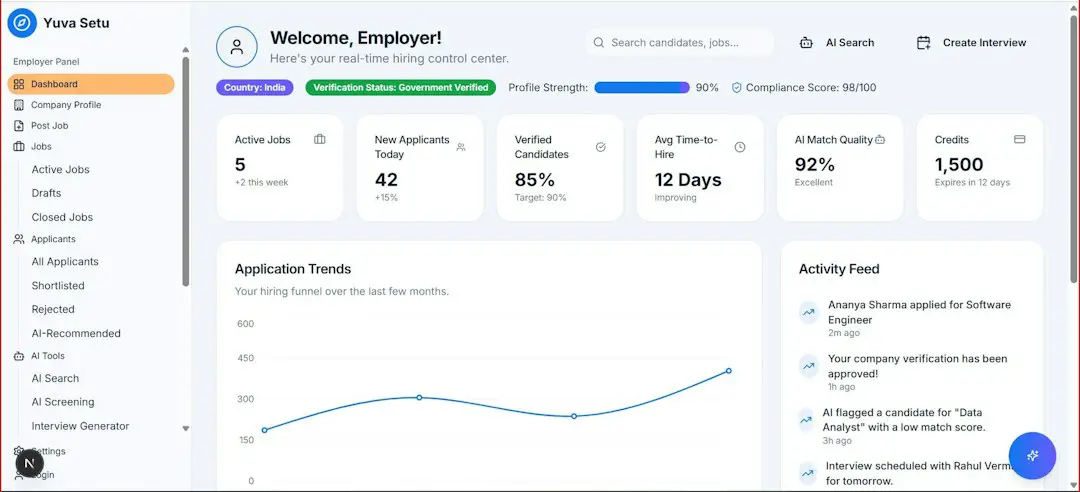
Main P21 ERP Features
P21 has a lot of features. Some are handy. Some are powerful. Some may make your team say, “Wait, we can do that now?”
1. Inventory Management
This is one of P21’s biggest strengths. Distributors live and die by inventory. Too much stock ties up cash. Too little stock loses sales.
P21 helps you track:
- Inventory by branch or warehouse
- Reorder points
- Product demand
- Serial numbers and lot numbers
- Bin locations
- Stock transfers
You can see what is available, what is committed, and what is on order. That means fewer guessing games. And fewer “Oops, we sold something we do not have” moments.
2. Order Management
P21 helps sales teams enter quotes and orders quickly. It supports complex pricing, customer-specific discounts, and product substitutions.
That matters when one customer gets 12% off, another gets contract pricing, and a third gets a special deal because “Bob promised it in 2019.” P21 keeps those rules in one place.
3. Purchasing and Replenishment
P21 can suggest what to buy and when to buy it. It looks at demand, lead times, minimum quantities, and current stock.
This helps purchasing teams avoid panic buying. It also helps reduce slow-moving items. In plain English, it helps you stop buying dusty shelf decorations.
4. Warehouse Management
P21 supports warehouse workflows like picking, packing, receiving, and shipping. Companies can use barcode scanning and mobile warehouse tools, depending on setup.
This can improve accuracy. It can also make new warehouse workers productive faster. Nobody wants to spend three weeks learning where the tiny brass fittings are hiding.
5. Accounting and Financials
P21 includes core financial tools. These usually cover general ledger, accounts payable, accounts receivable, cash management, and financial reporting.
The benefit is simple. Sales, purchasing, and inventory data flow into accounting. Less retyping. Fewer errors. More time for useful work.
6. Reporting and Analytics
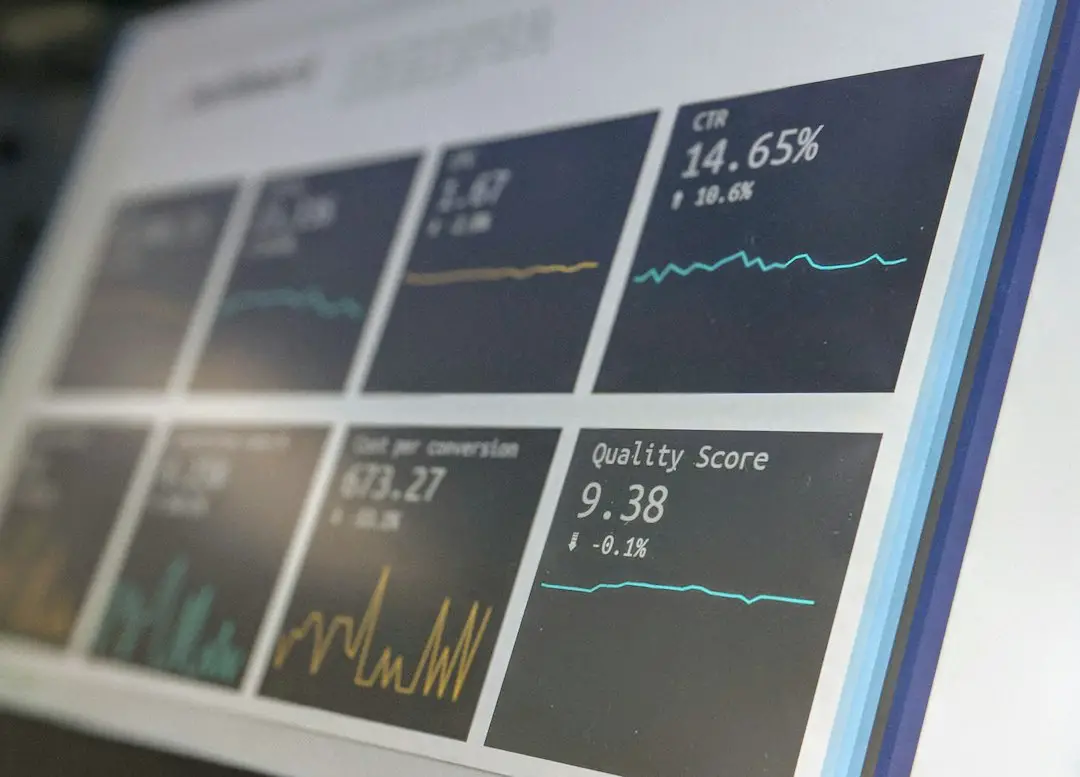
P21 offers dashboards and reports for sales, inventory, profit margins, customers, and operations. You can spot trends faster.
For example, you may see that one product line has high revenue but weak margins. Or that one branch keeps running out of top sellers. That is not magic. But it feels close.

7. CRM and Customer Tools
P21 includes customer relationship tools. Sales teams can track customer history, quotes, contacts, and activities.
This gives reps better context. They can see what a customer bought last month. They can also follow up on open quotes. No detective hat required.
8. Ecommerce and Integrations
P21 can connect with ecommerce platforms, payment tools, shipping systems, tax software, and other business apps. The exact options depend on your version and setup.
This is important if customers expect online ordering. And they probably do. Even if they pretend they still love fax machines.
P21 Pricing: What Does It Cost?
Epicor does not publish standard P21 pricing on its website. Pricing is usually quote-based. That means you need to speak with Epicor or a partner.
Your price may depend on:
- Number of users
- Deployment type
- Modules needed
- Data migration
- Training
- Customization
- Integrations
- Implementation scope
P21 is commonly offered as a cloud subscription. Some companies may also have older on-premise setups. Cloud pricing often includes software access, hosting, and updates. But implementation is usually a separate cost.
Important tip: Do not compare only monthly license fees. ERP cost is more like an iceberg. The visible part is software. The hidden part is setup, training, process changes, reports, and support.
For a serious distributor, the total first-year cost can be much higher than the subscription alone. That does not mean P21 is overpriced. It means ERP projects are big. Like “everyone bring snacks” big.
P21 Pros and Cons
Pros
- Built for distributors: It understands inventory, pricing, branches, and purchasing.
- Strong inventory tools: Good for companies with large catalogs.
- Scales well: Useful for growing midsize and larger businesses.
- Industry depth: Better fit than generic accounting tools.
- Central data: Teams can work from one source of truth.
Cons
- Pricing is not public: You need a custom quote.
- Implementation can be complex: Expect planning and training.
- May be too much for small teams: Tiny distributors may feel overwhelmed.
- Customization can add cost: Special workflows are not always cheap.
- User experience may vary: Setup quality matters a lot.
Who Is P21 Best For?
P21 is best for distributors that have outgrown basic accounting software. If QuickBooks plus spreadsheets is starting to creak, P21 may help.
It is a good fit if you have:
- Many SKUs
- Multiple warehouses or branches
- Complex pricing rules
- Lots of purchase orders
- Inside and outside sales teams
- Need for stronger reporting
It may not be the best fit if you are very small, have simple inventory, or need a low-cost system tomorrow morning.
Top P21 ERP Alternatives
P21 is strong. But it is not the only fish in the ERP pond. Here are some common alternatives.
1. NetSuite
NetSuite is a cloud ERP used by many industries. It includes financials, inventory, CRM, purchasing, and ecommerce options.
Best for: Companies that want broad cloud ERP features and strong financial tools.
2. Acumatica
Acumatica is a cloud ERP with distribution, manufacturing, and project features. Its pricing model is often based on resources rather than users, which some teams like.
Best for: Growing teams that want flexibility and modern cloud access.
3. Microsoft Dynamics 365 Business Central
Business Central is a smaller ERP from Microsoft. It works well with Excel, Outlook, and Power BI.
Best for: Small and midsize distributors already using Microsoft tools.
4. Infor CloudSuite Distribution
Infor CloudSuite Distribution is built for wholesale distributors. It has deep industry features and strong operational tools.
Best for: Distributors that want another industry-focused option.
5. SAP Business One
SAP Business One is an ERP for small and midsize companies. It supports inventory, sales, purchasing, and finance.
Best for: Companies that want SAP features without full enterprise complexity.
6. Odoo
Odoo is a modular ERP with apps for inventory, sales, accounting, ecommerce, and more.
Best for: Budget-conscious teams that want flexible modules and are ready to configure.

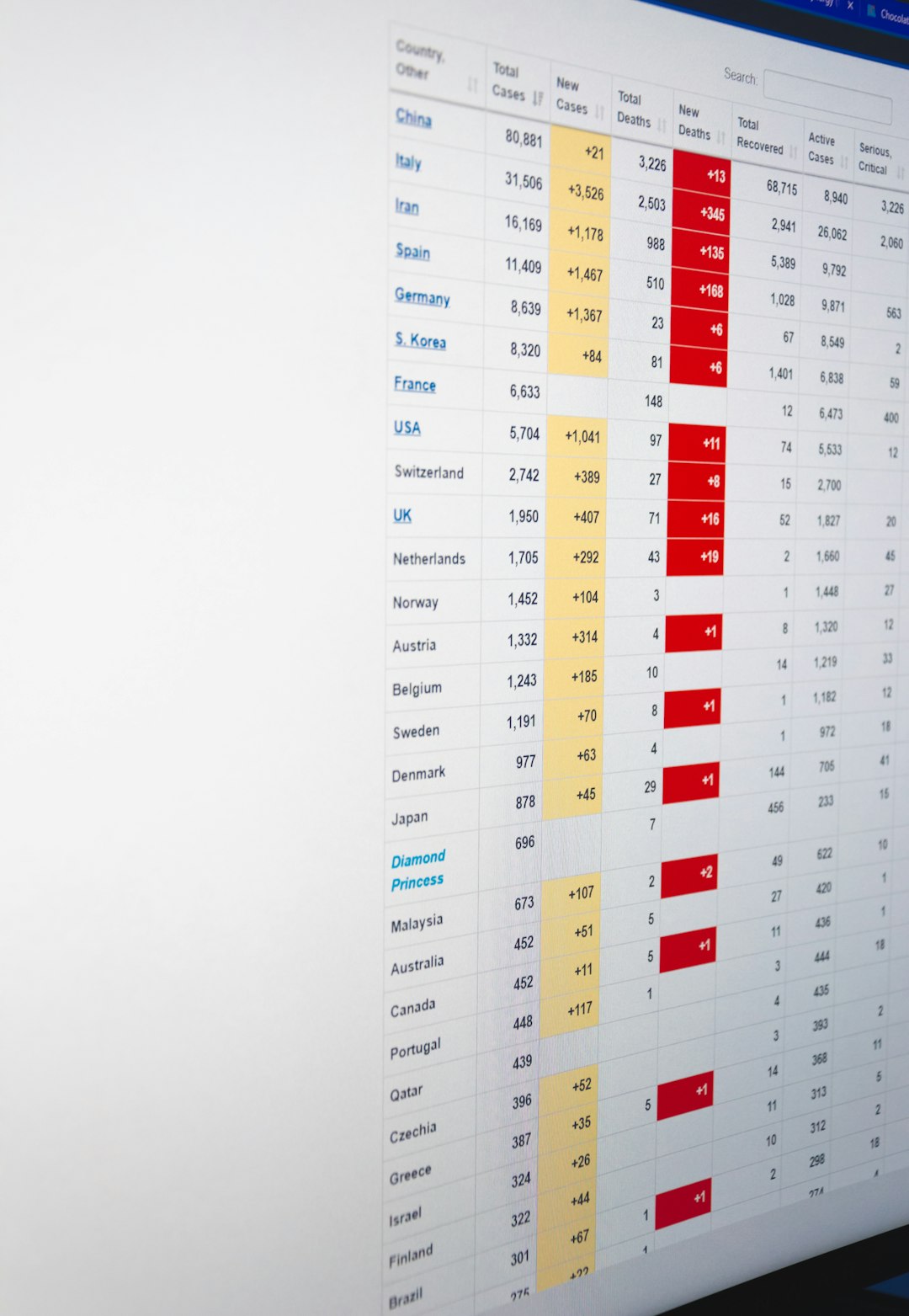
Final Verdict
P21 ERP is a serious tool for serious distributors. It is not a cute little app. It is a full business system.
If your company handles complex inventory, multiple warehouses, special pricing, and busy sales operations, P21 can be a strong choice. It can bring order to chaos. It can also give managers better data for smarter decisions.
But go in with open eyes. Pricing is custom. Implementation takes effort. Training matters. Clean data matters even more.
The best move is simple. Compare P21 with at least two or three alternatives. Map your workflows. Ask for demos using your real business cases. And please, do not let your ERP decision be made by whichever vendor has the prettiest slide deck.
Choose the system that fits your team, your inventory, and your growth plans. Your future warehouse self will thank you.