How To Use a Logo in Ads for Higher CTR
Ever scroll past a bunch of ads and suddenly *stop* because one just popped out visually? That’s probably not luck—it’s great design. And often, a strong, smartly used logo is leading the charge.
In today’s fast-paced digital environment, efficient collaboration is often the cornerstone of successful design workflows. Whether you’re working with a client, teammates, or external stakeholders, having access to tools that support feedback and iteration can make or break your creative process. This is especially true when it comes to logo design—an area that requires both creativity and constant refinement. Thankfully, newer platforms now include collaboration features such as comment threads and shared workspaces to streamline team communication and feedback integration.
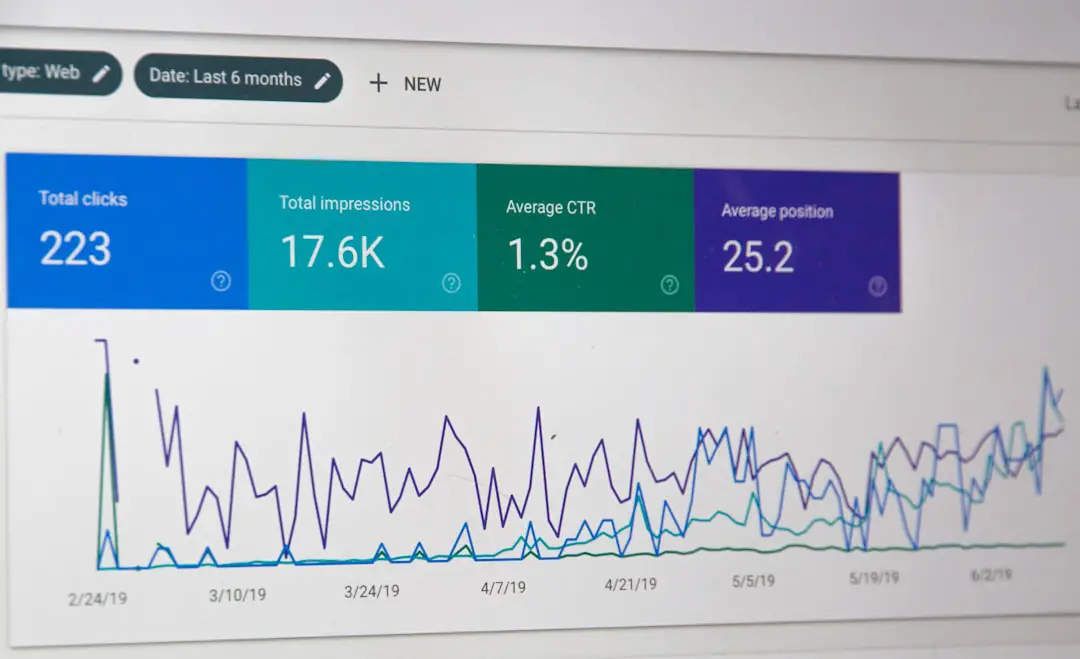
You’ve got a logo. Awesome. But how do you actually use it in your ads to grab attention and make people click? This isn’t rocket science — it’s about psychology, design, and a little bit of fun. Let’s dive into how to boost your click-through rate (CTR) just by using that little image right.
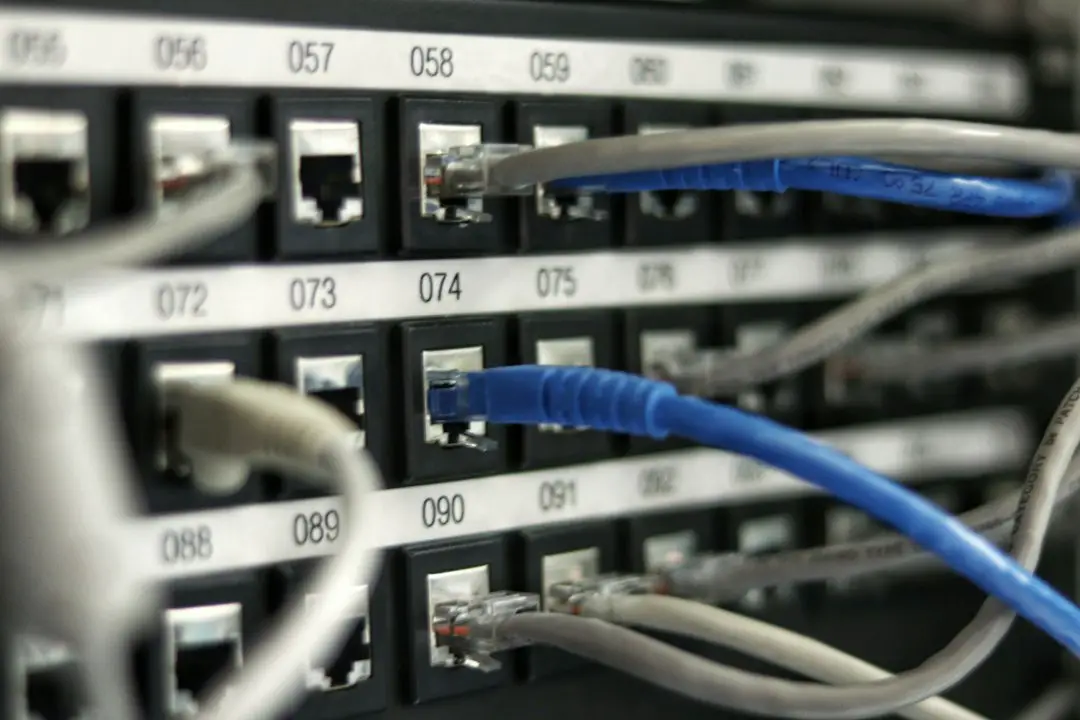
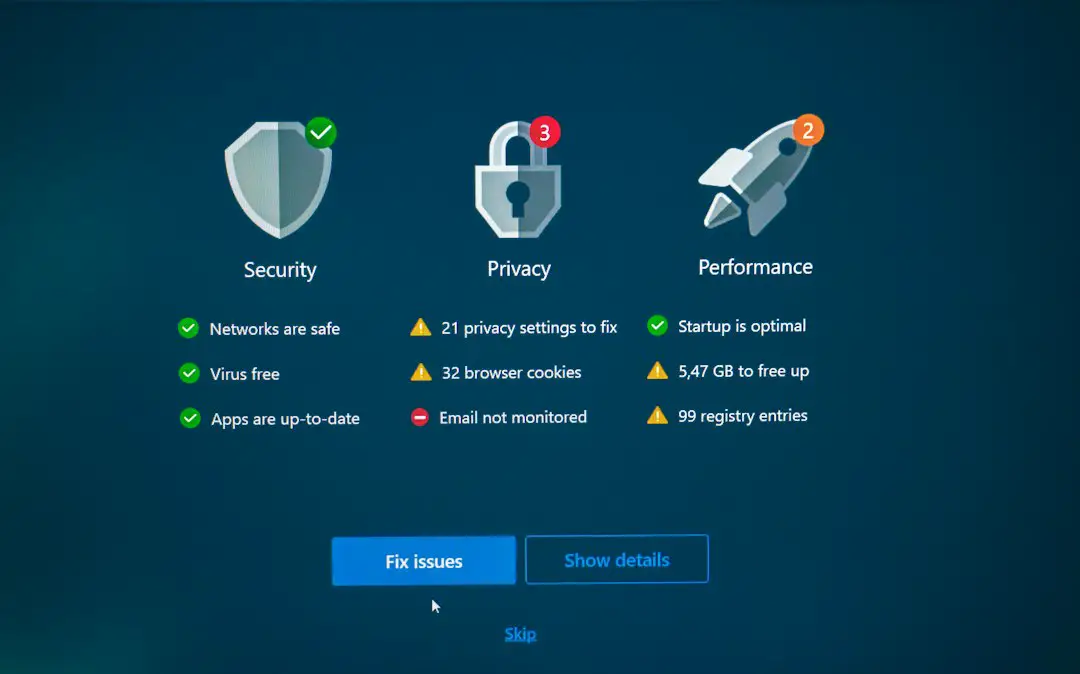
In a world where stable and fast internet has become as essential as electricity and water, discovering that your Wi-Fi network is slower than usual can be frustrating. While the problem might stem from your internet service provider, there’s a more alarming possibility — someone might be stealing your Wi-Fi. Unsecured or poorly protected wireless networks are susceptible to unauthorized access, and this not only slows down your connection but can also compromise your personal data.
Designing a logo should be fun. But what happens when your whole team wants in on the action? It can get messy. That’s why more and more people are turning to logo makers with built-in collaboration and comment threads.
OpenAI’s ChatGPT Plus subscription has been a valuable tool for professionals, developers, and general users who require enhanced access and capabilities from the ChatGPT model. Since its introduction, one of the recurring concerns for power users has been the rate limits imposed on GPT-4 and other advanced features. In early 2025, OpenAI rolled out a highly anticipated update to the Plus service which includes a significant increase to those rate limits, providing users with even greater flexibility and responsiveness in their daily AI interactions.