

Use Paper as the shared project memory and Claude as the working assistant, especially when design and coding work keep falling out of sync. Paper gives teams one clean place for briefs, decisions, wireframe notes, acceptance criteria, and release checklists. Claude can then turn that written context into UI copy, component notes, code suggestions, QA lists, and plain-English explanations. This works best when the source material is clear, because Claude supports long context windows that can handle large project notes and technical specs [source: Anthropic].
TLDR: Paper keeps the project stable; Claude helps move the work forward. A small product team could keep a feature brief, design notes, and API rules in Paper, then ask Claude to draft React components, edge cases, and test ideas from that same source. If this saves each designer and developer 30 minutes a day across a five-person team, that is about 12.5 hours saved per week. The main rule is simple: do not ask Claude to guess what Paper does not say.

Why this pairing works
Design and code often fail for boring reasons. The brief is in one place. The mockup comments are somewhere else. The frontend notes live in a private chat. Then someone builds the wrong state, misses a validation rule, or rewrites copy that was already approved. It drives me crazy that teams still lose hours to this kind of admin work.
Paper helps because it acts as a single project record. Claude helps because it can read that record and turn it into useful output. The value is not magic. It is structure plus speed.
A practical Paper page might include:
- Goal: what the feature should change for users.
- User flow: key screens, steps, and exit points.
- Design rules: spacing, states, tone, and interaction notes.
- Technical limits: API behavior, auth rules, data shape, and browser support.
- Acceptance criteria: what must be true before release.
Claude can then work from that page. It can draft empty states, suggest form validation, create a first pass at component props, or write a QA checklist. The team still reviews everything. That part does not go away.
How designers can use Paper and Claude
Designers should not treat Claude as a taste engine. It is better as a thinking partner for clarity, options, and gaps.
For example, paste a Paper brief into Claude and ask:
- “List the unclear parts of this brief.”
- “Turn these notes into user-facing microcopy.”
- “Create five empty-state options in a calm, direct tone.”
- “Find likely edge cases in this checkout flow.”
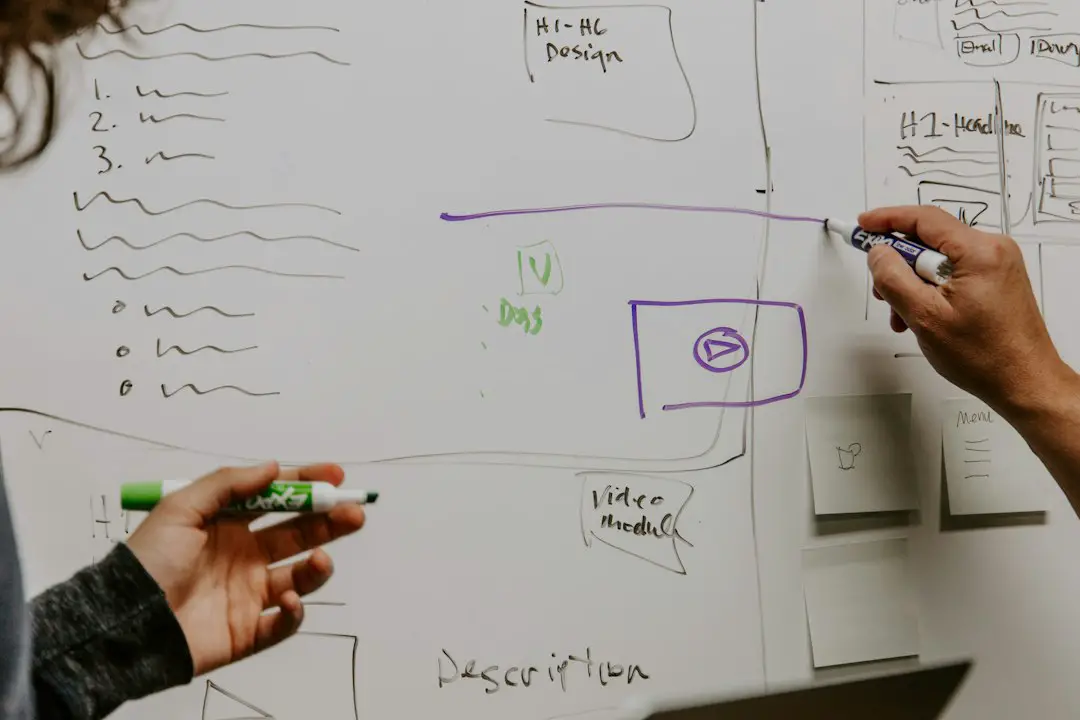
This is useful before design review. Claude may spot missing loading states, error messages, permission rules, or mobile cases. It will not replace design judgment. It will reduce the annoying checklist work that tends to happen too late.
How developers can use the same source
Developers benefit when Paper includes real constraints. Vague design notes produce vague code help. Clear notes produce better scaffolding.
A developer can ask Claude to turn Paper content into:
- Component structure for React, Vue, or another frontend stack.
- Data contracts based on API notes.
- Unit test ideas for success, failure, and empty states.
- Accessibility checks tied to the actual UI flow.
- Release notes written in plain language.
The catch is that Claude can sound confident when it is wrong. So the safest workflow is not “generate and ship.” It is “generate, review, test, then merge.” Treat AI output like code from a new teammate who works fast but needs supervision.
A simple workflow that holds up
Start with one Paper page per feature. Keep it short enough to read, but complete enough to act on. Add links to Figma files, tickets, and repo branches if needed. Then create a “Claude prompts” section at the bottom of the page.
Use prompts like these:
- “Based on this feature brief, create a frontend task list.”
- “Write error copy for each failure case.”
- “Find contradictions between the design notes and acceptance criteria.”
- “Create a QA checklist for desktop and mobile.”
- “Explain this API behavior to a designer in simple terms.”
This keeps the AI work visible. It also stops people from pasting random project fragments into private chats with no record. That habit creates confusion later.
Where teams should be careful
Do not paste secrets, private customer data, credentials, or unreleased legal content into any AI tool without company approval. Teams should set a written policy. Keep it boring and clear. State what can be shared, what needs redaction, and who reviews AI-generated work.
Also watch for design drift. Claude may suggest copy or UI behavior that sounds fine but does not match your product voice. Paper should contain brand tone, product rules, and “do not do this” examples. Those details matter.

Best use cases
Paper plus Claude is strongest for medium-sized tasks with enough context to reason from. It is less useful for fuzzy strategy work or final visual polish.
Good fits include:
- Feature briefs turning into task lists.
- Design notes turning into acceptance criteria.
- Approved copy turning into UI variants.
- API notes turning into frontend assumptions.
- Bug reports turning into reproduction steps.
The best teams will not use Claude to avoid thinking. They will use it to reduce repeat work, expose weak spots, and make design and code speak the same language. Paper holds the truth. Claude helps turn that truth into action.