

Procurement is the plan; purchasing is the buy. If your company spends money, you need both. Procurement decides what should be bought, from whom, at what price, and under what rules. Purchasing turns that plan into an order, invoice, and payment. Cost control matters here. Deloitte reported that 78% of chief procurement officers named cost reduction as a top priority [source: Deloitte].
TLDR: Purchasing is the act of buying. Procurement is the full system behind smart buying. Example: a team needs 25 laptops. Purchasing places the order, but procurement checks approved suppliers, pricing, warranty terms, and budget first. A simple approval tool can cut request delays from 5 days to 2 days if managers approve from email or mobile.

Procurement vs. purchasing, minus the headache
Think of purchasing like ordering pizza.
You pick a pizza. You pay. It arrives. Done.
Procurement is opening a pizza chain.
You compare cheese suppliers. You set quality rules. You negotiate prices. You track delivery times. You make sure nobody buys mystery pepperoni from a guy named Gary in a parking lot.
That is the big difference.
- Purchasing is short term. It handles orders.
- Procurement is long term. It handles value, risk, and control.
- Purchasing asks, “Can we buy this?”
- Procurement asks, “Should we buy this, from this supplier, at this price?”
Both matter. But if you only focus on purchasing, expect messy spend. Expect repeat approvals. Expect someone buying 14 brands of printer paper for no good reason.
Why this gets messy fast
Small teams can survive with email. For a while.
Then growth happens.
Someone sends a purchase request in Slack. Someone else uses a spreadsheet. Finance asks for a code. The supplier sends the invoice to the wrong person. Nobody knows if the thing was approved.
Honestly, it feels like chasing receipts through a haunted house.
This is where tools help. Not fancy tools for the sake of it. Simple tools that stop the same problem from happening every week.
Tool 1: Purchase request software
A purchase request is a formal “please buy this” note.
It should answer five basic questions:
- What do you need?
- Why do you need it?
- How much does it cost?
- Which budget pays for it?
- Who must approve it?
Purchase request software puts that into one clean flow.
No more random messages. No more “Who approved this?” panic. The request goes to the right manager. Then finance. Then purchasing.
Good tools include:
- Custom forms for different items.
- Approval routes based on cost or department.
- Budget checks before the order is placed.
- Status tracking so people stop asking, “Any update?”
It drives me crazy when a system needs seven clicks just to approve a $40 mouse. The best tools keep approvals quick. One click from email is great. Mobile approval is even better.
Tool 2: Supplier management software
Suppliers are not just names in a spreadsheet.
They affect cost. Quality. Delivery. Risk. Even your customer experience.
Supplier management software keeps all supplier data in one place. Contracts. Tax forms. Insurance documents. Prices. Performance scores. Contact details. All of it.
This matters because bad supplier data is sneaky. A contract expires. A price changes. A supplier misses three deliveries. Nobody notices until the team is annoyed and the bill is ugly.
A strong supplier tool helps you track:
- Approved suppliers by category.
- Contract dates and renewal reminders.
- Delivery performance over time.
- Risk items, like missing documents.
- Preferred pricing that buyers should use.
Here is a simple use case.
Your company buys office chairs from four suppliers. One supplier is 8% cheaper, but delivery takes 18 days. Another costs more, but delivers in 4 days and has fewer returns. Procurement can see the full picture. Purchasing can then place the right order for that situation.
That is smarter than blindly picking the cheapest option.
Tool 3: Spend management and analytics
This is where procurement gets serious.
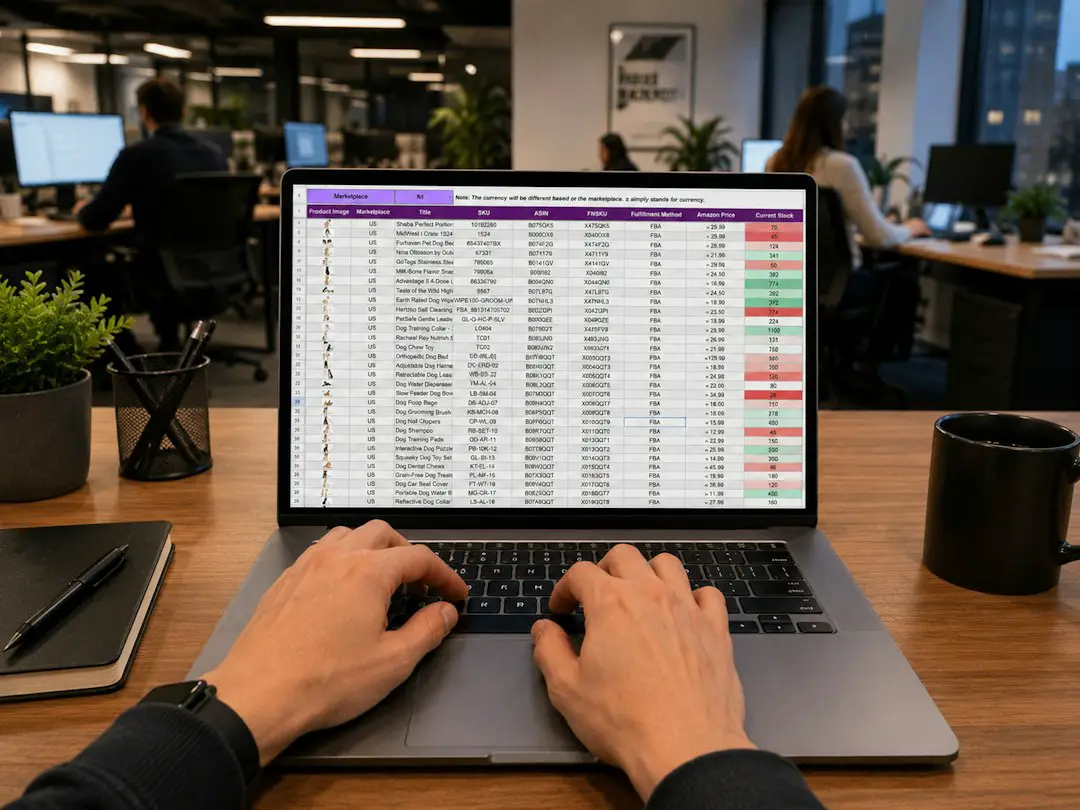
Spend management software shows where money goes. By team. Supplier. category. location. project. month.
It helps answer questions like:
- Are teams buying from approved suppliers?
- Are we paying different prices for the same item?
- Which suppliers get the most spend?
- Where can we combine orders?
- Which budgets are running hot?
Example time.
A company spends $500,000 a year on software tools. The spend report shows 12 teams paying for similar project management apps. Procurement moves the company to 3 approved tools. Even a 12% cut saves $60,000 a year.
That is not magic. That is visibility.
How the three tools work together
These tools are best as a team.
- Purchase request software controls the front door.
- Supplier management software checks who you buy from.
- Spend analytics shows what happened after the money left.
Together, they create a clean buying path.
Someone makes a request. The system checks the budget. The buyer uses an approved supplier. The order is tracked. The spend shows up in reports. Finance gets fewer surprises. Everyone breathes a little.
So, which one do you need first?
Start with your biggest pain.
- If approvals are slow, start with purchase requests.
- If supplier data is messy, start with supplier management.
- If nobody knows where money goes, start with spend analytics.
For most growing companies, the best first step is a purchase request tool. It stops messy buying at the start. Then add supplier controls. Then add deeper spend reporting.
Procurement is not just corporate red tape. Done well, it protects money, time, and sanity. Purchasing gets the order placed. Procurement makes sure it was the right order in the first place.