

Start every product video with a clear conversion goal, a tight script, and proof that the product solves a real problem. A polished video that says nothing useful will not sell. A simple video with a sharp message, clean visuals, and a strong call to action often will.
TLDR: Product video production works best when strategy comes before cameras. Define one audience, one problem, one offer, and one next step. For example, a kitchenware brand could create a 45-second demo showing how its pan cleans in 10 seconds, then place it on the product page; even a modest lift from 2.0% to 2.6% conversion can mean 30% more orders from the same traffic. Shoot only what supports the sale, then edit for clarity, speed, and trust.
1. Set the goal before writing anything
A product video should do a job. That job may be to explain, persuade, compare, reduce doubt, or close the sale. If the goal is vague, the video becomes vague too.
Choose one main objective:
- Awareness: show what the product is and who it is for.
- Education: explain how it works or why it matters.
- Conversion: push viewers toward purchase, demo booking, or signup.
- Retention: help customers use the product better after buying.
Then define the viewer. A first-time buyer needs context. A warm lead needs proof. An existing customer needs instructions. Do not make one video carry every message. That is where many product videos start to fall apart.
2. Turn product features into buyer reasons
Customers rarely care about features by themselves. They care about outcomes. A “12-hour battery” means no charging during a workday. “Stainless steel housing” means durability. “AI reporting” means faster decisions with less manual work.
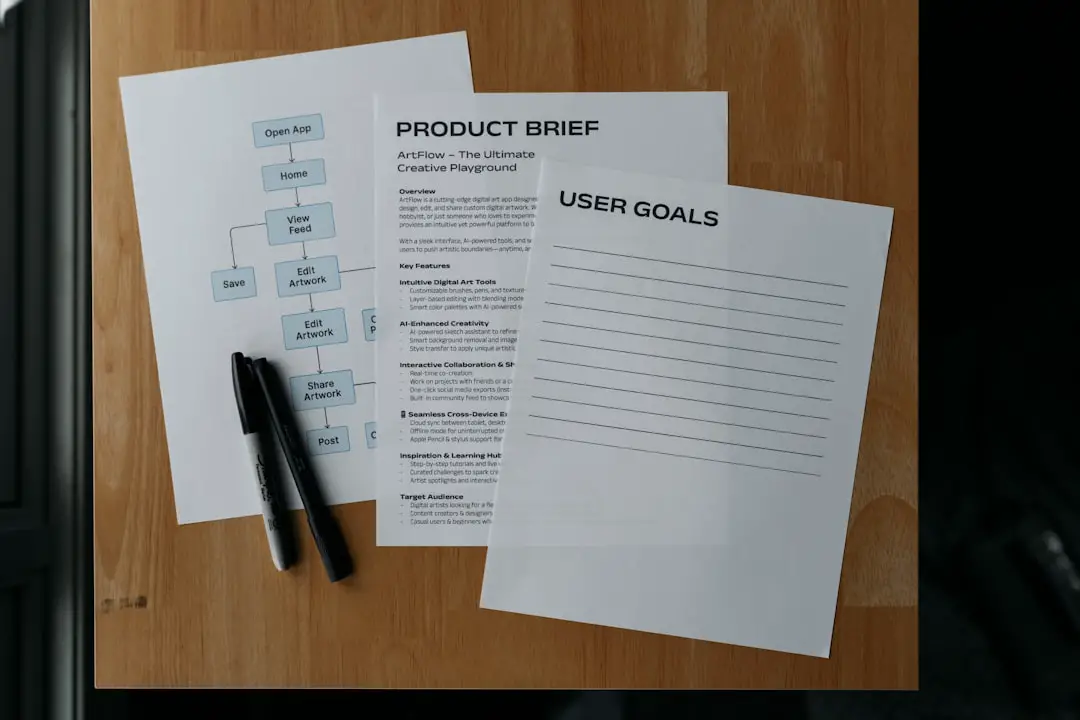
Before scripting, build a short message grid:
- Problem: What frustrates the customer?
- Product claim: What does the product do?
- Proof: What makes the claim credible?
- Benefit: What changes for the buyer?
- Action: What should the viewer do next?
This grid keeps the video grounded. It also helps prevent filler shots, bloated copy, and weak endings.

3. Write a script that sells without sounding fake
A strong product video script is short, direct, and specific. The first five seconds matter most. Viewers decide quickly whether the video is worth their time.
Use this basic structure:
- Hook: name the problem or desired result.
- Context: show who the product is for.
- Demonstration: show the product doing the work.
- Proof: add data, reviews, comparisons, or real use.
- Call to action: tell the viewer what to do next.
Keep the language close to how customers speak. Avoid empty claims such as premium quality or industry leading unless you can prove them. A better line is, “Set it up in under three minutes, without tools.” That is clear. It is measurable. It sounds real.
For most product videos, aim for:
- 15–30 seconds for paid social ads.
- 45–90 seconds for product pages.
- 2–5 minutes for tutorials or technical walkthroughs.
4. Plan the shoot with a shot list
A shot list saves money. It also saves tempers. Expect to waste time on set if the team keeps asking, “What do we shoot next?”
Your shot list should include:
- Hero shots: clean, attractive shots of the product.
- Use shots: the product in a real setting.
- Detail shots: texture, buttons, materials, packaging, interface screens.
- Problem shots: the pain point before the product appears.
- Proof shots: reviews, results, side-by-side comparisons, performance tests.
- CTA shots: product page, app download, QR code, offer, or final screen.
Also prepare props, wardrobe, locations, lighting needs, talent releases, and backup products. If the product has a screen, test brightness and refresh rate before shoot day. Screen glare has ruined plenty of otherwise good videos.
5. Shoot for trust, not just beauty
Good production quality matters, but trust matters more. Viewers want to see the product clearly. They want to understand scale, texture, speed, and effort. Do not hide the product behind fancy camera moves.
Use steady lighting. Capture clean sound. Show hands using the product. Include close-ups that answer likely questions. If the product has a setup process, show the real steps instead of pretending it works by magic.
For physical products, shoot from multiple angles. For software, record the actual interface and highlight the important clicks. For services, show the process, people, dashboard, or outcome. Abstract footage and smiling stock clips rarely build serious confidence.

6. Edit for speed and clarity
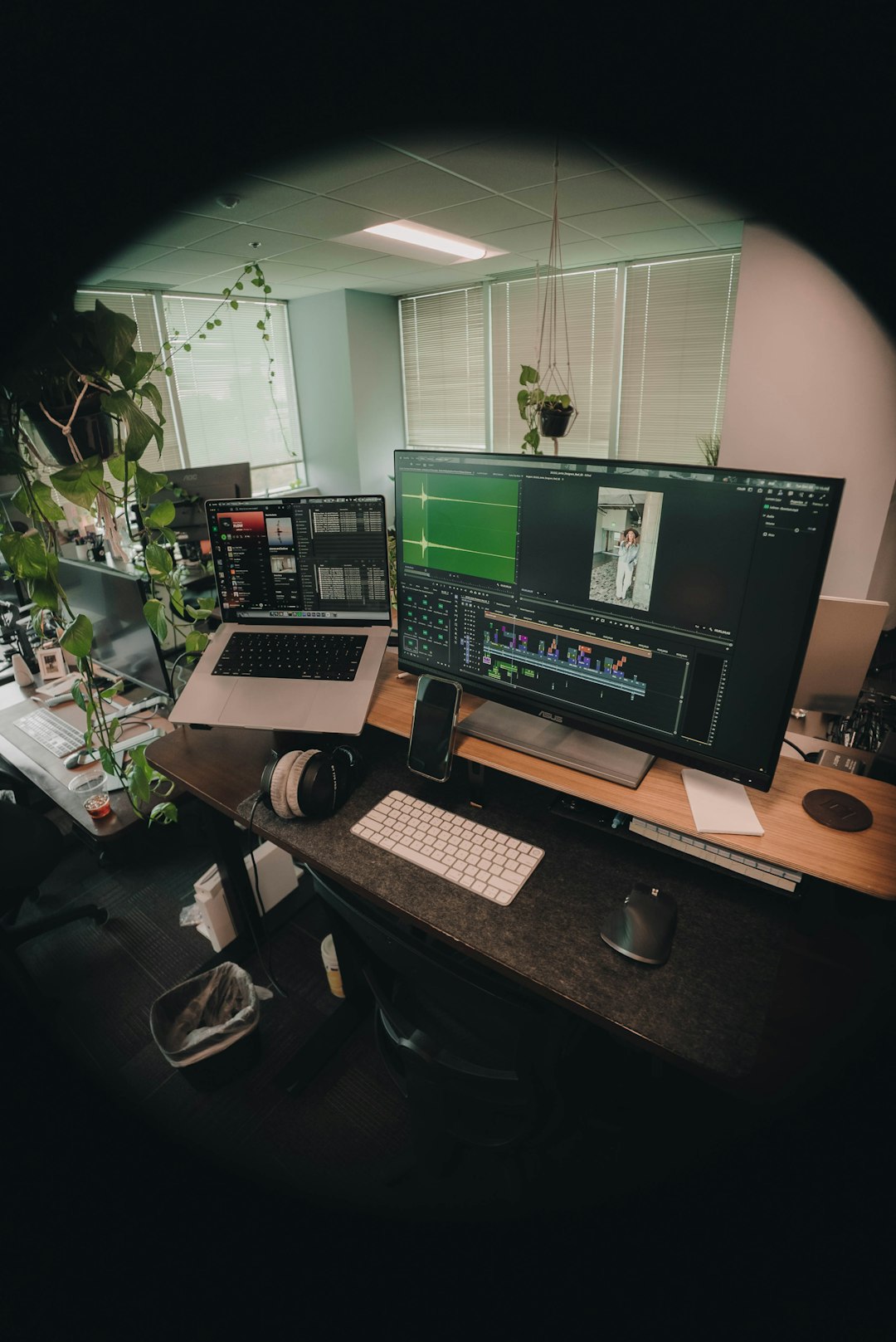
Editing is where strategy becomes visible. Cut anything that does not help the viewer understand or act. The final video should feel smooth, but not padded.
Focus on these editing choices:
- Open strong: show the product or problem right away.
- Use captions: many viewers watch without sound.
- Add labels: call out features, steps, and benefits on screen.
- Keep pacing tight: remove dead air, slow intros, and repeated points.
- Match music to the brand: avoid tracks that feel cheap or distracting.
- End with one CTA: do not ask for five different actions.
Honestly, it feels like some editing platforms make basic export settings harder than they should be. Losing 20 minutes because a caption layer shifted after resizing for vertical format is not rare. Build time for versioning into the schedule.
7. Create versions for each channel
One master video is not enough. A product page video, TikTok ad, YouTube pre-roll, trade show loop, and sales email clip all need different pacing and framing.
Prepare these common versions:
- 16:9 horizontal: YouTube, website, presentations.
- 9:16 vertical: TikTok, Instagram Reels, YouTube Shorts.
- 1:1 square: social feeds and some ad placements.
- Silent version: captions, text overlays, visual CTA.
- Short cutdowns: 6, 15, and 30-second ad variants.
Design for the placement. On social, the first second must earn attention. On a product page, the video should reduce doubt. In sales outreach, it should feel personal and specific.

8. Distribute with intent
Publishing is not distribution. Uploading a video and hoping people find it is weak marketing.
Place the video where it can support the buyer journey:
- Product pages: place near key images, pricing, or add-to-cart buttons.
- Paid ads: test hooks, offers, and video lengths.
- Email: use a thumbnail with a play button and a clear landing page.
- Sales teams: give reps short clips for objections and follow-ups.
- Marketplaces: add videos where platform rules allow them.
- Support centers: use tutorials to reduce tickets and returns.
Use accurate titles, thumbnails, captions, and metadata. A strong thumbnail should show the product, the result, or the problem. Avoid vague brand-only thumbnails unless the brand is already famous.
9. Measure conversion and improve
A product video is not finished when it goes live. Track performance. Then improve it.
Useful metrics include:
- View-through rate: shows whether the opening works.
- Average watch time: shows where attention drops.
- Click-through rate: shows whether the CTA is strong.
- Conversion rate: shows whether the video helps sales.
- Return rate or support volume: shows whether expectations are clear.
Run simple tests. Try a benefit-led hook against a problem-led hook. Test a 30-second cut against a 60-second cut. Compare videos with voiceover against text-only versions. Small changes can produce large gains when traffic is high.
Final production checklist
- Goal: one clear business outcome.
- Audience: one primary viewer type.
- Script: problem, product, proof, CTA.
- Shot list: every needed visual planned before filming.
- Production: clean light, sound, framing, and real product use.
- Edit: tight pacing, captions, labels, and brand consistency.
- Versions: formats made for each channel.
- Measurement: conversion data reviewed after launch.
The best product videos are not just attractive assets. They are sales tools. Build them with the same discipline you would bring to pricing, packaging, or a landing page, and they can make the product easier to understand, easier to trust, and easier to buy.