
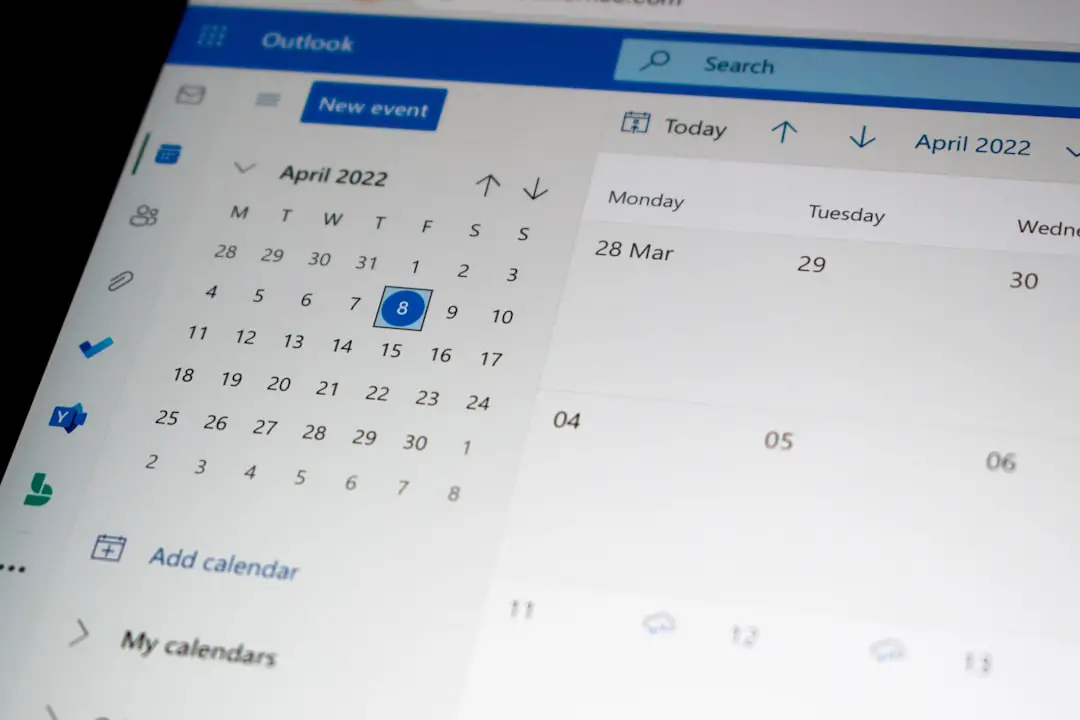
Booking a client should not feel like solving a puzzle with missing pieces. Yet many small businesses still use long email chains, sticky notes, and “Does Tuesday work?” messages. Smart appointment scheduling tools fix that. They make booking fast, clear, and almost magic.
TLDR: Smart appointment scheduling tools let clients book time with you online. They reduce back-and-forth messages, send reminders, and keep your calendar tidy. They also help you look more professional. Less chaos, more booked appointments.
What Are Smart Appointment Scheduling Tools?
Smart appointment scheduling tools are apps that manage bookings for you. They connect to your calendar. They show clients when you are free. Then clients choose a time that works for them.
No phone tag. No inbox tennis. No “Oops, I double-booked again.”
These tools are great for many types of businesses. Think salons, coaches, doctors, tutors, consultants, photographers, trainers, and repair services. If people need to book time with you, a scheduling tool can help.

Why Old-School Booking Gets Messy
Let’s be honest. Manual scheduling can be a tiny monster.
You send one time. The client says no. You send three more times. They reply two days later. By then, one slot is gone. Now you start again. It is like playing calendar ping-pong with a sleepy cat.
Manual booking can cause:
- Double bookings when two people grab the same time.
- Missed messages buried in your inbox.
- No-shows because clients forget.
- Wasted time on simple admin tasks.
- Confused clients who are not sure where to go or what to bring.
Smart tools help prevent all of this. They give everyone one clear place to book, cancel, reschedule, and check details.
How These Tools Make Life Easier
A good scheduling tool works like a friendly assistant. It does not need lunch breaks. It does not lose sticky notes. It does not sigh when someone reschedules for the third time.
Here are the big ways it helps.
1. Clients Can Book Anytime
Your clients do not always think about booking during business hours. They may remember at 10 p.m. while eating cereal. Or at 6 a.m. before the gym.
With online scheduling, that is fine. Your booking page is open all day and all night. Clients can pick a time when it suits them. You wake up with new appointments. That is a nice little morning gift.
2. Your Calendar Stays Updated
Most scheduling tools sync with popular calendar apps. So when someone books a time, it appears on your calendar. If you block time for lunch, meetings, or deep work, clients cannot book during that window.
This is huge. It protects your time. It also keeps your day from turning into a sandwich with no bread.
3. Reminders Reduce No-Shows
Clients forget things. We all do. Life is loud. Phones buzz. Dogs bark. Kids hide shoes.
Appointment reminders help. These can be sent by email, text, or app notification. A simple reminder can save you from an empty time slot.
You can remind clients:
- One day before the appointment.
- One hour before the appointment.
- With directions or video call links.
- With notes about forms, fees, or prep steps.
That means fewer no-shows. It also means fewer awkward “Were we meeting today?” messages.
4. Rescheduling Becomes Simple
Plans change. Traffic happens. Meetings run long. A client’s cat may decide to sit on their laptop.
Smart scheduling tools let clients reschedule without calling you. They click a link. They pick a new time. Done.
You stay in control too. You can set rules. For example, you can stop last-minute changes. You can require 24 hours’ notice. You can add cancellation fees if needed.

Features That Actually Matter
There are many scheduling tools out there. Some are simple. Some have more buttons than a spaceship. You do not need every feature. You need the right features.
Look for these:
- Easy booking page: Clients should understand it in seconds.
- Calendar sync: It should connect with your main calendar.
- Automatic reminders: Email and text reminders are very useful.
- Time zone support: This is vital for online businesses.
- Payment options: Great for deposits, classes, and paid sessions.
- Custom questions: Ask clients what you need to know before they arrive.
- Buffer times: Add breaks between appointments.
- Team scheduling: Useful if you have multiple staff members.
Simple is best. If the tool makes booking harder, it is not helping. It is just wearing a fancy hat.
How It Helps Your Clients
Clients like things that are easy. They do not want to wait for replies. They do not want to search through old messages. They want to see times, click one, and move on with their day.
A smooth booking process tells clients something important. It says, “We are organized. We respect your time. We know what we are doing.”
That builds trust before the appointment even starts.
Smart scheduling also gives clients confidence. They get confirmation emails. They get reminder messages. They know the date, time, place, and details. No guesswork. No stress.
How It Helps Your Business
For business owners, time is gold. Or maybe coffee. Either way, you need more of it.
Scheduling tools save time by removing boring admin work. They also help you book more clients because the process is faster. A client who can book right away is less likely to drift away.
These tools can also help you spot patterns. You may learn your busiest days. You may see which services are most popular. You may notice that nobody books Friday at 4 p.m. because everyone has mentally moved to the weekend.
With better data, you can make smarter choices. You can adjust hours. Add staff. Promote slow days. Offer new services. The calendar becomes more than a calendar. It becomes a tiny business coach.
Tips for Setting Up Your Booking Tool
Setting up your tool does not need to be scary. Start small. Keep it clear. Test everything.
- Choose your appointment types. Keep names simple, like “30-minute consultation.”
- Set your available hours. Do not forget lunch, travel, and breaks.
- Add buffer time. Even five minutes can save your sanity.
- Write clear instructions. Tell clients where to go and what to expect.
- Turn on reminders. This is one of the best features.
- Test the booking page. Book a fake appointment and check the flow.
Also, make your booking link easy to find. Add it to your website, email signature, social profiles, and messages. If clients have to hunt for it, some will give up.

Common Mistakes to Avoid
Even smart tools need smart setup. Watch out for these common mistakes.
- Offering too many choices: Too many options can confuse clients.
- Not setting boundaries: Protect your evenings, weekends, and breaks.
- Forgetting time zones: This can create chaos for online meetings.
- Skipping reminders: Reminders are simple, but powerful.
- Using cold wording: Keep messages friendly and human.
A booking tool should feel helpful. Not robotic. Add a warm welcome message. Use clear words. Say thank you. Small touches matter.
The Future of Booking Is Smarter
Scheduling tools are getting smarter every year. Some can suggest the best times. Some can route clients to the right team member. Some can handle waitlists. Some can even follow up after the appointment.
But the goal stays the same. Make booking easier.
You do not need a giant system to start. You just need a simple tool that matches your work. The best one is the one your clients can use without thinking too hard.
Final Thoughts
Smart appointment scheduling tools turn booking from a chore into a smooth little click. They save time. They reduce mistakes. They help clients feel cared for. They make your business look polished and ready.
Most of all, they give you breathing room. You can spend less time juggling calendars and more time doing the work you enjoy.
So say goodbye to the endless “What time works for you?” dance. Your calendar can be calm. Your clients can be happy. And you can finally stop being a full-time appointment detective.