

Writing code is a bit like cooking. You mix ingredients. You follow steps. And sometimes, things go wrong. A missing semicolon. A hidden bug. A security hole. This is where static code analysis tools come in. They check your code before it runs. They help you catch problems early. And they make your software stronger.
TLDR: Static code analysis tools scan your code without running it. They find bugs, security risks, and style issues early. This saves time, money, and stress. They help teams write cleaner, safer, and more reliable code.
What Is Static Code Analysis?
Static code analysis is the process of examining source code without executing it. Think of it as a grammar checker for programmers. It reads your code. It spots mistakes. It suggests improvements.
Unlike testing, it does not run the program. It studies the structure and logic directly. This is done while the code is “static,” meaning not in motion.
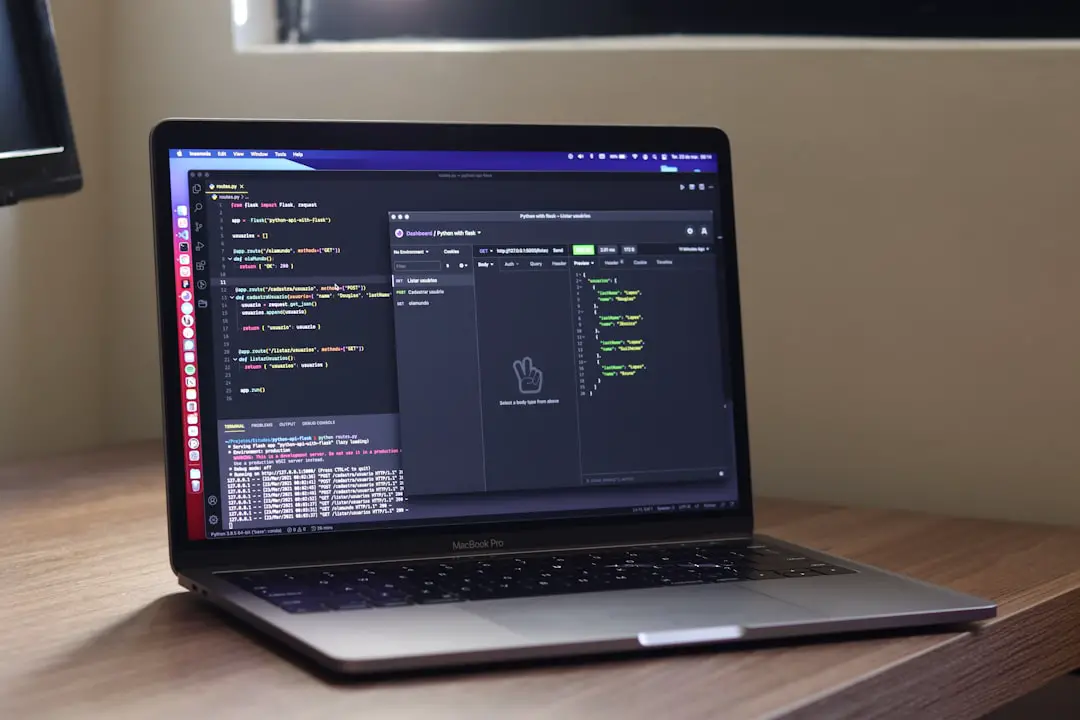
Static analysis tools look for:
- Syntax errors
- Security vulnerabilities
- Code smells
- Unused variables
- Complex functions
- Style inconsistencies
They act like a second pair of eyes. And they never get tired.
Why Code Quality Matters
Bad code is expensive. It breaks easily. It is hard to maintain. It confuses new team members.
Good code is clean and readable. It is easier to update. It scales better. It prevents hidden surprises.
Improving code quality leads to:
- Fewer bugs in production
- Safer applications
- Happier developers
- Lower maintenance costs
Static analysis helps you reach these goals faster.
How Static Analysis Tools Work
Static analysis tools scan your code line by line. They compare it to a set of rules. These rules are based on best practices and known patterns.
If something looks wrong, the tool flags it.
For example:
- A variable is declared but never used.
- An input field is not validated.
- A loop is overly complex.
- A password is hard coded in plain text.
The tool reports these issues. Then you decide how to fix them.
Some tools integrate directly into your code editor. Others run in your build pipeline. Some run automatically when code is pushed to a repository.
The goal is simple: catch problems early.
Types of Issues They Detect
1. Bugs
Bugs cause crashes or unexpected behavior. Static analysis can detect null pointer risks, memory leaks, and unreachable code.
2. Security Vulnerabilities
Security problems are serious. A tiny flaw can expose sensitive data. Static analysis tools look for:
- SQL injection risks
- Cross site scripting vulnerabilities
- Unsafe file handling
- Weak encryption usage
This is critical in modern software development.
3. Code Smells
A “code smell” is not exactly a bug. It is a warning sign. It suggests poor design choices.
Examples include:
- Very long methods
- Large classes doing too much
- Deep nesting of conditions
These make code harder to read and maintain.
4. Style Violations
Different developers write code differently. That can create chaos.
Static analysis tools enforce style rules. They ensure consistent formatting. This makes code easier to understand across teams.

Benefits of Using Static Code Analysis Tools
Early Detection Saves Time
Fixing a bug early is cheap. Fixing it after release is expensive.
Imagine finding a security hole in production. You must patch it fast. Users may already be affected. Trust may be damaged.
Static analysis reduces this risk. It acts as a safety net.
Continuous Improvement
Most tools provide metrics. These include:
- Code complexity score
- Number of critical issues
- Technical debt level
Teams can track progress over time. They can set quality goals. They can improve gradually.
Better Team Collaboration
Automated rules remove personal bias. Instead of arguing about coding style, the tool enforces standards.
This reduces conflict. It increases focus on real problems.
Enhanced Security
Security scanning is one of the biggest advantages. Attackers look for weaknesses. Static tools look for them too. But with good intentions.
They help create secure software by design.
Popular Static Code Analysis Tools
There are many tools available. Some are language specific. Others support multiple languages.
- SonarQube – Offers deep inspection and quality metrics.
- ESLint – Popular for JavaScript projects.
- Pylint – Designed for Python code.
- Checkstyle – Focuses on Java style rules.
- Coverity – Known for advanced bug detection.
Each tool has its strengths. The best choice depends on your project needs.
Best Practices for Using Static Analysis
Start Early
Add static analysis from the beginning of a project. Do not wait until the codebase becomes messy.
Integrate Into CI Pipeline
Continuous Integration pipelines can run analysis automatically. If issues are found, the build can fail.
This ensures only quality code gets merged.
Customize Rules
Default rules are helpful. But every team is different.
Adjust rules to fit your coding standards. Remove irrelevant warnings. Add custom checks if needed.
Avoid Warning Overload
Too many alerts can overwhelm developers.
Focus on high impact issues first. Gradually improve lower priority concerns.
Educate the Team
Tools are helpful. But people matter most.
Teach developers why certain rules exist. When they understand the reasoning, they write better code naturally.
Static Analysis vs Dynamic Analysis
It is important to understand the difference.
Static analysis checks code without running it.
Dynamic analysis checks behavior while the program runs.
Both are valuable. Static analysis finds structural issues. Dynamic testing finds runtime errors.
Together, they form a strong quality strategy.
Challenges of Static Code Analysis
No tool is perfect.
False Positives
Sometimes the tool flags something that is not really a problem. These are called false positives.
They can be frustrating. But fine tuning rules helps reduce them.
Learning Curve
Teams need time to understand reports. At first, it may seem overwhelming.
With practice, reading reports becomes easier.
Performance on Large Codebases
Very large projects may take longer to scan.
Modern tools handle this better than ever. Still, planning is important.
The Future of Static Code Analysis
Technology keeps evolving.
Modern analysis tools now use artificial intelligence. They detect complex patterns. They suggest smarter fixes. Some even auto correct problems.
Cloud based platforms make collaboration easier. Real time feedback inside code editors makes development smoother.
In the future, static analysis will become even more integrated. Developers may not even think about it. It will simply be part of writing code.
Why You Should Start Today
If you care about quality, static analysis is a must.
It saves time. It improves security. It reduces stress.
You do not need to adopt everything at once. Start small. Pick a tool. Run it on your project. Fix the most critical issues.
Over time, your codebase will become cleaner. More stable. Easier to manage.
And coding will feel less chaotic and more controlled.
Final Thoughts
Static code analysis tools are like helpful robots for developers. They scan tirelessly. They point out mistakes politely. They encourage best practices.
They do not replace human thinking. But they enhance it.
In a world where software powers almost everything, quality matters more than ever. Clean code is not just pretty. It is powerful. It is reliable. It is professional.
So let the tools do their magic. Write smarter code. Build better software. And sleep a little easier at night.