
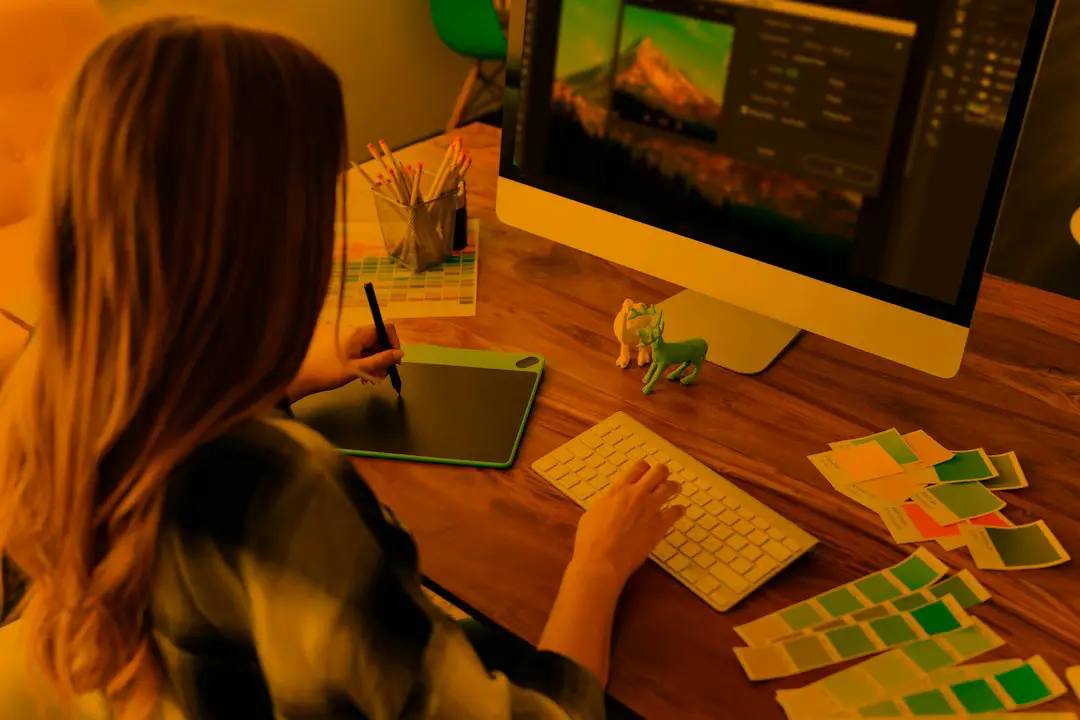
The best t-shirt design software depends on the production method, skill level, and how fast the design needs to move from idea to print. For custom apparel projects, a designer may need vector control, mockup tools, print file exports, or simple drag and drop editing. The demand is not small either; the custom t-shirt printing market was valued at $4.3 billion in 2023, which explains why so many tools now compete for creators, Etsy sellers, print shops, and small brands [source: Grand View Research].
TLDR: Canva is the easiest choice for quick social style shirts, while Adobe Illustrator is stronger for serious vector artwork and screen printing. A small shop creating 40 shirts for a gym event may finish faster in Canva, but a brand preparing 12 color-separated designs for printers will likely save rework by using Illustrator or CorelDRAW. For no-cost projects, Inkscape is a strong option, though its interface can feel clunky. The smartest setup is often one design tool plus one mockup or print on demand tool.
What Makes T-Shirt Design Software Worth Using?
Good apparel design software should do more than place text on a shirt. It should help users create artwork that prints cleanly, scales well, and matches the fabric color. This matters for DTG printing, screen printing, heat transfer vinyl, sublimation, and embroidery prep.
The best tools usually include:
- Vector support for sharp logos, icons, and typography.
- Transparent PNG export for print on demand platforms.
- SVG, PDF, or EPS output for professional printers.
- Mockup previews to show the shirt on a model or flat lay.
- Layer control for editing text, graphics, and effects.
- Color management for keeping brand colors consistent.
Honestly, it feels like some tools hide the most useful export settings behind paid plans. That can turn a five minute design task into a twenty minute hunt for the right file type.
Adobe Illustrator: Best for Professional Vector Artwork
Adobe Illustrator remains one of the strongest choices for serious t-shirt design. It creates vector art, which means logos and graphics can scale from a pocket print to a full back design without losing quality. This makes it ideal for screen printing, vinyl cutting, embroidery digitizing prep, and brand merchandise.
Designers can create clean typography, custom illustrations, badges, mascots, and multi color layouts. The pen tool, shape builder, and path tools are excellent for precise work. Printers also tend to accept Illustrator files without much fuss.
Best for: apparel brands, print shops, logo based shirts, screen print files.
The catch is… Illustrator has a learning curve. A beginner may spend 30 minutes trying to clean up paths that an experienced designer fixes in two. It is powerful, but not friendly on day one.
Canva: Best for Fast Custom Shirts
Canva is made for speed. It gives small teams, event organizers, teachers, clubs, and casual sellers a simple way to build shirt designs with templates, fonts, icons, and basic mockups. Its drag and drop editor is easy to understand, even for someone with no design training.
Canva works well for birthday shirts, school events, family reunions, gym challenges, church groups, and simple quote shirts. Users can export PNG files with transparent backgrounds on paid plans, which is useful for many print on demand workflows.
Best for: quick designs, simple text shirts, social media style graphics, small events.
The weak spot is originality. Many templates have a familiar look. A seller using stock layouts with almost no changes may end up with shirts that look like hundreds of others.
CorelDRAW: Best for Print Shops and Vinyl Cutting
CorelDRAW has a loyal user base in sign making, vinyl cutting, and apparel production. It provides strong vector tools, page layout features, and support for print ready file formats. Many production teams like it because it fits well with cutter workflows and commercial print preparation.
CorelDRAW is a practical pick for businesses that handle custom names, team uniforms, local company shirts, and event merchandise. It also feels more production focused than many design apps.
Best for: vinyl shops, local printers, custom work orders, multi item layouts.
It drives some users crazy that the interface can feel dense at first. Once the setup is tuned, though, repeated jobs become much faster.
Affinity Designer: Best One Time Purchase Alternative
Affinity Designer is a strong choice for designers who want professional features without a monthly subscription. It supports vector and raster work in one app, which helps with illustration, texture, lettering, and print graphics.
It is polished, fast, and affordable compared with many subscription based tools. Apparel designers can build logos, badges, hand drawn effects, and layered compositions. Export options are solid enough for many printers and online marketplaces.
Best for: freelancers, small brands, budget conscious designers, mixed vector and raster artwork.
The main drawback is that fewer print shops request native Affinity files. Designers may need to export PDF, SVG, EPS, or PNG files carefully.
Inkscape: Best Free Vector Software
Inkscape is free, open source, and surprisingly capable. It handles SVG artwork, shapes, paths, typography, and basic vector editing. For a startup brand with almost no budget, it can be a smart first tool.
It is especially useful for single color graphics, vinyl cut files, simple badges, and clean logo designs. Since it costs nothing, it also works well for students and hobby sellers testing shirt ideas before paying for software.
Best for: free vector design, hobby projects, SVG files, budget apparel startups.
The annoyance is polish. Some actions take extra clicks, and the interface can feel dated. Still, free software that makes usable vector shirt art deserves respect.
Photoshop: Best for Photo Based and Distressed Designs
Adobe Photoshop is not the best vector tool, but it shines with photo edits, textures, grunge effects, halftones, and distressed artwork. It works well for band shirts, vintage graphics, collage art, and fashion tees with photographic elements.
Designers can add grain, remove backgrounds, adjust contrast, and build detailed raster compositions. For DTG printing, this can produce rich results when the file has enough resolution.
Best for: photo shirts, vintage effects, streetwear graphics, distressed textures.
The risk is scaling. A low resolution file may look fine on screen but print soft on fabric. Designers should build artwork at the final print size, usually at 300 DPI when possible.
Procreate: Best for Hand Drawn Shirt Art
Procreate is a favorite among illustrators using iPad. It feels natural for sketching mascots, hand lettering, cartoon art, tattoo inspired designs, and expressive apparel graphics. The brush library is excellent, and the drawing experience is smooth.
Many artists create the original illustration in Procreate, then clean it up in Illustrator, Affinity Designer, or Inkscape. This workflow is common because Procreate is raster based, not a full vector design app.
Best for: illustrators, hand drawn art, character shirts, lettering concepts.
Printful Design Maker: Best for Print on Demand Testing
Printful Design Maker is useful for sellers who want to create and preview designs directly on products. It includes product mockups, text tools, clipart, and placement guides. It also helps users see how a design sits on actual apparel items.
This tool is not as flexible as serious design software, but it is convenient. A seller testing 10 slogan shirts can upload graphics, generate mockups, and prepare listings faster than using separate tools for every step.
Best for: ecommerce sellers, POD testing, mockups, simple product previews.
Cricut Design Space: Best for DIY Heat Transfer Vinyl
Cricut Design Space is built for craft cutting machines. It is not a full design suite, but it is useful for home based t-shirt projects using heat transfer vinyl. Users can prepare names, numbers, monograms, and simple graphics for cutting.
Best for: DIY shirts, family projects, craft sellers, vinyl lettering.
Expect to waste time on small setup details. Mirroring artwork, weeding fine letters, and checking cut settings can slow the process. A design that takes 10 minutes on screen may take 45 minutes to cut, weed, and press.
Quick Software Picks by Project Type
- Best overall for pros: Adobe Illustrator.
- Best for beginners: Canva.
- Best free option: Inkscape.
- Best for print shops: CorelDRAW.
- Best for illustrators: Procreate.
- Best for photo effects: Photoshop.
- Best low cost pro tool: Affinity Designer.
- Best for POD mockups: Printful Design Maker.
How to Choose the Right Tool
A designer should start with the final output. If the shirt needs sharp logos, vector software is the safer choice. If the shirt uses photos or texture, raster software may fit better. If the project is a one time family event, a simple template tool may be enough.
File export matters just as much as design features. Printers may ask for AI, EPS, PDF, SVG, PSD, or transparent PNG. Before spending hours on artwork, the designer should check the printer’s file requirements. That small step can prevent a painful redesign later.
FAQ
What is the easiest t-shirt design software for beginners?
Canva is usually the easiest. It has templates, simple text tools, and quick exports for basic apparel designs.
What software do professional t-shirt designers use?
Many professionals use Adobe Illustrator, Photoshop, CorelDRAW, and Affinity Designer, depending on the print method and artwork style.
Is free t-shirt design software good enough?
Yes, for many projects. Inkscape can create clean vector artwork at no cost. It may feel less polished, but it can produce usable print files.
Should t-shirt designs be vector or PNG?
Logos, text, and simple graphics are often best as vectors. Detailed art and photo based designs may work well as high resolution PNG files with transparent backgrounds.
Which software is best for print on demand shirts?
Canva, Illustrator, Affinity Designer, and Printful Design Maker are all useful. The best pick depends on whether the user needs original artwork, quick templates, or product mockups.