

Web crawling finds pages; web scraping pulls data from those pages. That is the cleanest split. Crawling is about discovery and indexing. Scraping is about extraction and reuse. Google says its crawlers discover URLs through links, sitemaps, and other signals [source: Google].
TLDR: Web crawling is like sending a bot through a website to map what exists. Web scraping is like copying specific useful details from those pages, such as prices, reviews, or job titles. For example, a retail analyst might crawl 50,000 product URLs, then scrape only price and stock data from 12,000 active items. If prices change by 8% in one week, that scraped data can help a team react before competitors do.
What web crawling really means
Web crawling is the process of moving through web pages by following links. A crawler starts with one or more URLs. These are often called seed URLs. From there, it finds other links, visits them, records them, and keeps going.
Search engines use crawlers to build indexes. SEO tools use them to scan site health. Security teams use them to find exposed pages. A crawler may collect page titles, status codes, internal links, broken links, canonical tags, and metadata.

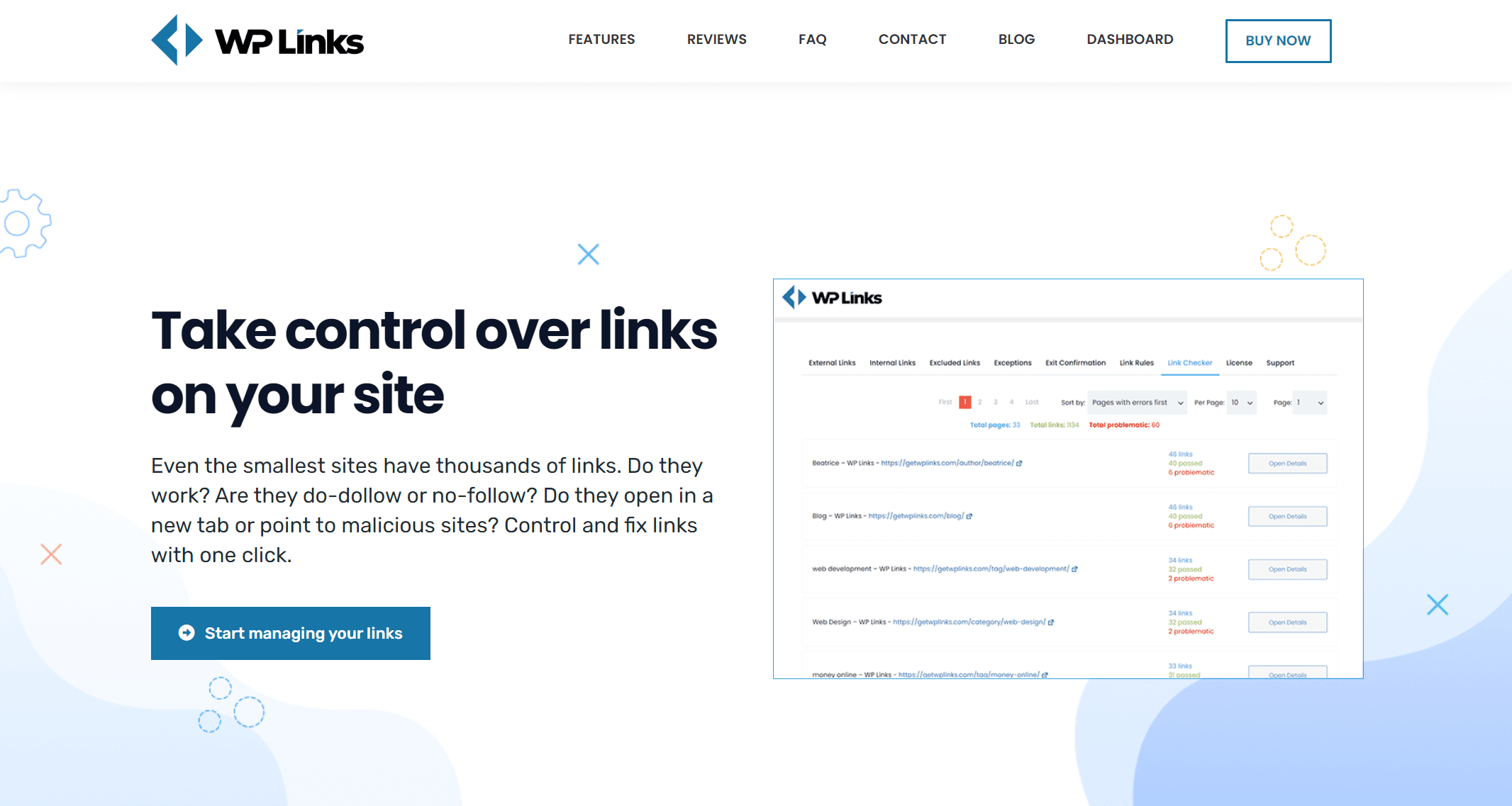
The goal is usually not to grab every detail on a page. The goal is to understand the structure. Think of it as making a map before deciding what matters.
What web scraping really means
Web scraping is different. It focuses on collecting selected information from web pages. A scraper may pull product names, hotel prices, news headlines, email addresses, sports scores, or customer ratings.
Scraping can happen on one page or millions of pages. It can be simple, like copying article titles from a blog. It can also get messy fast. Honestly, it feels like some sites were built to make extraction annoying. A price can appear in five places, load three seconds late, then vanish behind a script.
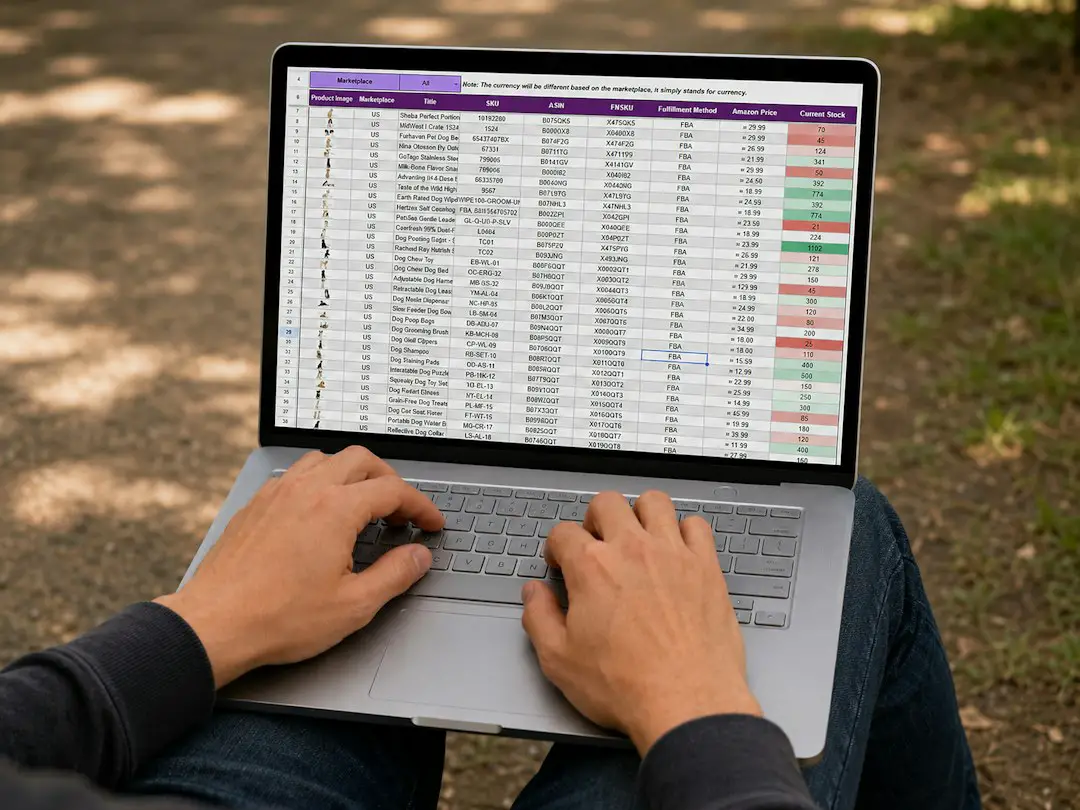
Scrapers often use tools such as HTML parsers, browser automation, APIs, proxies, and data cleaning scripts. The output is usually stored in a spreadsheet, database, dashboard, or internal app.
The key differences
- Purpose: Crawling finds and organizes pages. Scraping extracts data from pages.
- Output: Crawling often creates URL lists, link maps, and site reports. Scraping creates usable datasets.
- Scope: Crawling can cover a whole site. Scraping may target only certain fields.
- Frequency: Crawlers may run daily, weekly, or continuously. Scrapers often run when fresh data is needed.
- Complexity: Crawling is heavy on link logic. Scraping is heavy on page parsing and data cleanup.
A crawler might say, “Here are 30,000 pages on this domain.” A scraper might say, “Here are the prices, ratings, and shipping times from 2,400 product pages.” That small difference matters a lot.
How they work together
In many real projects, crawling comes first. Scraping comes second. You crawl to find target URLs. Then you scrape those URLs for useful data.
Here is a common workflow:
- Start with seed pages. These might be category pages, search result pages, or sitemap URLs.
- Crawl links. The crawler finds product pages, article pages, or profile pages.
- Filter the list. Remove duplicates, broken pages, login pages, and irrelevant URLs.
- Scrape selected fields. Pull names, dates, prices, ratings, images, or contact details.
- Clean the data. Fix missing values, strange formatting, and repeated entries.
- Store and use it. Send it to a database, report, model, or alert system.

Common use cases
SEO audits are a classic crawling use case. A crawler checks title tags, duplicate pages, redirects, and broken links. This helps teams fix issues before search rankings suffer.
Price monitoring is a classic scraping use case. A company may track 10 competitors across 20,000 products. If a rival drops prices by 5%, the sales team can react quickly.
Market research often combines both. A team may crawl public directories, then scrape company names, locations, categories, and review scores.
News tracking works the same way. A crawler finds fresh article URLs. A scraper pulls headlines, authors, publish times, and summaries.
Rules, limits, and ethics
Just because data is visible does not mean it is okay to take and reuse it. Check a site’s terms, robots.txt file, copyright rules, and privacy laws. Robots.txt is a standard way sites give crawler instructions [source: Robots.txt].
Be careful with personal data. Names, emails, phone numbers, and account details can create legal and ethical risks. If you do not need personal data, do not collect it.
Also, be kind to servers. Send too many requests and you can slow a site down. Expect to waste time on rate limits if your bot acts like a hammer. Add delays. Cache pages. Respect blocks. Use official APIs when they exist.
Tools and technical choices
For crawling, teams often use site audit tools, custom Python scripts, or search engine style crawlers. For scraping, common choices include Python libraries, browser automation, and hosted scraping services.
The right setup depends on the site. Static HTML pages are easier. JavaScript-heavy pages take more work. Login walls, CAPTCHAs, infinite scroll, and changing page layouts can turn a two-hour task into a two-day headache.

Which one do you need?
If your question is “What pages exist?”, you need crawling. If your question is “What data is on those pages?”, you need scraping. If your question is both, start with crawling and use scraping after the target pages are found.
The best projects keep the two roles separate. Crawl to discover. Scrape to collect. Clean the data before trusting it. That simple order saves time, reduces errors, and keeps your web data work much less painful.