
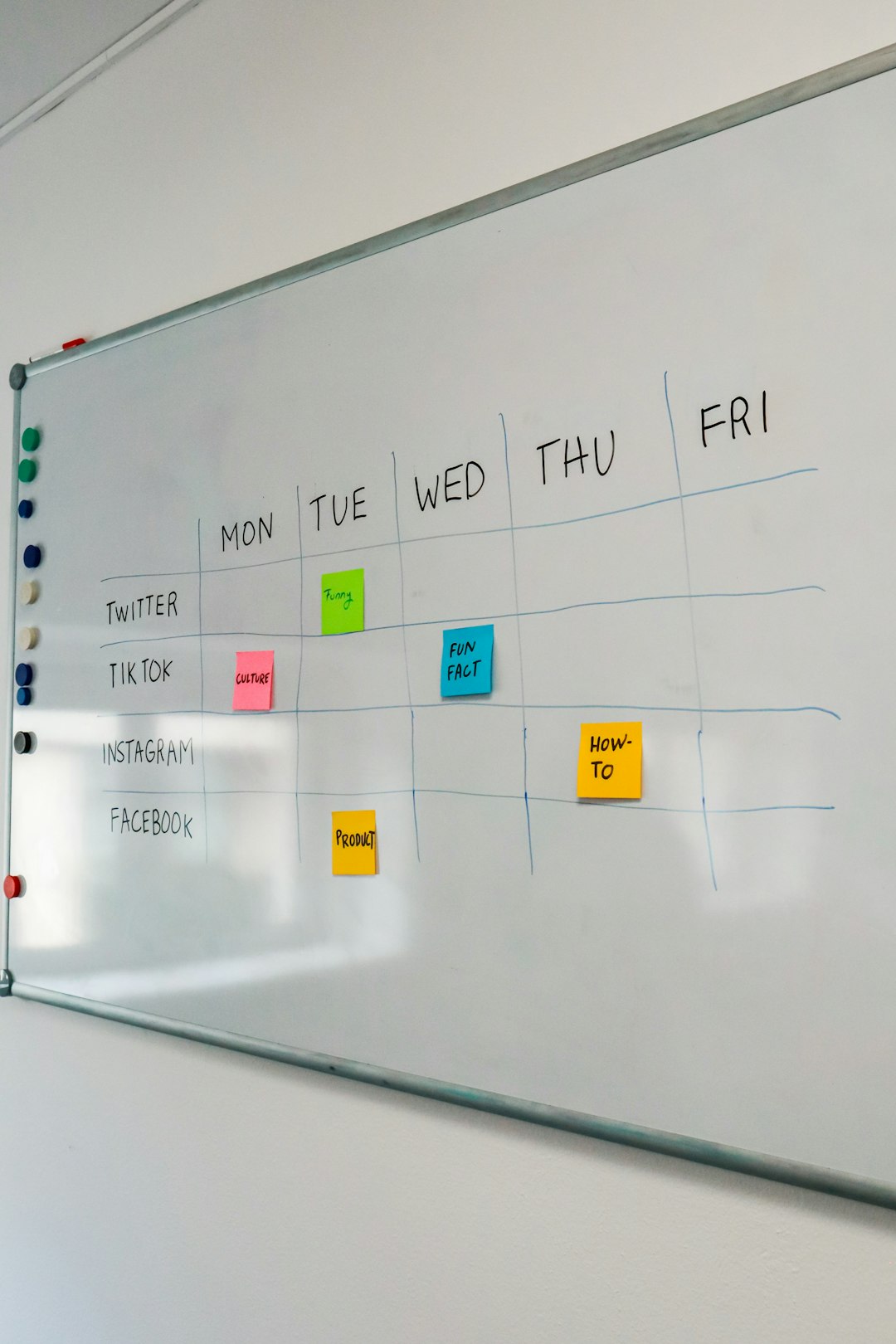
Task analysis sounds fancy. It is not. It simply means breaking a task into smaller pieces so you can understand how people do it. Think of it like turning “make a sandwich” into steps such as “get bread,” “add cheese,” and “try not to eat the cheese first.” Simple. Useful. Sometimes delicious.
TLDR: Task analysis helps teams see what users do, think, decide, and struggle with. The four main types are hierarchical, procedural, cognitive, and workflow task analysis. For example, a help desk that mapped its password reset task found that users got stuck at step 4, and support tickets dropped by 32% after the team simplified that step. Small changes can make big tasks feel easy.
Why task analysis matters
People do not always use products the way teams expect. Shocking, right?
A designer may think a checkout process is easy. A customer may think it feels like solving a puzzle in a dark room. Task analysis helps close that gap. It shows what users actually do. It also shows what they forget, skip, misunderstand, or repeat.
You can use task analysis for many things:
- Building apps and websites
- Training employees
- Improving customer service
- Writing instructions
- Fixing confusing workflows
- Designing safer systems
Now let’s meet the four main types. They are like four detectives. Each one looks at a task in a different way.

1. Hierarchical Task Analysis
Hierarchical Task Analysis, or HTA, breaks a big task into smaller tasks. Then it breaks those tasks into even smaller steps. It is like a family tree, but for actions.
The big task sits at the top. The smaller tasks sit underneath it. This makes complex work easier to see.
Real-world example: Booking a hotel room online.
- Main task: Book a hotel room
- Choose a destination
- Select travel dates
- Compare hotels
- Pick a room
- Enter guest details
- Pay for the booking
- Receive confirmation
Each of those steps can be broken down again. “Compare hotels” may include checking price, reading reviews, viewing photos, and looking at the map. Suddenly the team sees the whole journey.
When to use it: Use HTA when a task has many parts. It is great for websites, software, training guides, and service design.
Fun way to think about it: HTA is like unpacking a suitcase. At first, it is one big bag. Then you see socks, shirts, chargers, snacks, and that one mystery item you packed for no reason.
2. Procedural Task Analysis
Procedural Task Analysis focuses on the exact order of steps. It answers the question, “What must happen first, second, third, and so on?”
This type is very useful when order matters. If someone skips a step, the task may fail. Or worse, the coffee machine may explode. Probably not. But let’s be careful.
Real-world example: A barista making a latte.
- Wash hands
- Grind the coffee beans
- Tamp the coffee grounds
- Pull the espresso shot
- Steam the milk
- Pour milk into the cup
- Add latte art
- Serve the drink
If the barista steams the milk before preparing the espresso, the milk may sit too long. If they forget to tamp the coffee, the espresso may taste weak. The order matters.
When to use it: Use this for training, checklists, safety tasks, customer support scripts, and onboarding.
Another example: A hospital nurse giving medicine. The nurse must check the patient name, medicine name, dose, time, and route. A clear procedure helps prevent mistakes.
Procedural analysis is simple, but powerful. It turns “just do the thing” into “do the thing safely and correctly.”
3. Cognitive Task Analysis
Cognitive Task Analysis, or CTA, looks at what is happening inside the user’s head. Spooky? A little. Helpful? Very.
Some tasks are not just physical. They involve decisions, memory, attention, judgment, and problem solving. CTA studies those mental moves.
Real-world example: A driver changing lanes on a busy road.
The task may look simple from the outside. Move the car left. Done. But the driver is thinking about many things:
- Is there a car in the blind spot?
- How fast is the car behind me?
- Is my exit coming soon?
- Do I have enough space?
- Did I turn on the signal?
CTA helps reveal hidden decisions. This is why it is useful for pilots, doctors, drivers, emergency workers, and advanced software users.
Real-world product example: A user choosing an insurance plan. They compare price, coverage, deductibles, family needs, and risk. If the page only shows numbers, users may freeze. CTA can show that users need plain-language help, examples, and comparison tools.
When to use it: Use CTA when users must think hard, make choices, or handle risk. It is great for complex apps, expert tools, financial products, medical systems, and learning platforms.
Fun way to think about it: CTA is like reading the recipe in someone’s brain. It shows why they chose extra garlic. Always choose extra garlic.
4. Workflow Task Analysis
Workflow Task Analysis looks at how a task moves across people, tools, systems, and time. It does not focus only on one user. It looks at the whole flow.
This is useful when a task passes from person to person. Think offices, warehouses, restaurants, hospitals, and support teams.
Real-world example: Handling an online return.
- The customer starts a return request
- The website checks the order number
- The system creates a return label
- The warehouse receives the item
- A worker checks the condition
- The finance system triggers a refund
- The customer gets an email
If the customer service team says, “The refund is delayed,” the problem may not be with customer service. It may be in the warehouse check. Or in the payment system. Or in an email queue taking a nap.
Workflow analysis helps teams find bottlenecks. A bottleneck is a place where work slows down. It is like a traffic jam, but with spreadsheets.
When to use it: Use workflow analysis for business processes, service design, operations, and team handoffs.
Real-world numbers: Imagine a return process takes 10 days. Workflow analysis finds that items wait 4 days before inspection. By adding one daily inspection slot, the company cuts the return time to 6 days. Customers cheer. Support agents relax. Everyone gets snacks.
How to choose the right type
You do not need to pick one forever. You can mix them. In fact, smart teams often do.
- Use hierarchical analysis to break down a big task.
- Use procedural analysis when step order is important.
- Use cognitive analysis when decisions and thinking matter.
- Use workflow analysis when tasks move across people or systems.
Here is a simple rule. If the task looks big, use hierarchical analysis. If it must follow a recipe, use procedural analysis. If it needs brainpower, use cognitive analysis. If it moves through a team, use workflow analysis.
A quick user case scenario
A small food delivery app noticed that 41% of new restaurant owners failed to finish account setup. The team used task analysis to investigate.
First, they used hierarchical analysis. They broke setup into profile, menu, hours, delivery zones, and payment. Then they used cognitive analysis. They learned that owners were confused by delivery zone rules. Finally, they used procedural analysis to rewrite setup as a step-by-step wizard.
The result? Completion rose from 59% to 78% in one month. No magic. Just clearer tasks.
Final thoughts
Task analysis is not about making charts for fun, although charts can be oddly satisfying. It is about understanding real people doing real things. It helps teams remove confusion, save time, reduce errors, and build better experiences.
So the next time a task feels messy, do not panic. Break it down. Look at the steps. Look at the order. Look at the thinking. Look at the flow. The task monster will become much smaller.