
When academics need data, speed and simplicity matter. Especially when deadlines are tight or pilot studies are due tomorrow morning. Creating a survey shouldn’t eat up the researcher’s lunch break. That’s where lightweight poll tools come to the rescue—quick to set up and easy to export clean results.
TLDR: Need survey responses fast, without the fuss? These four tools are academic-friendly, require little to no setup, and offer smooth exports for your analysis. Whether you’re collecting opinions for a journal article or a classroom experiment, these options are clean, simple, and won’t make you scream into a spreadsheet. Let’s dive into the top lightweight champions of survey magic!
1. Google Forms – The Crowd Favorite
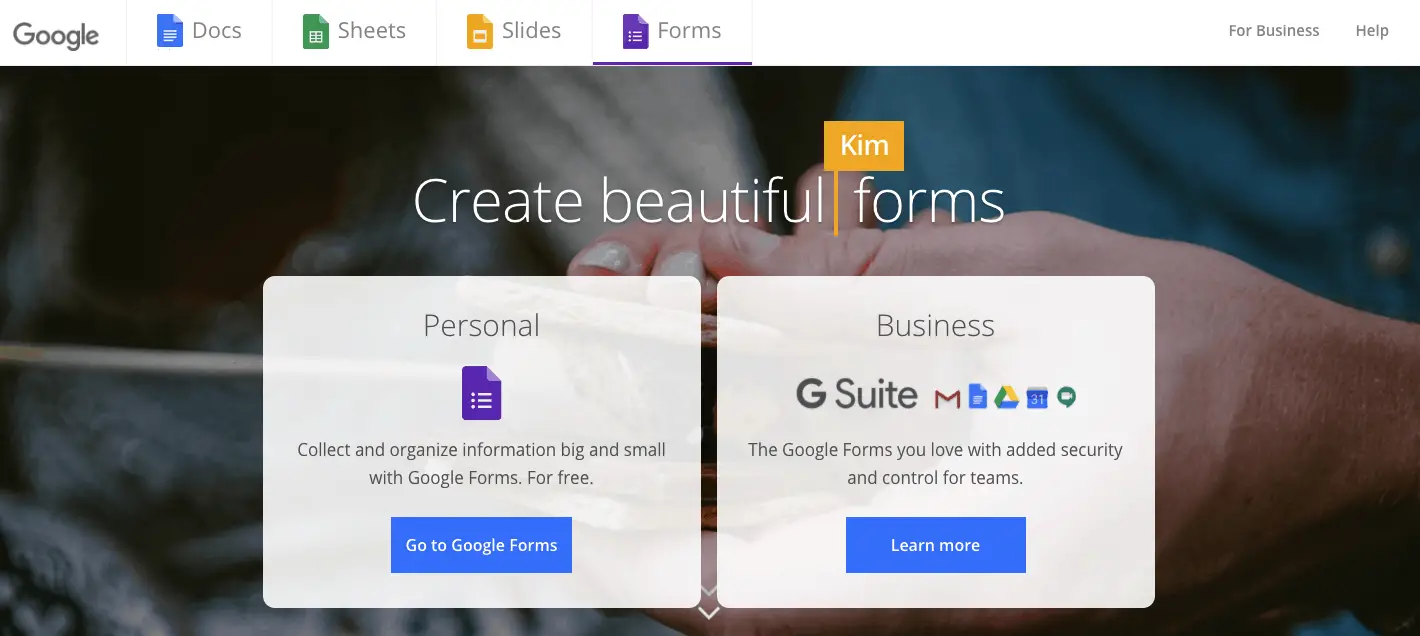
Let’s start with the classic. Google Forms is simple, free, and effective. Most academics probably have a Google account already, which makes setup a breeze.
- Zero cost – unless you count coffee while building your form.
- Autosaves data into Google Sheets with no effort.
- Easy interface with drag and drop question creation.
- Unlimited responses, unless your department says otherwise.
Want to ask multiple-choice, short answer, or Likert-type questions? Done. Google Forms can handle those with ease.
Exporting Data? Just open the connected Google Sheet and download as CSV. Clean columns, friendly formats—your data analysis software will thank you.

Pro Tip: If you’re running classroom studies or gathering peer feedback, Google Forms is perfect for basic ethics-cleared research.
2. PollFish – Fast + Professional
This one’s for those who want speed and participant targeting. PollFish isn’t free, but it’s a powerhouse for clean, fast research.
- Quick setup – build a survey in 15 minutes or less.
- Real respondents – access to pre-screened global panels.
- Detailed filtering for demographics, devices, regions.
Ideal for social sciences or market-based research where representative samples matter. The dashboard is intuitive and offers robust analytics.
Exporting Clean Data? PollFish provides ready-to-analyze files: CSV or Excel exports with clear labels. No digging, no decoding weird headings.
Pro Tip: You can filter responses mid-project and freeze results to analyze subsets with zero extra effort.
3. StrawPoll – Ultra Lightweight
If you need a one-question, no-login poll in under a minute, StrawPoll is your best friend.
- No account needed – literally click and create.
- Instant sharing via URL, email, or embedding.
- One question only – ideal for quick votes or brainstorms.
It’s not fancy, but it gets the job done. Think of it like a paper sticky note that can fly across the internet.
Exporting Responses? Less advanced than others. You may need to copy-paste manually or use browser extensions to scrape results. But for quick decision polls, it’s unmatched for speed.
Perfect For: In-class choices, journal club voting, or group decisions within research teams.

4. Typeform – Surveys That Look Good
If you’re into aesthetics or need to keep participants fully engaged, Typeform is your go-to platform.
- Smooth UX – one question at a time keeps responders focused.
- Templates for education, feedback, quizzes, and more.
- Mobile optimized and integrates with apps like Notion and Slack.
Academic Use? It’s great for collecting thoughtful responses in psychology, education, or UX-related research. The conditional flow logic lets you build complex paths without complexity on setup.
Export It Clean: Yep, CSVs are formatted nicely—with filterable responses and clear identifiers.
While the free version has limits (like 10 responses per month), the paid plans start low and are often covered by academic departments.
Pro Tip: Want to stand out in your IRB application? Mention that your survey reduces cognitive overload. Typeform’s design backs that up!
Bonus: Why “Minimal Setup” Really Matters for Researchers
Let’s face it. Most of us don’t want to spend hours figuring out survey logic or decoding responses like it’s ancient Greek.
Here’s why minimalist tools are gold:
- No coding skills needed – no time lost fiddling with code.
- Instant deployment – launch within an hour, not a week.
- Cleaner focus – ask what you need, not what the software demands.
Better yet, when your export is tidy, your analysis starts faster. Whether you’re working in R, Python, or even Excel (no shame in that), these clean formats are easy on both eyes and software.
Quick Comparison Table
| Tool | Best For | Export Format | Setup Time | Cost |
|---|---|---|---|---|
| Google Forms | General academic use | CSV via Sheets | 5-10 min | Free |
| PollFish | External survey targeting | CSV, Excel | 15-20 min | Paid |
| StrawPoll | One-question polls | Manual/Browser scrape | < 1 min | Free |
| Typeform | Engaging multi-question surveys | CSV | 15-30 min | Free+Paid |
Which One Should You Use?
It depends on your goal:
- Need it now? Use Google Forms or StrawPoll.
- Need good-looking questions? Try Typeform.
- Need access to a real-world panel? Go PollFish.
Each tool shines in its own way. And most offer enough flexibility that you can conduct solid research without needing IT support or a PhD in software engineering.

Final Thoughts
Lightweight survey tools are lifesavers for academics who value their time (and their sanity). They cut through the noise and deliver fast feedback, clean exports, and reliable results.
So the next time you need 100 responses by Friday with zero setup drama, give one of these tools a try. Your future data-crunching self will thank you.
Now go create that form and take a well-earned coffee break.