

Video editing used to be a time-consuming craft reserved for professionals with powerful computers and expensive software. Today, thanks to artificial intelligence, anyone can create stunning videos in a fraction of the time. From automatic captions and background removal to smart templates and one-click effects, modern free tools are transforming the editing workflow. If you want professional-looking videos without spending hours learning complex software, you’re in the right place.
TL;DR: AI-powered video editing tools now offer automatic effects, smart templates, and lightning-fast workflows—completely free. Tools like CapCut, DaVinci Resolve, Clipchamp, Canva, and HitFilm provide features such as auto-captioning, background removal, and one-click enhancements. These platforms can speed up your editing process by up to 90% compared to manual workflows. Whether you’re a beginner or an experienced creator, there’s a free AI tool here that fits your needs.
Let’s explore the top five free video editing tools that combine AI-driven effects, ready-made templates, and dramatically faster workflows.
1. CapCut – AI-Powered Editing for Social Creators
CapCut has become a favorite among content creators for a reason. Originally popular with short-form video makers, it has evolved into a powerful AI-driven platform for desktop and mobile users alike.
Key AI Features:
- Auto captions with high accuracy
- Background remover without green screen
- AI voiceovers and text-to-speech
- Auto beat sync for music-driven edits
- One-click color enhancement
CapCut’s biggest advantage is speed. Instead of manually keyframing text and syncing cuts to music, the AI handles the heavy lifting. The template library allows users to drop in clips and instantly generate polished, dynamic videos.

Why it speeds up workflow: CapCut removes repetitive tasks like caption timing and background masking. What once took an hour can now take minutes. This makes it perfect for TikTok, Instagram Reels, and YouTube Shorts creators who post frequently.
Best for: Social media creators and beginners who want fast, stylish results.
2. DaVinci Resolve (Free Version) – Professional Power With AI Assist
DaVinci Resolve is known for Hollywood-level color grading, but its free version now includes impressive AI tools powered by the DaVinci Neural Engine.
Key AI Features:
- Magic Mask object tracking
- Scene cut detection
- Auto color matching
- Facial recognition for clip organization
Unlike beginner-focused editors, Resolve balances professional control with automation. The AI-powered scene cut detection is a major time-saver when working with long clips—it automatically splits footage into individually editable scenes.
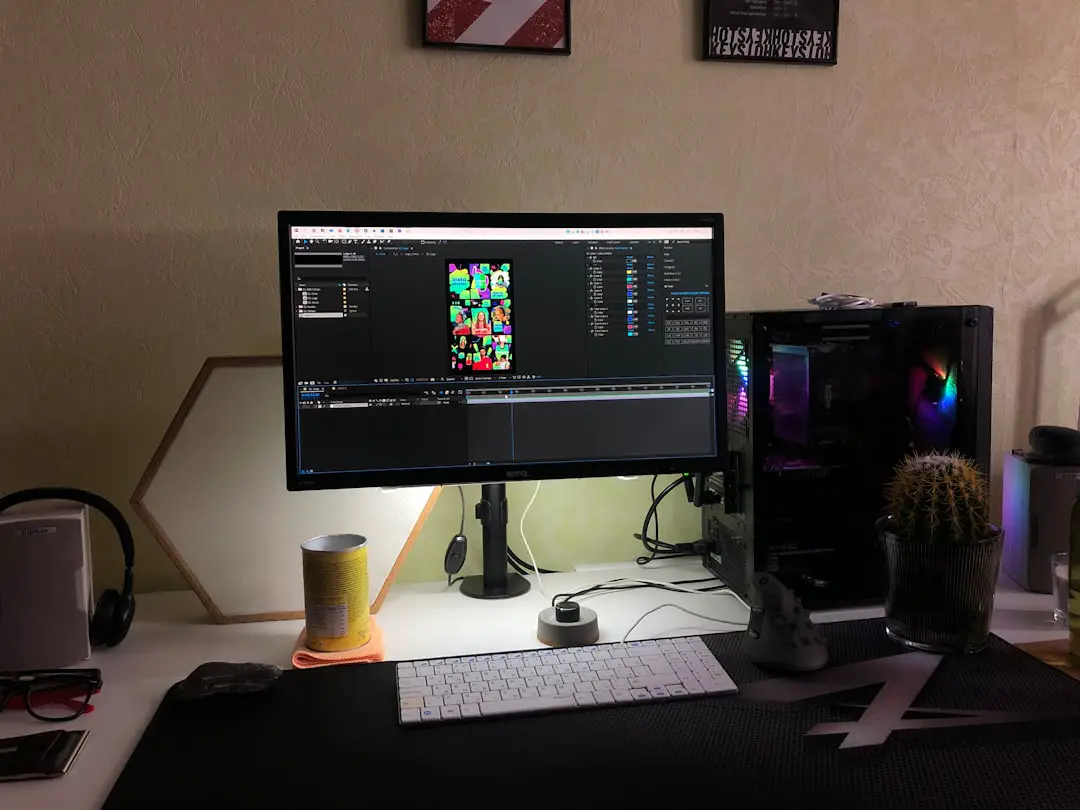
Why it speeds up workflow: Color correction, which often takes hours, can be standardized and matched automatically. Object tracking eliminates tedious manual masking frame by frame.
Best for: Advanced users, filmmakers, and professionals who want studio-grade tools for free.
3. Clipchamp – Browser-Based Simplicity With AI Enhancements
Owned by Microsoft, Clipchamp is a browser-based video editor that blends accessibility with smart AI features. Its clean interface makes it approachable for beginners.
Key AI Features:
- AI text-to-speech voice generator
- Auto captions
- Silence removal
- Designer templates for business and marketing videos
Clipchamp shines in corporate, educational, and explainer-style content creation. Instead of recording voiceovers manually, you can generate natural-sounding narration instantly.
Why it speeds up workflow: Being browser-based eliminates installation and rendering complexities. Templates allow drag-and-drop editing without building projects from scratch.
Best for: Business users, educators, and marketers creating professional presentations.
4. Canva Video – Templates Meet AI Magic
Canva is no longer just a graphic design tool. Its video editor integrates AI features seamlessly into its template-driven ecosystem.
Key AI Features:
- Magic Design auto-generated layouts
- Background remover
- AI-powered text animations
- Instant resizing for multiple platforms
The strength of Canva lies in its template library. Instead of imagining layouts from scratch, users can choose from thousands of pre-designed templates tailored for YouTube, LinkedIn, Instagram, or ads.
Image not found in postmetaWhy it speeds up workflow: Repurposing content across platforms takes seconds. With a single click, resize a landscape video into vertical format without rebuilding the project.
Best for: Entrepreneurs, small businesses, and creators focused on branding consistency.
5. HitFilm Free – Visual Effects With AI Assistance
HitFilm combines traditional editing with visual effects compositing. Its free version includes impressive features for creators who want cinematic flair.
Key AI Features:
- Motion tracking tools
- Visual effects presets
- Auto stabilization
- Particle simulators and lighting effects
While not as template-driven as Canva or CapCut, HitFilm stands out in the VFX space. Creators can add Hollywood-style effects without needing complex third-party tools.
Why it speeds up workflow: Built-in presets reduce the complexity of layering effects manually. Motion tracking automates what used to require painstaking frame adjustments.
Best for: YouTubers, indie filmmakers, and gaming creators.
Comparison Chart
| Tool | Best For | Top AI Features | Template Library | Skill Level |
|---|---|---|---|---|
| CapCut | Social media creators | Auto captions, background removal, beat sync | Extensive | Beginner to Intermediate |
| DaVinci Resolve | Professional filmmakers | Magic Mask, scene detection, auto color | Limited | Intermediate to Advanced |
| Clipchamp | Business and education | Text to speech, silence removal, captions | Strong | Beginner |
| Canva Video | Branding and marketing | Magic Design, background remover | Very extensive | Beginner |
| HitFilm | VFX and cinematic YouTube | Motion tracking, effect presets | Moderate | Intermediate |
How AI Delivers a 90% Faster Workflow
Traditional editing involves multiple repetitive tasks:
- Manually cutting silence
- Syncing subtitles
- Keyframing motion graphics
- Color grading clip by clip
- Resizing projects for different platforms
AI collapses these steps into automation. For example:
- Auto captions eliminate manual transcription.
- Smart templates remove the need for layout design.
- Scene detection automates trimming raw footage.
- Object tracking replaces manual motion masking.
When combined, these features can realistically reduce editing time from several hours to under thirty minutes, depending on project complexity.
Choosing the Right Tool for You
Not all creators need the same features. Before selecting your tool, ask yourself:
- Do I prioritize speed or precision control?
- Am I making short-form or long-form content?
- Do I need advanced visual effects?
- Will I repurpose content across multiple platforms?
If speed is your main goal, CapCut or Canva are ideal. If you want professional film-quality results, DaVinci Resolve stands out. For business presentations, Clipchamp simplifies the process. And for creative visual storytelling, HitFilm offers cinematic tools.
Final Thoughts
AI is not replacing creativity—it’s removing the friction that slows creativity down. These five free tools prove you no longer need expensive software or years of technical training to produce compelling videos. Whether you’re an entrepreneur building a brand, a content creator growing an audience, or a filmmaker polishing a passion project, AI-powered editing can dramatically accelerate your workflow.
The future of video production is faster, smarter, and more accessible than ever. The only question left is: which tool will you try first?