
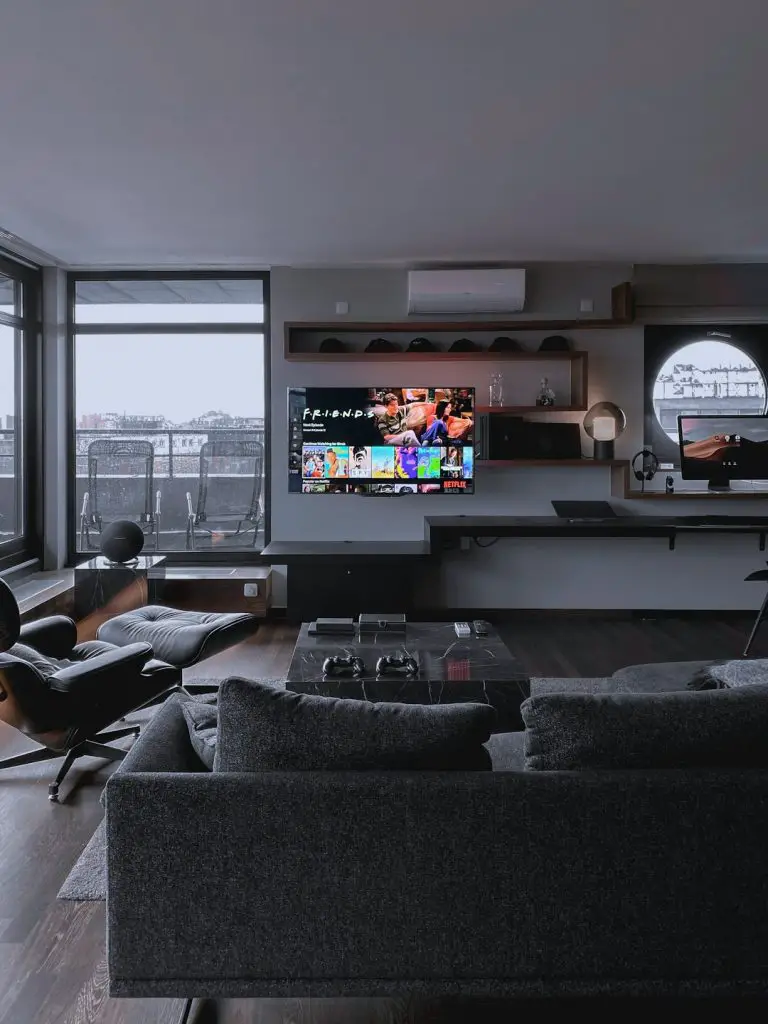
Selling a home is a little like planning a first date. You want the place to look bright, clean, warm, and ready to impress. In real estate marketing, photos do most of the talking. The good news? AI photo editing software can help agents, brokers, photographers, and stagers make listings look polished without spending hours at a desk.
TLDR: AI photo editing tools can improve real estate photos fast. They can brighten rooms, replace gray skies, remove clutter, stage empty spaces, and make listings look more inviting. The best tools for real estate marketing are easy to use, realistic, and built for speed. Choose one based on your needs, budget, and how much control you want.
Why AI Photo Editing Matters in Real Estate
Buyers scroll fast. Very fast. A dark living room or messy kitchen can make them skip a listing in seconds. But a bright, clean, well-staged photo can stop the scroll.
That is where AI photo editing comes in. It helps turn “meh” photos into “wow, I want to see this” photos.
AI can do things that used to take a professional editor a lot of time. It can fix lighting. It can straighten lines. It can change the sky. It can remove trash cans, cords, cars, and random socks on the floor. It can even add furniture to an empty room.
And no, you do not need to be a tech wizard. Many tools work with just a few clicks.


What Makes a Great AI Photo Editing Tool?
Not all tools are created equal. Some are made for selfies. Some are made for social media. Others are perfect for real estate.
For property photos, look for these features:
- Easy image enhancement: Better brightness, contrast, color, and sharpness.
- Sky replacement: Turn a dull gray day into a sunny one.
- Object removal: Delete clutter, wires, bins, cars, or stains.
- Virtual staging: Add furniture and decor to empty rooms.
- Batch editing: Edit many photos at once.
- Perspective correction: Fix walls that look like they are leaning.
- Realistic results: The home should still look like the real home.
The last point is important. Real estate photos should be beautiful, but honest. AI should help the property shine. It should not create a fantasy castle where a starter condo actually exists.
1. Adobe Photoshop With Generative AI
Adobe Photoshop is the big name in photo editing. It has been around forever, but now it has powerful AI features too. Tools like Generative Fill and smart object removal make it very useful for real estate images.
Need to remove a garden hose from the lawn? Easy. Want to clean up a driveway? Done. Need to extend a wall or fix a small background issue? Photoshop can help.
Photoshop is best for people who want control. It is not always the fastest tool for beginners, but it is very powerful once you learn the basics.
- Best for: Professional editors, photographers, and marketing teams.
- Great features: Object removal, generative fill, color correction, layers.
- Fun factor: It feels like having a magic eraser with a college degree.
If you want total creative control, Photoshop is hard to beat.
2. Lightroom With AI Masking
Adobe Lightroom is another favorite for real estate photographers. It is cleaner and simpler than Photoshop. It is excellent for editing many photos quickly.
Lightroom uses AI masking to select skies, people, backgrounds, and subjects. That means you can brighten a dark room without destroying the view outside the window. You can make blue skies richer. You can fix shadows. You can make a full listing gallery look consistent.
Consistency is huge in real estate. A listing should not look like ten different people edited the photos on ten different planets.
- Best for: Batch editing and clean photo enhancement.
- Great features: AI masks, presets, color correction, exposure control.
- Fun factor: Like giving all your listing photos a spa day.
Lightroom is a smart choice if you have lots of photos and want a polished look fast.
3. Canva AI Photo Tools
Canva is simple, friendly, and great for marketing. It is not just for editing photos. It is also great for creating flyers, social posts, open house graphics, brochures, and listing presentations.
Its AI tools can help remove backgrounds, clean up images, and create quick marketing layouts. It may not replace a professional real estate editor, but it is very handy for agents who want fast content.
Think of Canva as your cheerful marketing buddy. It helps you make things look nice without making your brain melt.
- Best for: Agents creating social media and listing marketing materials.
- Great features: Background remover, image cleanup, templates, easy design tools.
- Fun factor: Very beginner friendly. No scary buttons.
Canva is especially useful if you want to turn edited listing photos into ads, postcards, and Instagram posts.
4. Luminar Neo
Luminar Neo is popular because it makes photo editing feel easy. It has lots of AI tools. Real estate users can enjoy sky replacement, structure enhancement, lighting fixes, and object removal.
One of its best features is how quickly it improves a photo. You can make a flat exterior shot look crisp and sunny. You can bring out textures in brick, wood, grass, and stone. You can make a home look fresh without going overboard.
Just be careful with heavy filters. Too much drama can make a suburban home look like it belongs in a superhero movie.
- Best for: Fast and attractive photo enhancement.
- Great features: Sky replacement, AI enhancement, structure tools, object removal.
- Fun factor: Big results with small effort.
Luminar Neo is a good middle ground. It is easier than Photoshop but still powerful.

5. Photoroom
Photoroom is known for background removal and clean product-style images. For real estate, it can help with headshots, agent branding, listing graphics, and simple image cleanup.
It is not the first tool you might choose for full interior editing. But it is useful for creating polished marketing assets. Need a clean agent photo for a flyer? Need to place a home cutout into a brochure design? Photoroom can help.
- Best for: Marketing graphics, branding images, and quick background removal.
- Great features: AI background removal, image cleanup, templates.
- Fun factor: Makes messy backgrounds disappear like a snack at an open house.
Photoroom is best as a supporting tool, not your main real estate photo editor.
6. Fotor
Fotor is a simple online editing tool with AI features. It can enhance photos, remove objects, improve lighting, and retouch images. It is easy for beginners and works right in the browser.
For real estate agents who do not want to buy heavy software, Fotor can be a nice option. It is good for quick fixes. Brighten a room. Sharpen an image. Remove a small distraction. Done.
- Best for: Beginners and quick online edits.
- Great features: AI photo enhancer, object remover, color tools.
- Fun factor: Simple enough to use before your coffee gets cold.
Fotor is not the most advanced tool on this list. But it is friendly and practical.
7. PhotoUp
PhotoUp is built with real estate in mind. It offers photo editing, virtual staging, floor plans, and other services for property marketing. This makes it different from general editing platforms.
AI features and professional editing support can help agents get consistent listing photos without doing every edit themselves. This is useful if you manage many listings or need a reliable workflow.
PhotoUp can handle things like window masking, lawn greening, sky replacement, item removal, and twilight effects.
- Best for: Real estate agents and teams who want industry-specific editing.
- Great features: Virtual staging, photo enhancement, floor plans, real estate editing services.
- Fun factor: Like hiring a tiny editing team that lives in your laptop.
If real estate is your main focus, specialized tools like this can save time.
8. BoxBrownie
BoxBrownie is another real estate-focused platform. It is well known for virtual staging, image enhancement, item removal, day-to-dusk edits, and floor plan redraws.
Virtual staging is one of the biggest wins here. Empty rooms can feel cold and confusing. Buyers may not understand the size of a space. Add a sofa, rug, lamp, and table, and suddenly the room makes sense.
Of course, staged images should be clearly labeled when needed. Buyers should know what is real and what is digitally added.
- Best for: Virtual staging and real estate photo improvement.
- Great features: Digital furniture, day-to-dusk, object removal, floor plans.
- Fun factor: Turns empty rooms into “I could live here” moments.
BoxBrownie is popular for a reason. It is made for property marketing, not random vacation selfies.

9. ApplyDesign
ApplyDesign focuses on virtual staging for real estate. It lets users add furniture and decor to empty rooms. The goal is to help buyers imagine how a home could look.
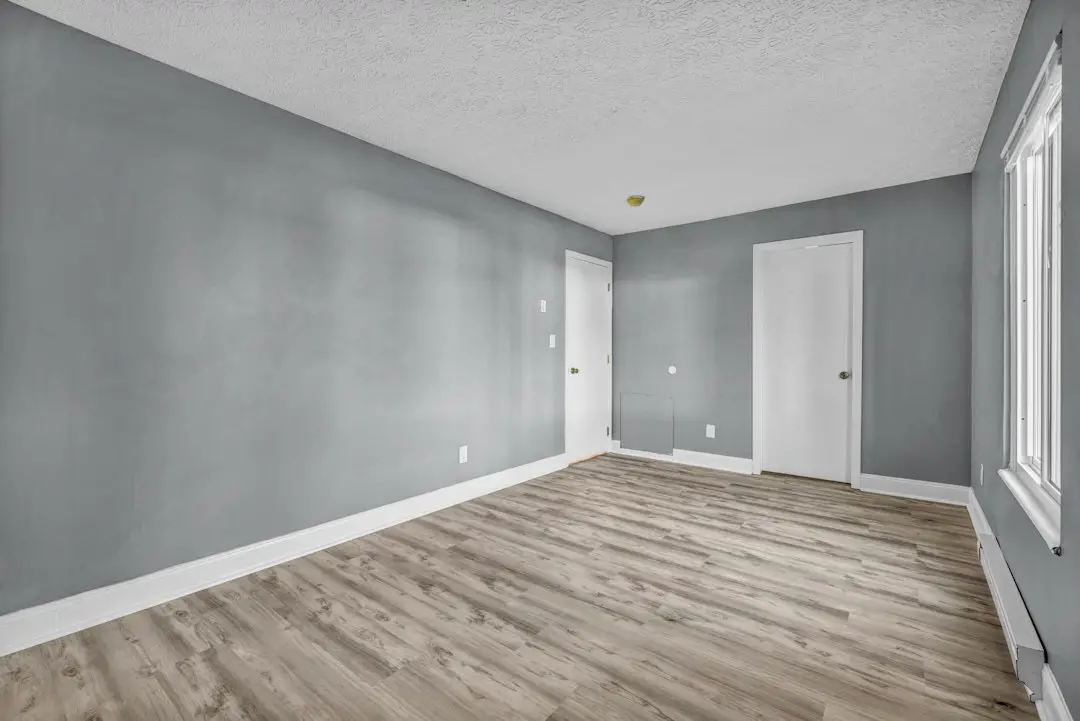
This can be a huge help for vacant homes. Empty spaces often look smaller than they are. They can also feel a bit lonely. AI staging adds warmth and scale.
You can often choose styles like modern, Scandinavian, luxury, farmhouse, or minimal. That means you can match the staging to the property and target buyer.
- Best for: Fast virtual staging.
- Great features: Room furnishing, decor styles, realistic staging options.
- Fun factor: Like playing a home design game, but for actual sales.
ApplyDesign is a great fit if you want to make empty rooms feel alive.
10. REimagineHome
REimagineHome is an AI-powered tool for virtual staging, redesign, and interior visualization. It can help users restyle rooms, add furniture, change decor, and show design possibilities.
This is useful for real estate staging, but also for renovation marketing. If a room looks dated, AI can show what it might look like with a fresh design. A buyer may see potential more clearly.
But use this with care. If you show a redesigned kitchen or changed flooring, make sure it is presented as a design concept. Clear labeling builds trust.
- Best for: Design ideas, virtual staging, and renovation concepts.
- Great features: Room redesign, furniture styles, decor changes.
- Fun factor: It gives old rooms a “what if?” makeover.
This tool is great for helping buyers dream. Just keep that dream honest.
AI Editing Tips for Better Real Estate Photos
The software matters. But how you use it matters too. Here are simple tips to get better results:
- Start with good photos. AI can help, but it cannot fix everything. Use a clean lens. Shoot in good light. Keep the camera straight.
- Do not over-edit. Bright is good. Nuclear glowing walls are not.
- Keep colors natural. Floors, cabinets, and walls should look accurate.
- Use sky replacement wisely. A sunny sky is fine. A dramatic purple sunset may look fake.
- Remove clutter, not permanent features. Removing trash is okay. Removing a power line or nearby building can be misleading.
- Label virtual staging. Be clear when furniture or decor is digitally added.
- Match the buyer. A downtown condo may need modern staging. A country home may need warm and cozy styling.
Which Tool Should You Choose?
The best AI photo editing software depends on your job.
- If you are a professional photographer: Choose Photoshop, Lightroom, or Luminar Neo.
- If you are a busy real estate agent: Try Canva, Fotor, PhotoUp, or BoxBrownie.
- If you need virtual staging: Look at BoxBrownie, ApplyDesign, or REimagineHome.
- If you need marketing graphics: Canva and Photoroom are very useful.
- If you want a full real estate workflow: PhotoUp or BoxBrownie may be the best fit.
You do not need every tool. That would be like bringing ten ladders to change one light bulb. Start with one or two. Test them. See what fits your workflow.
Final Thoughts
AI photo editing is changing real estate marketing in a big way. It makes editing faster, easier, and more affordable. It helps listings stand out. It helps buyers understand a space. It helps agents look more professional.
Still, the goal is not to trick anyone. The goal is to show a property at its best. Clean it up. Brighten it. Stage it. Make it inviting. But keep it real.
When used well, AI photo editing software is like a friendly helper with a paintbrush, broom, lamp, and tiny sofa. It can turn plain listing photos into scroll-stopping images. And in a busy real estate market, that can make all the difference.