
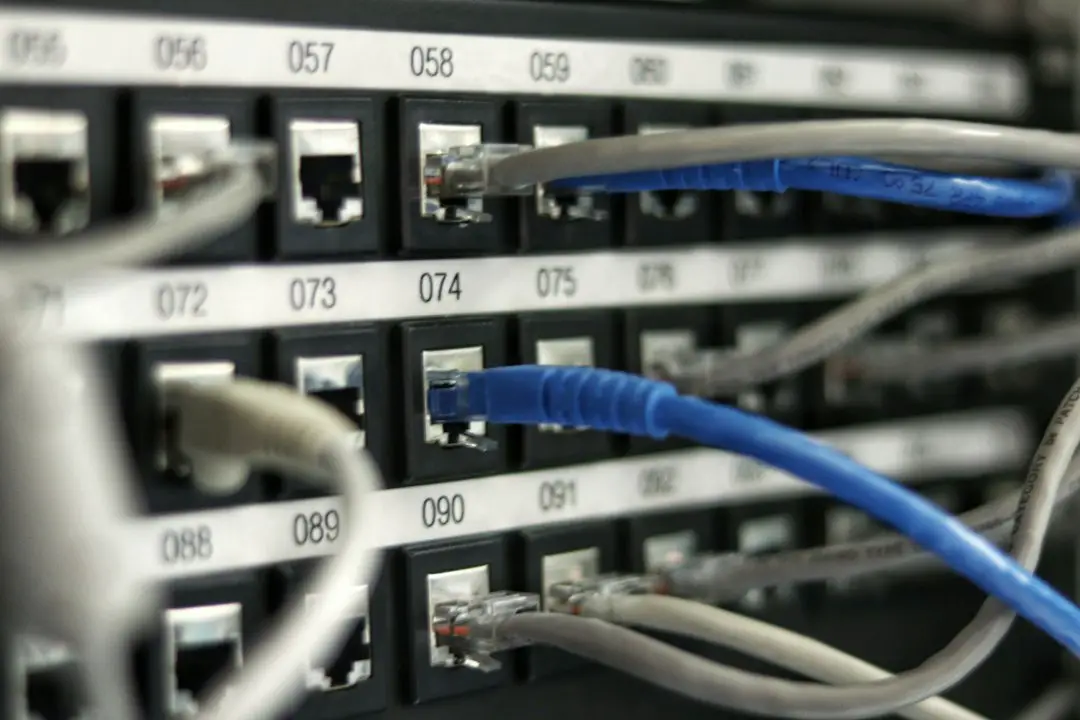
A gateway is the exit door from one network to another. A router is the traffic cop that decides where data should go. Sometimes one box does both jobs. That is why the names get messy.
TL;DR: A router moves data between devices and networks. A gateway connects one network to a different kind of network or to the wider internet. In a home, your Wi-Fi router often acts as both. For example, in a small office with 25 laptops, one gateway may handle 100% of internet access while the router sorts local traffic between printers, phones, and computers.
So, What Is a Gateway?
A gateway is a point of entry and exit. It connects your network to another network. That other network may use different rules, addresses, or systems.
Think of it like an airport. Your home network is one country. The internet is another country. The gateway is border control. It checks where your data wants to go. Then it sends it out.
In simple terms:
- Your device asks for a website.
- The gateway sends that request outside your local network.
- The internet sends the website data back.
- The gateway brings it back to your device.
Without a gateway, your laptop can still talk to your printer. It may also talk to your phone. But it cannot reach the internet. It is stuck at home. Like a gamer with no snacks. Sad times.
What Is a Router?
A router sends data to the right place. It reads network addresses. Then it makes a choice. It says, “This packet goes to the printer.” Or, “This packet goes to the internet.”
A router is like a mail sorter. It looks at the address on each data packet. Then it sends the packet down the right path.
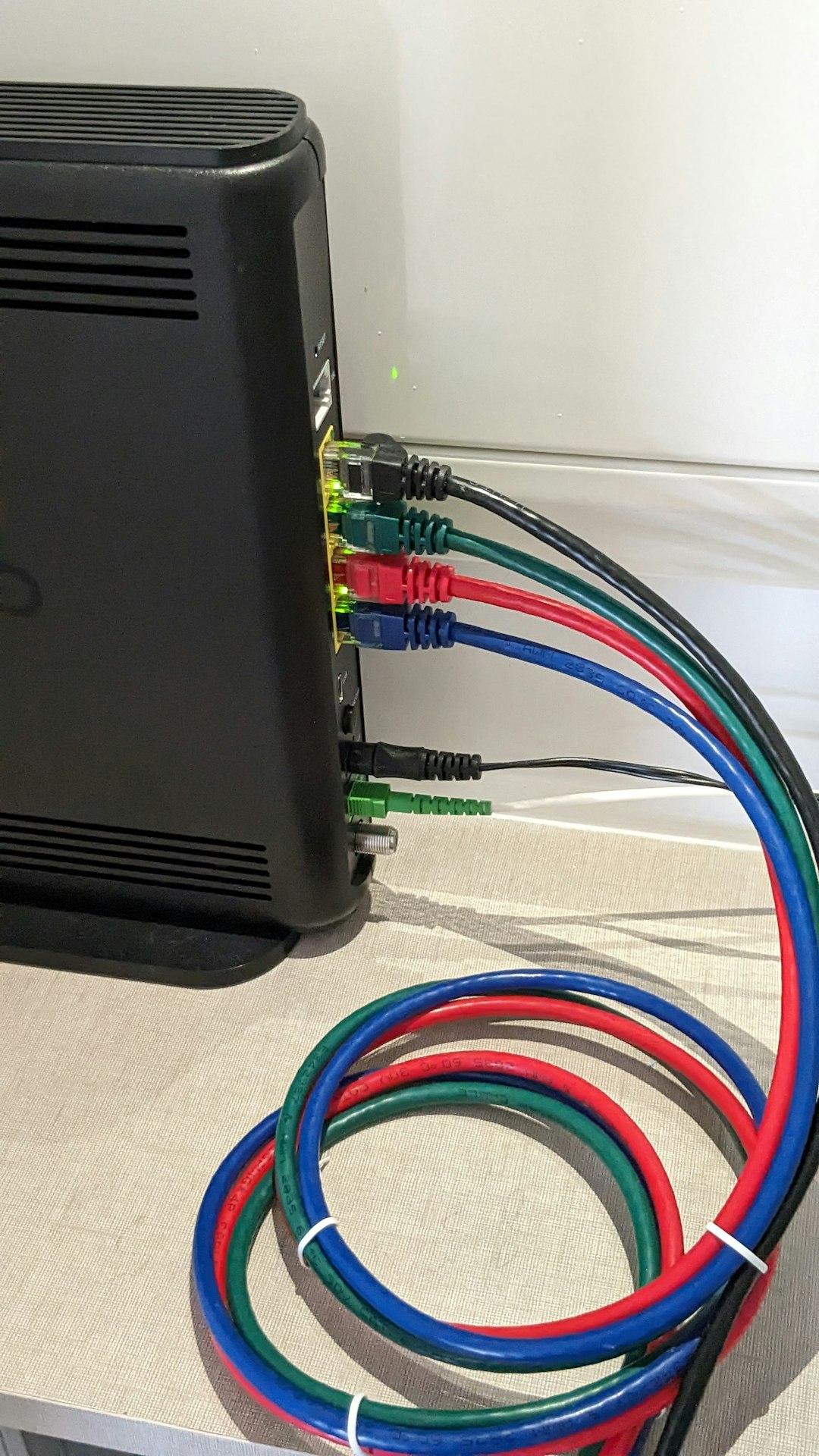
Most home routers do several jobs at once. They are busy little boxes.
- They create your Wi-Fi network.
- They connect wired devices with Ethernet.
- They assign local IP addresses.
- They act as a firewall.
- They often act as the default gateway.
This is where people get stuck. The box is called a router. But it also works as a gateway. It may also be a modem, firewall, and Wi-Fi access point. Honestly, it feels like buying a toaster and finding out it also does taxes.
Router vs Gateway: The Simple Difference
Here is the clean version.
- A router decides where data should go.
- A gateway connects your network to another network.
The router is about direction. The gateway is about access.
If data is moving inside your local network, a router may handle it. If data needs to leave your local network, it passes through the gateway.
Here is a kitchen example. Your house has rooms. The hallway helps you move between rooms. That is like a router. The front door gets you outside. That is like a gateway.
Both matter. But they are not the same job.
Why Your Home Router Is Usually a Gateway Too
At home, you may have one black box with blinking lights. It sits in a corner. It looks innocent. It is not. It is doing many things.
That device may include:
- Modem: connects to your internet provider.
- Router: sends traffic between devices.
- Gateway: sends traffic to and from the internet.
- Switch: links wired devices.
- Wi-Fi access point: creates wireless access.
This all-in-one setup is common. It saves space. It saves money. It also causes confusion.
When your phone says “connected, no internet,” your Wi-Fi may be fine. Your router may be fine too. The gateway path may be broken. That message is annoying. It drives me mildly bananas because it sounds helpful, but gives almost no detail.
What Is a Default Gateway?
A default gateway is the usual exit path for a device.
Your laptop has an IP address. Your router has an IP address too. On many home networks, the default gateway is something like:
- 192.168.0.1
- 192.168.1.1
- 10.0.0.1
When your laptop does not know where to send traffic, it sends it to the default gateway. The gateway then figures out the next move.
So if you visit example.com, your laptop does not know where that server lives. It sends the request to the default gateway. The gateway sends it onward.

A Quick Real-Life Office Scenario
Picture a small design studio. It has 18 laptops, 6 phones, 2 printers, and 1 shared file server. That is 27 devices. They all need to talk.
Inside the office, the router helps devices reach local tools. A laptop can send a file to the printer. A phone can reach a meeting screen. The file server can share project folders.
Now someone opens a cloud app. That traffic must leave the office network. It uses the gateway. If the gateway fails, the cloud app stops. But local printing may still work.
That split is useful. It tells you where the problem may be.
- If local devices work, but websites fail, check the gateway or internet link.
- If local devices cannot talk, check the router, switch, cables, or Wi-Fi.
- If only one device fails, check that device first. It is probably being dramatic.
Common Types of Gateways
Gateways are not all the same. They can connect different systems in different ways.
- Network gateway: connects a private network to the internet.
- Cloud gateway: connects local systems to cloud services.
- VoIP gateway: connects phone systems to internet calling.
- Email gateway: filters and forwards email traffic.
- IoT gateway: connects smart sensors and devices to apps or servers.
The main idea stays the same. A gateway links one world to another.
Can You Have a Gateway Without a Router?
Yes. But it depends on the setup.
In some networks, a server can act as a gateway. A firewall can act as a gateway too. In larger networks, routing and gateway duties may be split across several devices.
At home, though, the router and gateway are usually the same box. Simple. Until the lights start blinking like a tiny UFO.
How to Tell What Your Gateway Is
You can find your gateway address on most devices.
- On Windows: open Command Prompt and type ipconfig. Look for Default Gateway.
- On macOS: open Network settings. Check router details.
- On phones: open Wi-Fi settings. Tap your connected network.
- On Linux: use ip route and check the default line.
If your default gateway is missing, internet access may fail. If it is wrong, your device may send traffic nowhere useful. That can waste 10 minutes fast. Maybe more if you restart everything twice.
Easy Way to Remember It
Use this cheat sheet.
- Router: “Where should this data go?”
- Gateway: “How do we leave this network?”
- Default gateway: “Use this exit unless told otherwise.”
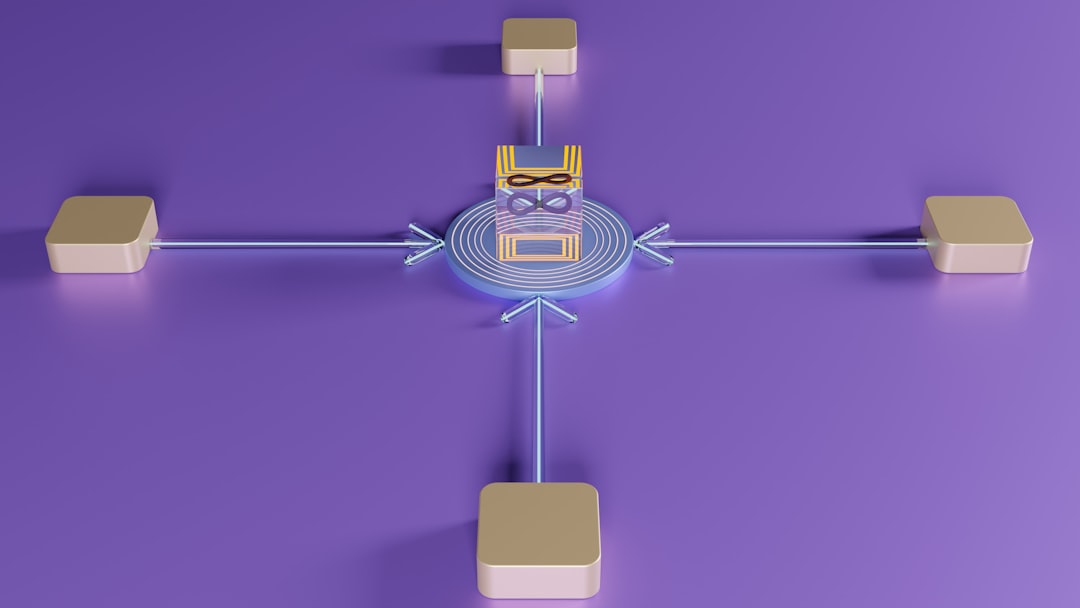
A router chooses paths. A gateway opens the door. In many homes, one device does both. That is the whole trick.
If your internet breaks, do not panic. Check your Wi-Fi first. Then check the gateway. Then check your provider. And yes, unplugging the box for 30 seconds still fixes more problems than it has any right to.