
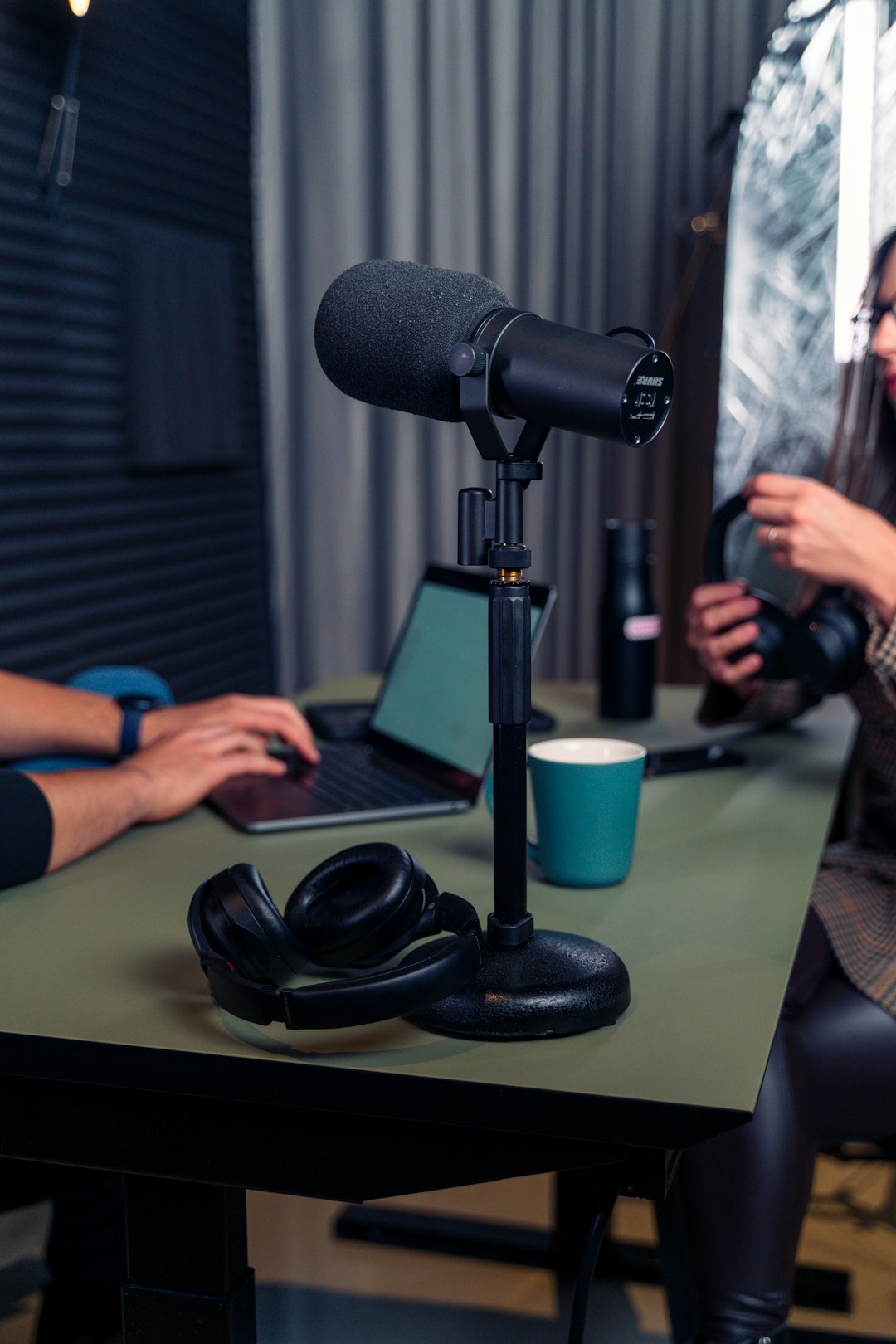
The safest way to get YouTube audio is to use YouTube’s own download features, creator tools, or properly licensed music sources. YouTube sound downloads can mean several things: saving a video for offline playback, exporting audio from your own uploaded video, using a licensed track, or converting a video into an audio file. Each option has different rules, quality limits, and risks.
TLDR: YouTube audio is usually delivered as compressed streams, often in AAC or Opus, and the quality depends on the original upload and playback stream. For example, a 10 minute music video at 128 kbps may become a file of about 9 to 10 MB, while a 256 kbps version may be closer to 18 to 20 MB. Use YouTube Premium for offline listening, YouTube Studio for your own content, and licensed libraries for reuse. Avoid random converter sites if you do not own the rights or have permission.
What “YouTube Sound Download” Actually Means
A YouTube sound download is not always a simple MP3 button. The phrase covers several use cases, and mixing them up can cause trouble.
- Offline playback: Saving a video or song inside the YouTube or YouTube Music app for later listening.
- Creator export: Downloading audio from your own uploaded videos through your account or editing workflow.
- Licensed reuse: Getting music or effects from a source that allows downloads and reuse.
- Audio extraction: Turning a YouTube video into a separate file, such as MP3, M4A, or WAV.
The first three are usually clean and easy to explain. The fourth is where people run into copyright rules, sketchy tools, and files that sound worse than expected. The catch is that “download” sounds harmless, but the rights behind the audio may not come with it.
How YouTube Audio Downloads Work
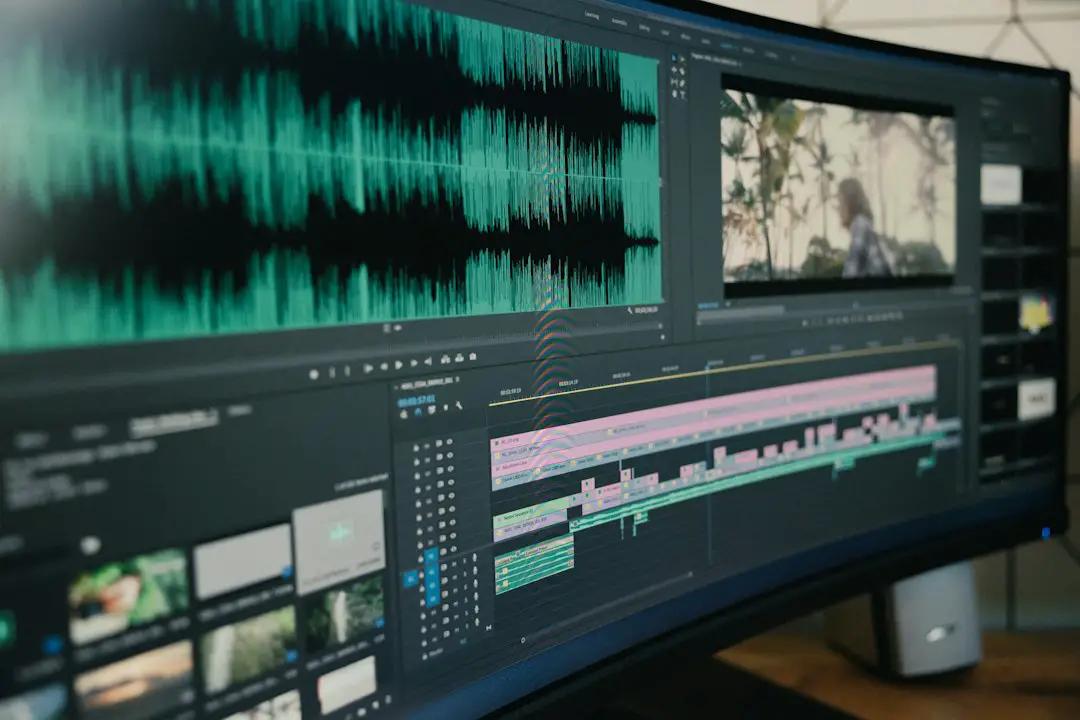
YouTube stores and delivers video and audio through separate media streams in many cases. When you press play, your device receives a stream that matches your connection, device, and selected quality. The audio is already compressed before it reaches you.
If a tool extracts sound from YouTube, it usually does one of two things. It may copy the audio stream into a file container, or it may re encode that stream into another format. Copying is faster and can preserve the existing quality. Re encoding can reduce quality, especially if the tool turns a compressed file into another compressed file.
Think of it like photocopying a photocopy. The result may still be usable, but it will not improve the original. If the YouTube stream is already 128 kbps, converting it to a 320 kbps MP3 will not create true 320 kbps detail. It only creates a larger file with the same limited source.
Available Audio Options
The best audio option depends on what you want to do with the sound.
- YouTube Premium offline downloads: Best for personal listening inside the app. Files are not meant to be moved into other apps or edited.
- YouTube Music downloads: Good for playlists, albums, and background listening. Again, access stays inside the app.
- YouTube Studio downloads: Useful if you are the creator and need your own uploaded material.
- YouTube Audio Library: Good for free music and sound effects that can be used in videos, depending on license terms.
- Licensed music services: Better for podcasts, ads, games, courses, and business content that needs clear usage rights.
Honestly, it feels like some tools make the easiest job painful. A converter site may take 20 seconds to load, open three popups, then hand you a file named videoplayback final final.mp3. That is not a workflow. That is a chore with a security risk attached.
Common File Formats
Audio format matters because it affects compatibility, size, and quality. Here are the formats you will see most often.
- MP3: The most familiar format. It works almost everywhere. Good for casual listening, podcasts, and older devices.
- M4A: Often uses AAC audio. It can sound better than MP3 at the same bitrate and works well on phones and modern players.
- Opus: Efficient and high quality at lower bitrates. YouTube often uses it for web playback. Some older software may not support it.
- WAV: Uncompressed audio. Large files. Best for editing only if the source is high quality.
- FLAC: Lossless compression. Smaller than WAV but still much larger than MP3 or M4A. It will not restore detail lost in a YouTube stream.
For most listeners, M4A or MP3 is enough. For editing, WAV can be useful, but only when you have a clean source. Exporting a low bitrate YouTube track as WAV just makes a big file with the same flaws.
Quality: Bitrate, Sample Rate, and Reality
Audio quality is shaped by the source upload, YouTube’s processing, and the format you choose afterward. A crisp studio upload will usually sound better than a phone recording in a noisy room. No converter can fix that completely.
Bitrate measures how much data the audio uses per second. Higher can mean better sound, but only when the source supports it. A 128 kbps file may be fine for speech. Music with drums, bass, and bright vocals often benefits from higher bitrates.
Sample rate is usually 44.1 kHz or 48 kHz for online video. For normal listening, this is fine. Chasing extreme sample rates from YouTube audio is usually pointless.
Watch for these quality traps:
- Fake 320 kbps files: Some tools label files as 320 kbps even when the source was lower quality.
- Double compression: Converting AAC or Opus into MP3 can add artifacts.
- Loudness changes: Some tools normalize volume badly, making the audio harsh or flat.
- Clipped sound: Very loud uploads may already be distorted before you download anything.
If you care about quality, use the original source when possible. Buy the track, get the creator’s file, or use a licensed music library that offers WAV or high quality MP3 downloads.
Copyright and Permission
Copyright is the part many people want to skip. That is risky. Most music, podcasts, speeches, audiobooks, and video soundtracks on YouTube are protected. Watching a video does not mean you can copy its audio, repost it, sell it, remix it, or use it in your own project.
You usually need permission if you plan to:
- Use the audio in a YouTube video, podcast, ad, course, or livestream.
- Upload a remix, slowed version, loop, or compilation.
- Play the audio in a public or commercial setting.
- Distribute the file to other people.
Some audio is safer to use, but you still need to read the license. Creative Commons tracks may require credit. Some allow personal use but not commercial use. Some forbid edits. Public domain material can be usable, but recordings of public domain songs may still have separate rights.
YouTube’s Content ID system can detect copyrighted audio in uploads. A claim may block your video, send ad revenue to the rights holder, mute the audio, or restrict viewing in certain countries. Repeated violations can put a channel at risk.
Safer Ways to Get YouTube Sound
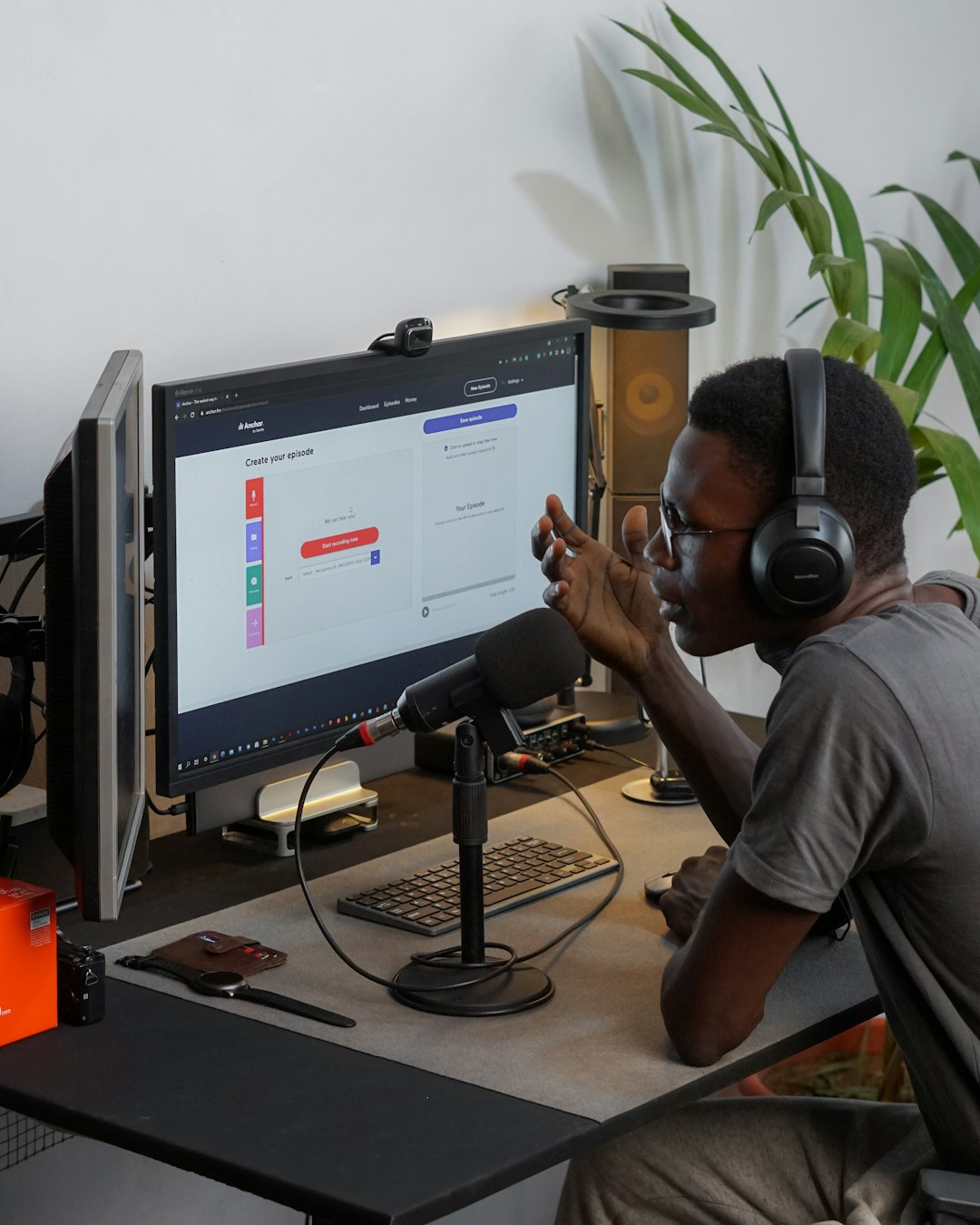
If you want audio for personal offline listening, use YouTube Premium or YouTube Music Premium. It is simple, legal within the service rules, and avoids malware filled converter pages.
If you want audio for a video project, use:
- YouTube Audio Library for music and sound effects with clear terms.
- Royalty free music platforms with written licenses.
- Direct creator permission through email or a signed agreement.
- Your own recordings when you need full control.
If you are downloading your own audio, keep master files outside YouTube. Upload compression changes the sound, so YouTube should not be your only archive. Store your original WAV, AIFF, or high bitrate export in cloud storage or on a backup drive.
Practical Recommendations
- For casual listening: Use YouTube Music downloads inside the app.
- For podcasts or voice notes: MP3 at 128 to 192 kbps is usually fine.
- For music listening: M4A or MP3 at 192 to 256 kbps is a good target.
- For editing: Use WAV only when the source is clean and licensed.
- For publishing: Get written permission or use licensed audio.
YouTube sound downloads can be useful, but the best choice is rarely the random “convert now” button. Pick the method that matches your purpose. Keep quality expectations realistic. Most of all, respect the rights attached to the sound, because a quick download can become a very annoying copyright problem later.