

Interior design has evolved far beyond hand-drawn sketches and physical mood boards. Today, powerful digital tools allow designers, architects, and homeowners to visualize complete spaces before a single piece of furniture is moved. Applications similar to SketchUp have transformed how professionals conceptualize, refine, and present ideas by offering immersive 2D and 3D environments that simulate real-world conditions with remarkable accuracy.
TLDR: Interior design apps like SketchUp make it possible to visualize residential and commercial spaces in realistic 2D and 3D models before implementation. These tools improve spatial planning, client communication, and design accuracy. Many platforms offer rendering, material libraries, and collaboration features that streamline workflows. Choosing the right software depends on technical skill level, project complexity, and visualization needs.
Why Visualization Tools Matter in Interior Design
Interior design is fundamentally about spatial relationships. Proportion, lighting, color harmony, and furniture placement must work together cohesively. Traditional drawings can communicate measurements, but they rarely convey atmosphere or depth with complete clarity. Digital visualization bridges this gap by enabling users to explore environments from multiple perspectives.
Modern visualization applications allow designers to:
- Create accurate floor plans aligned with real-world measurements
- Experiment with materials and finishes without physical samples
- Test lighting scenarios at different times of day
- Present immersive walkthroughs to clients or stakeholders
- Reduce costly on-site revisions through pre-construction validation
These tools bring confidence and predictability to projects that otherwise rely heavily on imagination and interpretation.
Key Features Found in Apps Like SketchUp
While SketchUp remains one of the most widely recognized 3D modeling platforms, many applications offer comparable or expanded functionality. Understanding common features helps determine which tool aligns best with professional or personal needs.
1. Intuitive 2D and 3D Modeling
Most interior visualization tools provide dual modeling capabilities. Users can draft floor plans in 2D and then transform them into fully developed 3D environments. A smooth transition between these modes is essential for efficiency and accuracy.

Intuitive drag-and-drop functionality simplifies the placement of walls, doors, windows, and furniture. Advanced software also includes parametric modeling, allowing dimensions and objects to update automatically when adjusted.
2. Extensive Object and Material Libraries
Professional interior design tools often feature vast libraries containing:
- Furniture models
- Lighting fixtures
- Appliances
- Decor items
- Textures for walls, flooring, and ceilings
Access to comprehensive material databases ensures designers can approximate real-life finishes with impressive realism. Some platforms even integrate manufacturer-specific products for precise specification.
3. Realistic Rendering Capabilities
High-quality rendering engines elevate a basic model into a photorealistic image. By simulating light behavior, reflections, and shadows, these systems help stakeholders understand how the finished space will feel.
Advanced features may include:
- Global illumination
- Ray tracing technology
- Customizable artificial lighting
- HDR environment settings
The more sophisticated the rendering tool, the closer the final visualization will resemble the built environment.
Top Categories of Interior Design Visualization Apps
Rather than focusing on a single product, it is helpful to consider categories of tools that serve different expertise levels and project scopes.
Professional-Grade 3D Modeling Software
These applications cater to architects, commercial designers, and experienced professionals. They offer comprehensive modeling options, high-performance rendering, and advanced editing controls.
Typical characteristics include:
- Layer management systems
- Precision measurement tools
- Plugin and extension support
- Export options for CAD and BIM workflows
Such software often involves a steeper learning curve but rewards users with complete creative and technical control.
User-Friendly Home Design Platforms
Many homeowners and beginner designers seek accessible alternatives that prioritize simplicity. These platforms emphasize guided workflows and preset layouts rather than advanced modeling complexity.
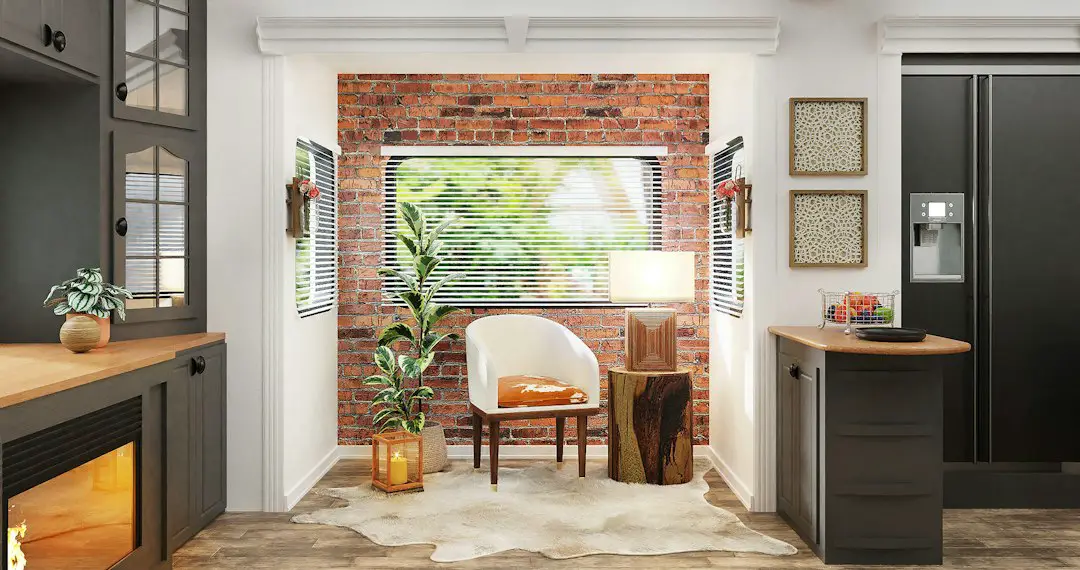
They commonly feature:
- Pre-built room templates
- Automatic dimensioning tools
- Quick rendering previews
- Cloud-based accessibility
While less powerful than professional suites, these tools are highly effective for renovation planning and early-stage visualization.
Specialized Room Planning Applications
Some apps focus specifically on room configuration, such as kitchens, bathrooms, or office environments. These tools prioritize cabinetry layouts, storage systems, and utility alignment.
Specialized tools are ideal when precise fixture placement and operational clearances are critical to success.
Benefits of Using Interior Visualization Apps
Improved Client Communication
One of the greatest advantages of 3D visualization is clarity. Clients often struggle to interpret technical drawings. A rendered model eliminates ambiguity by showing exactly how colors, furniture, and materials interact.
This transparency builds trust and reduces misaligned expectations.
Cost and Time Efficiency
Design revisions executed digitally are far less expensive than physical modifications during construction. By identifying layout challenges early, teams can prevent budget overruns and schedule delays.
Additionally, many programs offer automated material takeoffs and measurement summaries, supporting more accurate procurement planning.
Creative Exploration Without Risk
Digital environments allow extensive experimentation. Designers can test bold color schemes, alternative layouts, or statement furniture pieces without financial commitment.
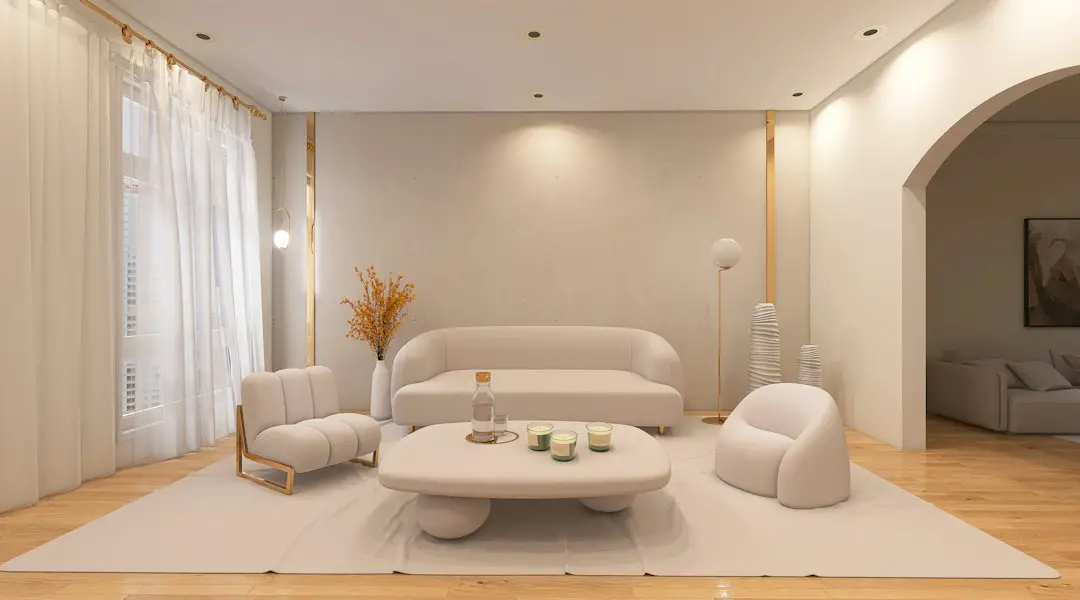
This flexibility encourages innovation while preserving project security.
Considerations When Choosing an App
Skill Level and Learning Curve
Software designed for professional use may require formal training. Before committing to a platform, users should evaluate their experience with digital modeling tools. Beginners often benefit from software with tutorial guidance and simplified interfaces.
Hardware Requirements
High-resolution rendering and large projects demand significant processing power. Verify that available hardware can support the application efficiently. Cloud-based solutions can reduce hardware dependency by shifting computation to remote servers.
Collaboration Capabilities
In professional contexts, collaboration is essential. Many modern platforms offer:
- Real-time co-editing
- Cloud file sharing
- Commenting systems
- Version history tracking
These features streamline communication between designers, contractors, and clients.
Budget Constraints
Costs range from free entry-level versions to premium subscription-based packages. While free options can be remarkably capable, advanced rendering engines and expanded libraries often require paid plans.
Organizations should weigh subscription costs against efficiency gains and presentation value.
Emerging Technologies in Spatial Visualization
The field continues to evolve rapidly. Several technological advancements are reshaping how users interact with interior design software.
Virtual and Augmented Reality Integration
VR and AR integration allow clients to step inside digital models using headsets or mobile devices. Instead of viewing a design on a monitor, users can experience scale and proportions firsthand.
This immersive engagement significantly enhances decision-making confidence.
AI-Assisted Design Suggestions
Artificial intelligence increasingly assists with layout optimization, style recommendations, and lighting adjustments. AI-driven tools analyze spatial constraints and propose functional arrangements aligned with design principles.
While human expertise remains essential, AI serves as a powerful augmentative resource.
Cloud-Based Rendering Farms
Advanced rendering once required expensive local workstations. Today, cloud rendering services process complex scenes online, delivering high-resolution imagery without burdening local hardware.
This democratizes access to professional-grade visualization quality.
Professional Applications Across Industries
Interior visualization apps are not limited to residential design. They play a crucial role in multiple sectors:
- Commercial real estate: showcasing office fit-outs to prospective tenants
- Hospitality: planning hotel rooms and shared amenities
- Healthcare: designing patient-centered environments with functional precision
- Retail: optimizing customer flow and merchandising displays
In each context, the objective remains consistent: to anticipate spatial challenges before execution and communicate concepts effectively to stakeholders.
Final Thoughts
Interior design apps like SketchUp have redefined how spaces are imagined and realized. By combining precision drafting, immersive 3D modeling, and advanced rendering, these tools reduce uncertainty and elevate presentation standards. Whether used by seasoned architects or first-time renovators, visualization software empowers users to make informed decisions grounded in realistic representation.
As technology continues to integrate artificial intelligence, real-time collaboration, and immersive reality, the gap between digital models and physical environments will only narrow further. Selecting the right application ultimately depends on individual needs, technical proficiency, and project complexity. However, one conclusion is clear: digital visualization has become an indispensable component of modern interior design practice.